C8-B/C12-B Service Manual Maintenance Information Disclosure Scope: Maintenance Trained Personnel Only
(C) Seiko Epson Corporation 1-5 Rev.1
Check for bends or
improper location. Repair
or place it properly if
necessary.
Check that the safeguard, etc. are located properly.
If the location is improper, place it properly.
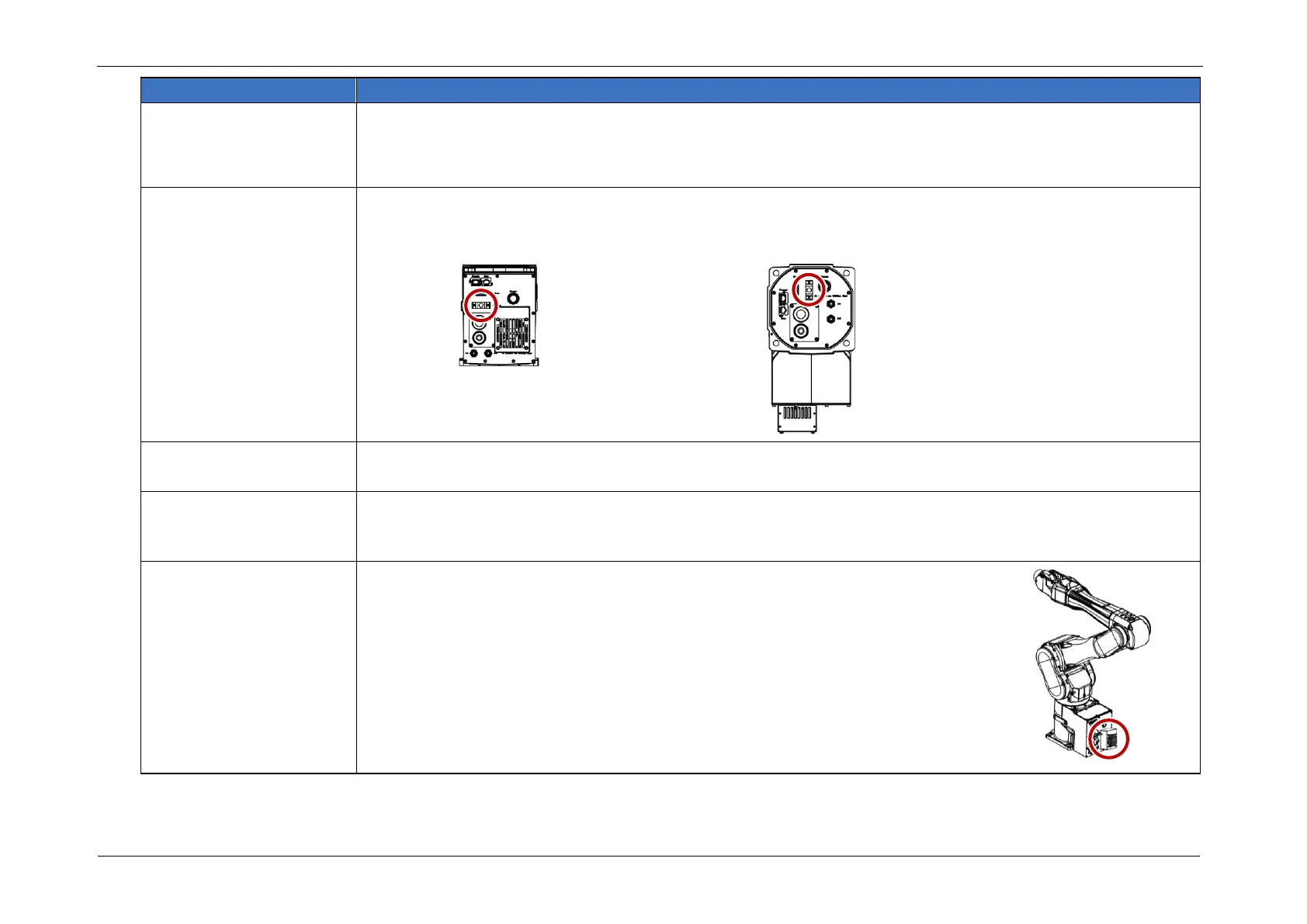
Check either the external
short connector or the
brake release unit
connector is connected.
Check whether external short connector or break release connector is connected.
When neither is connected, connect either one.
Check the Brake
operation
Check that the arm does not fall when in MOTOR OFF.
If the arm falls when in MOTOR OFF and the brake is not released, contact the supplier.
Check whether unusual
sound or vibration occurs.
Check that there is no unusual sound or vibration during operation, no stiffness or looseness in the sliding
parts or moving parts, and that the operation is performed smoothly.
If an abnormality is suspected, replace the part in which the abnormality has occurred.
Check if the fan is running
(C8XL/C12XL only)
Check that the fan is running when in MOTOR ON.
If the fan is not running when in MOTOR ON, contact the supplier.














 To Next Page