C8-B/C12-B Service Manual Maintenance Disclosure Scope: Maintenance Trained Personnel Only
(C) Seiko Epson Corporation 2-254 Rev.1
2.9.2 Installing the Cable Unit
<Preparation>
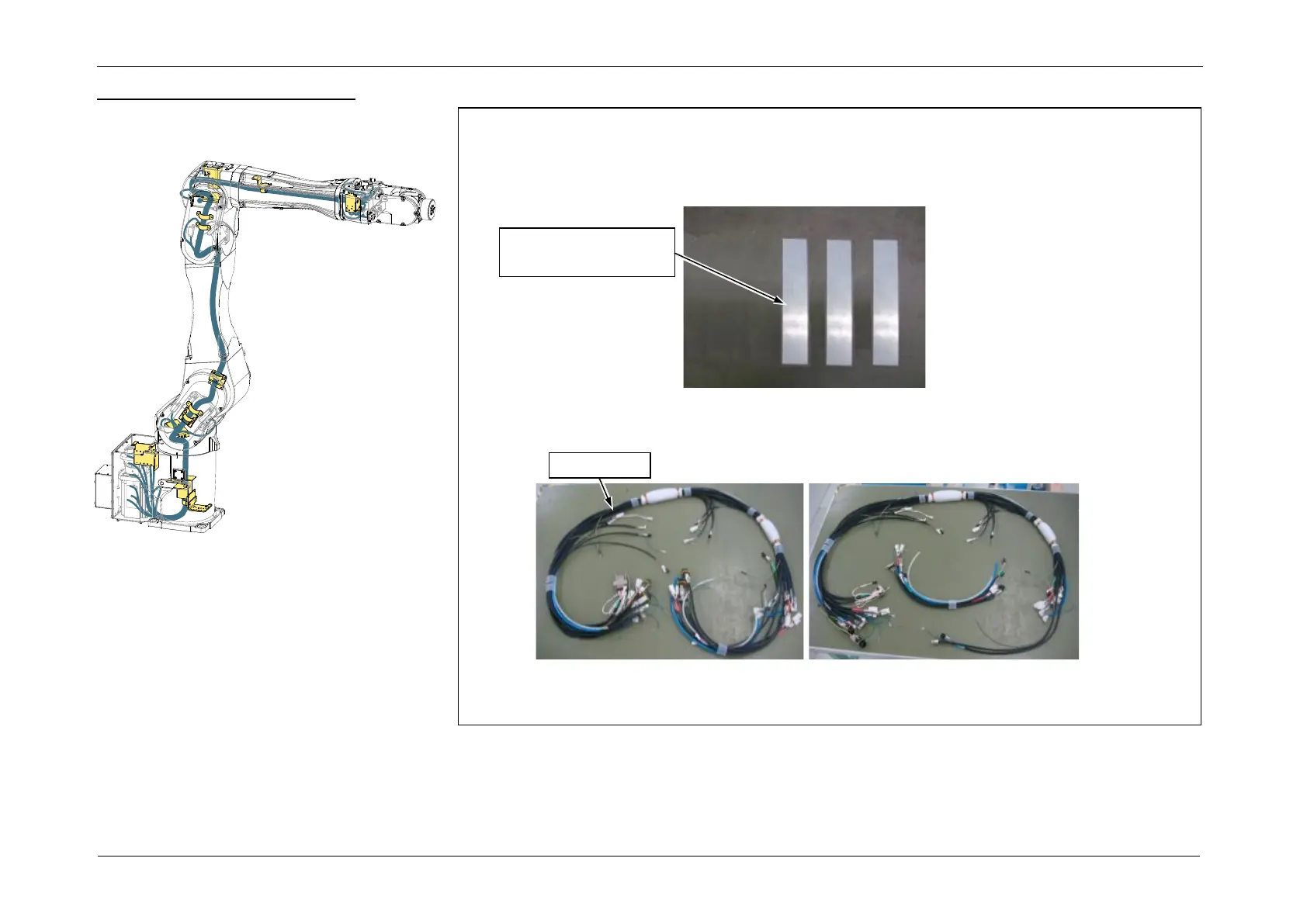
1. Check that the Cable Unit contains the following parts.
Silicone Sheet: 3 (25 mm x 120 mm)
F-sensor connector housing: 2
2. Disconnect the connectors (CN203, CN152, CN162, CN521, CN522, CN592), and separate
the Cable Unit.














 To Next Page