C8-B/C12-B Service Manual Maintenance Information Disclosure Scope: Maintenance Trained Personnel Only
(C) Seiko Epson Corporation 1-7 Rev.1
How to View the Maintenance Information
The configured maintenance information can be checked in the EPSON RC+ 7.0 Ver.7.2.x or later.
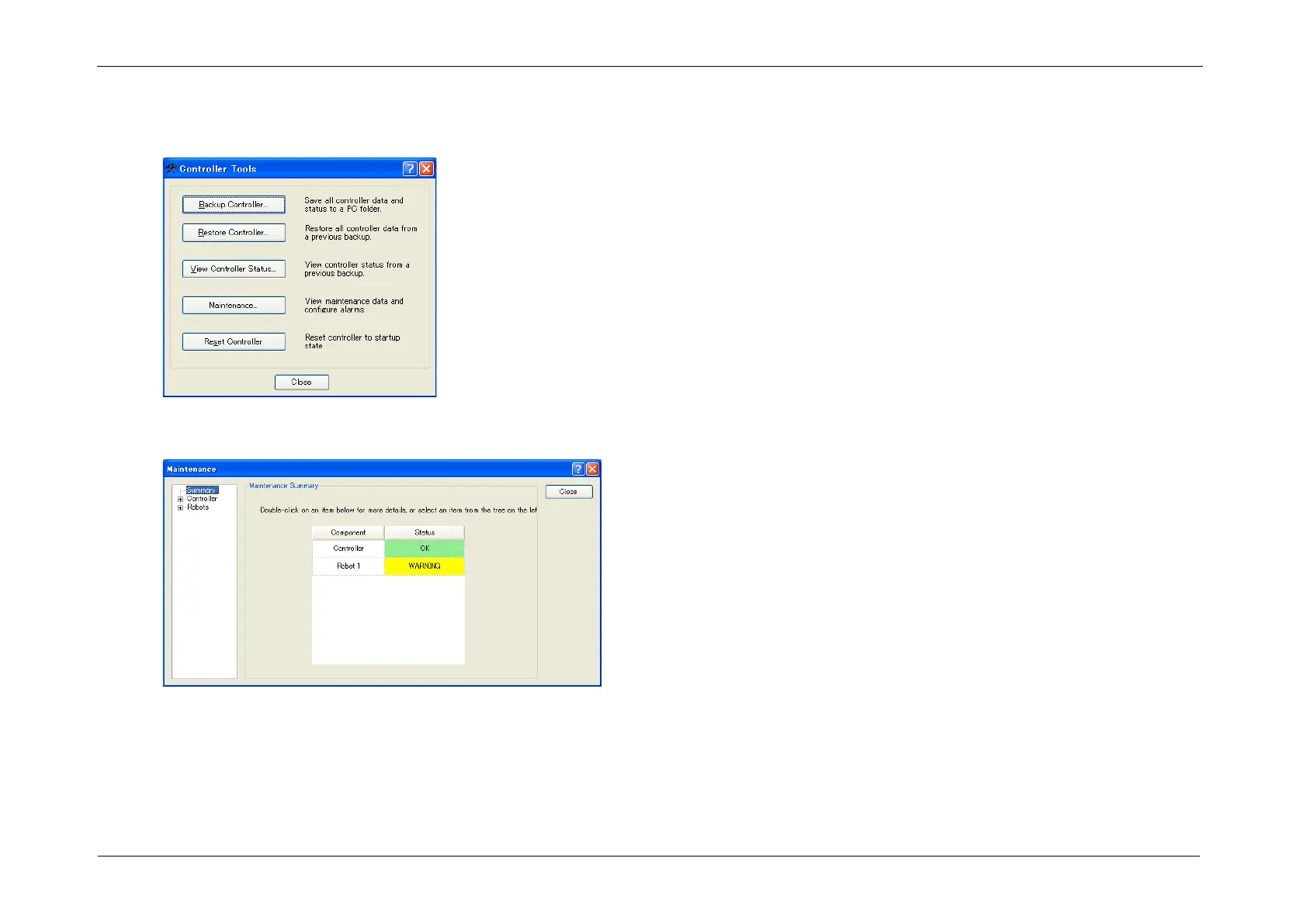
1. Select the EPSON RC+ 7.0 menu-[Tools]-[Maintenance] to display the [Controller Tools] dialog box.
2. To check the Controller maintenance information, click the <Maintenance> button and display the [Maintenance] dialog box.














 To Next Page