14 |
Ers 2 systEM
An overview of the key performance features of the software
· Comprehensive individual training protocols for each patient
· Constant load
· Constant pulse
(the software controls the ergometer load such
that the patient’s heart rate is constantly
kept at a defined level)
· Interval training
· Universal warmup and recovery phase definition
· The therapist can change the training parameters directly at any time
· Group training (all patients start at the same time)
· Individual training (patients come when desired and train as long as desired)
· Immediate printout of a patient’s current ECG is possible at any time
Quality assurance
· Full documentation of the complete training session
· Storage of all data recorded during the training session
· Full-disclosure ECG
(the ECGs of all patients and all training sessions are stored)
System Configuration
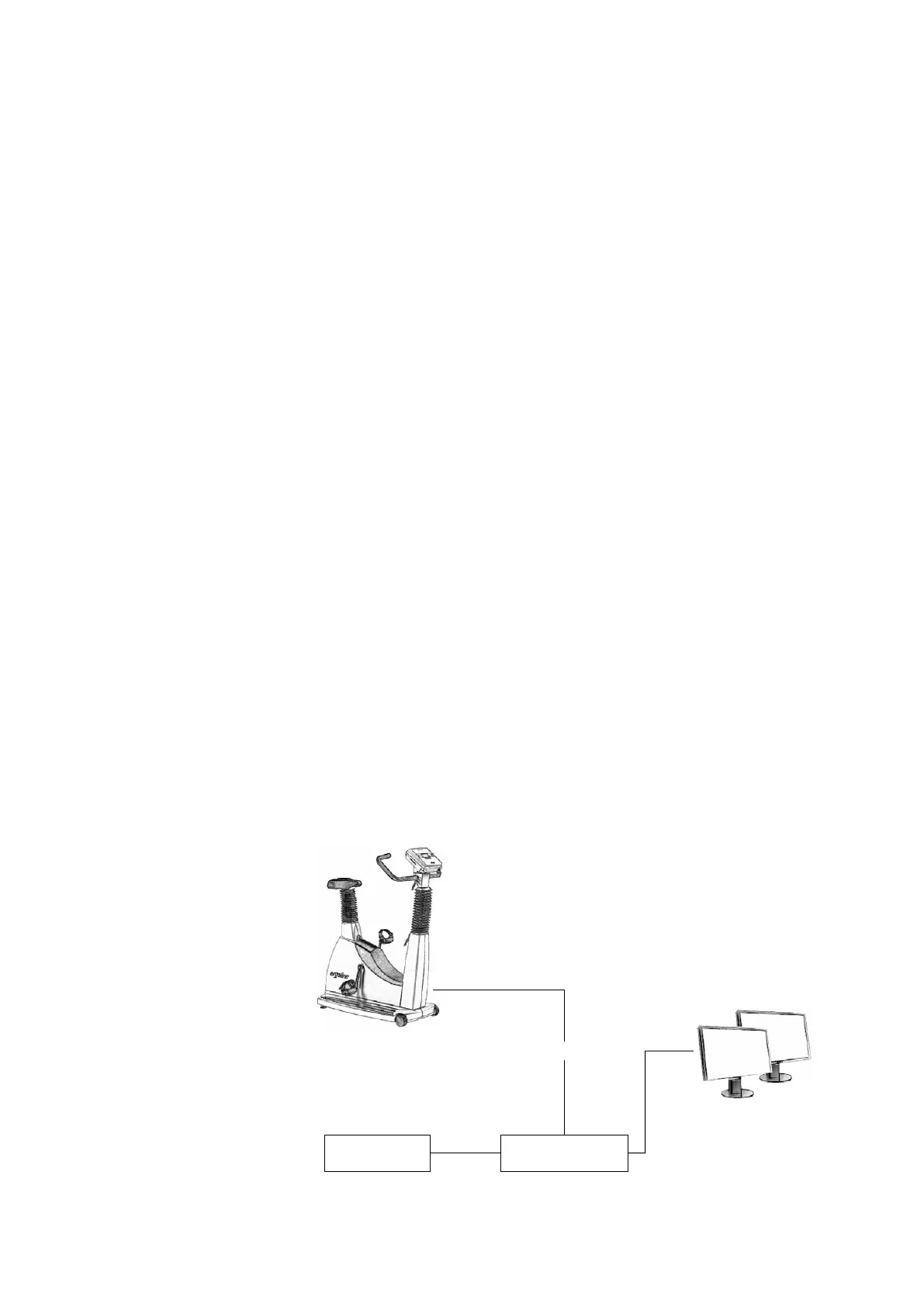
The central component of the ERS 2 system is a PC with an MS Windows operat-
ing system and special software which runs the training programs. The training
ergometers are connected to the PC system via control lines. All data are shown
on 1 or 2 large TFT monitors; up to eight patients can be displayed and monitored
on each monitor. For ECG monitoring, the ergometers are equipped with sin-
gle-channel ECG amplifiers, whose signals are transmitted to the PC via the serial
interfaces. In addition, automatic blood-pressure measurement can be integrated
in the training protocols if the ergometers are equipped accordingly.
Printer
CD burner (archive)
17" TFT monitor
up to 16 ergometers
adaptor
PC system



 To Next Page