32 |
patiEnt data > protoCoLs
t
rEadMiLL
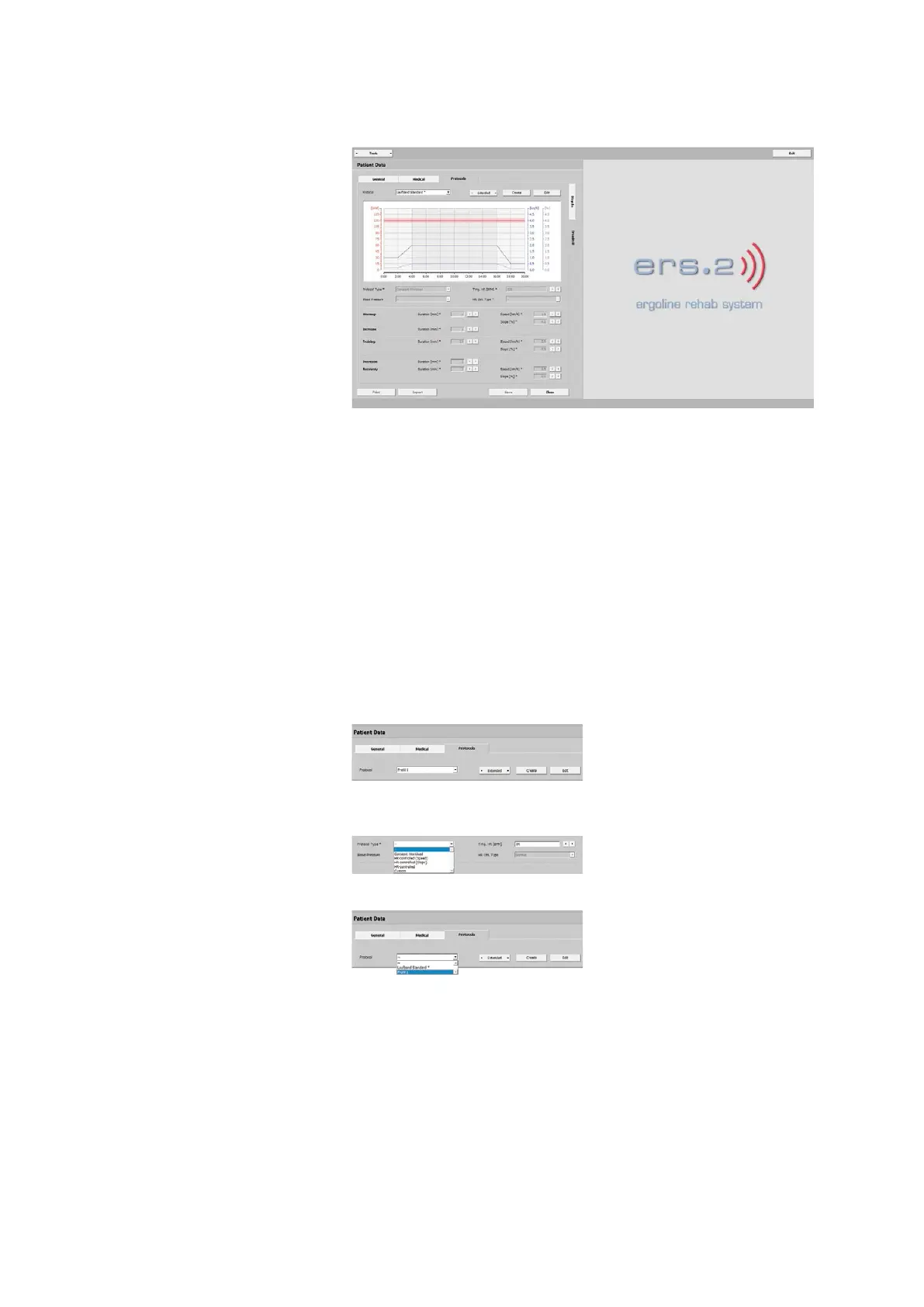
The illustration shows relevant informa-
tion such as:
- training heart rate
- warmup phase
- training duration
- blood-pressure measurement
- speed and slope
- recovery phase
Under Protocols, you will find the Tread-
mill Default* protocol. This is a precon-
figured protocol. More than one protocol
can be assigned to a patient.
The description below explains the con-
figuration of custom training protocols.
All parameters can be defined easily and
accurately.
· Warmup
· Increase
· Training
· Decrease
· Recover
Creating a Protocol
With [ Create ] you configure a new pro-
tocol. Enter a protocol name (for exam-
ple, Protocol 1) and select a protocol
type. Specify all required criteria.
Save the protocol with [ Apply ] or delete
all entries with [ Discard ].
By saving the protocol, you add it to the
drop-down list of protocols.



 To Next Page