26 |
patiEnt data > protoCoLs
b
iCyCLE
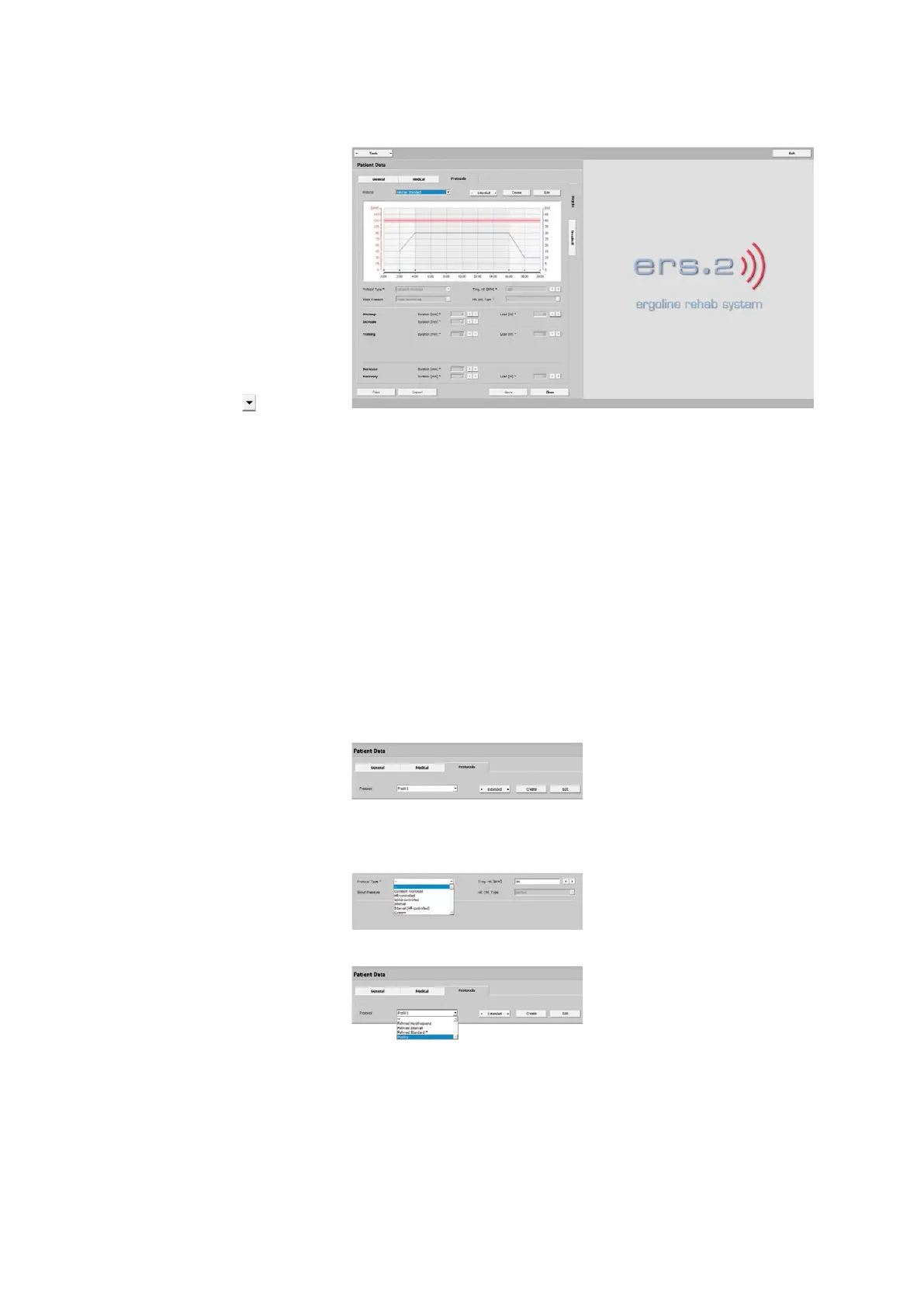
The graphic shows relevant information
such as:
- training heart rate
- warmup phase
- training duration
- blood-pressure measurement
- load control
- recovery phase
The Protocol drop-down list that you
open with the arrow button shows all
protocols that you configured. You can
configure a number of protocols for a
patient and save them.
The text below explains how to config-
ure patient-specific training protocols. It
is very easy to define the exact training
parameters.
· Warmup
· Increase
· Training
· Decrease
· Recover
Creating a Protocol
A new protocol is set up with [ Create ].
Assign a name (for example, Protocol 1)
and insert a protocol type. Depending on
the type, additional parameters have to
be specified.
The protocol just created is saved with
[ Apply ]. With [ Discard ], all entries will be
lost.
The new protocol will be included in the
list.



 To Next Page