40 |
ManagEMEnt > protoCoLs
biCyCLE
On the Management - Protocols - Bicy-
cle tab, you define protocols for bicycle
exercise tests for multiple uses. The win-
dow shows the exercise test parameters,
such as:
· Warmup
· Increase
· Training
· Decrease
· Recovery
Saving the Default Protocol
The system offers two methods for sav-
ing Protocols as Defaults:
· on the Management - Protocols tab
and
· on the Patient Data - Protocols tab
see “Bicycle Saving a Protocol as De-
fault” on page 31.
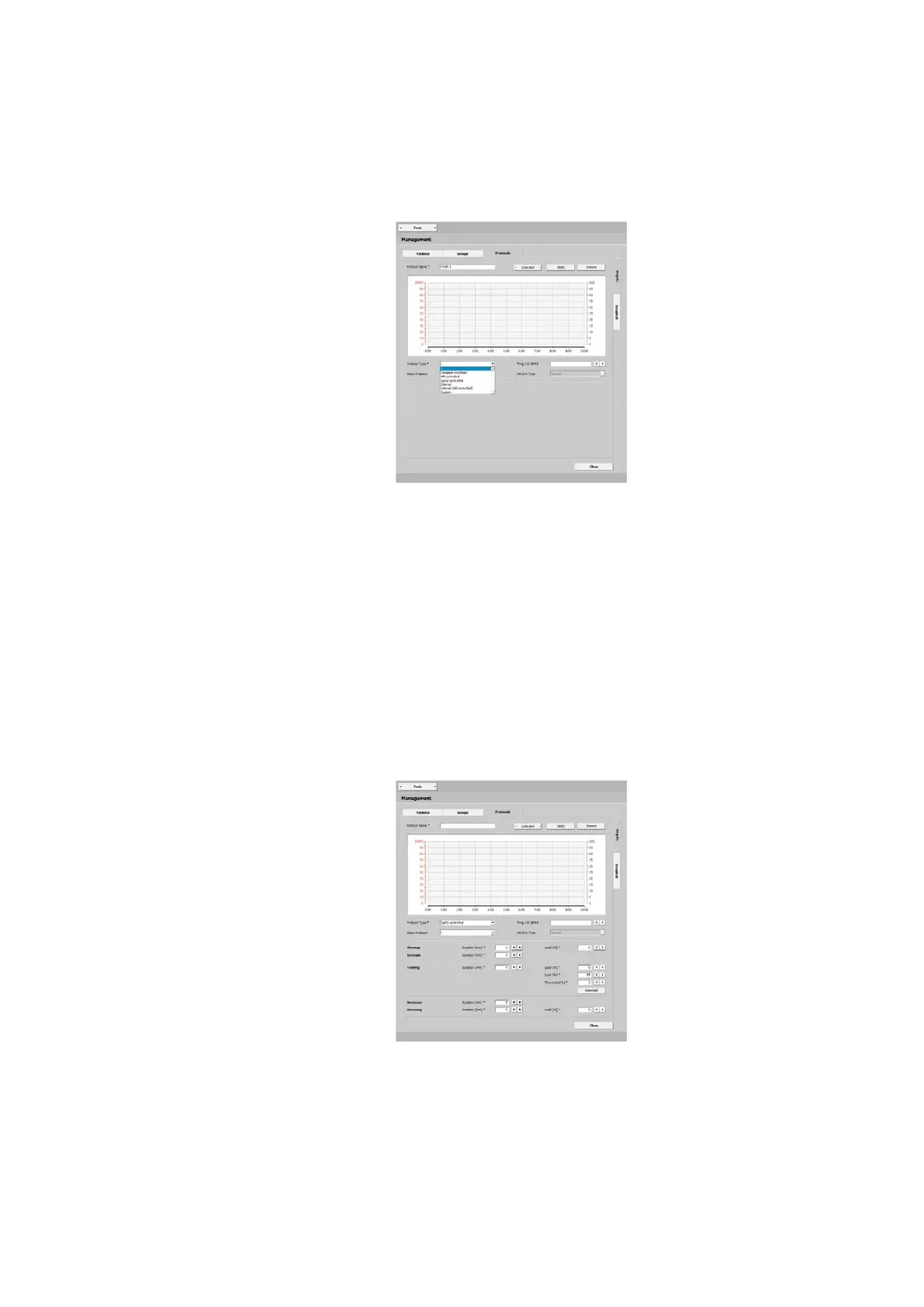
On the Management - Protocols tab, you
create a Default Protocol with [ Create ].
In the new window, enter all necessary
data, such as the name (Protocol 1, for
example), the type, etc. Save the entries
with [ Apply ].
Selecting the Protocol Type
These are the protocol types that you
can choose:
· Constant Workload
· HR-controlled
· SpO2-controlled
· Interval
· Interval (HR-controlled)
· Custom
| 41
ManagEMEnt > protoCoLs
biCyCLE
Selecting the Protocol Type
· Constant Workload
permanent load at a constant intensity
without interruptions
· HR-controlled
the load controls the predefined train-
ing heart rate
· SpO2-controlled
the training workload is controlled to
ensure that the SpO2 value will not
permanently drop below the lower limit
· Interval
short, strenuous exercise intervals al-
ternating with short recovery phases
· Interval (HR-controlled)
the training workload is adjusted on the
basis of the measured heart rate
· Custom
use this option to define your own
training session by means of different
step types
Protocol Type ‘SpO2-controlled‘
In the Training pane, you have the pa-
rameters Limit [%] and Threshold [%].
At Limit [%], enter the lower SpO2 value,
at Threshold [%], enter the difference to
the upper SpO2 value.
If the oxygen saturation drops below the
set limit value, the training workload will
be adjusted accordingly.
Click
[ Extended ] to open the SpO2 con-
trol window. In this window you define
the parameters for the SpO2-controlled
exercise.
First of all, the current SpO2 value is
checked once on the basis of the values
entered under Workload Reduction. If
the SpO2 value is below the limit for the
entire duration of the delay period [s],
the load will be reduced once.



 To Next Page