50 |
training
Monitoring
Removing a Patient
To remove a patient, right-click the com-
mand Remove Patient: the patient will
immediately be deleted.
Please note that it is not possible to
remove a patient while a training is in
progress!
Assigning a Device
To assign a monitoring / training device
to a training station, right-click and
select the Assign Mon. Device/Assign
Trng. Device. Then select the appropri-
ate device in the window that opens and
confirm your selection with
[ OK ].
Removing a Device
Select Remove Mon. Device/Remove
Trng. Device from the shortcut menu to
disconnect the device.
Switching Devices
With Switch Mon. Device/Switch Tra.
Device, you can exchange monitoring
and training devices. Select another de-
vice and close the window with [ OK ].
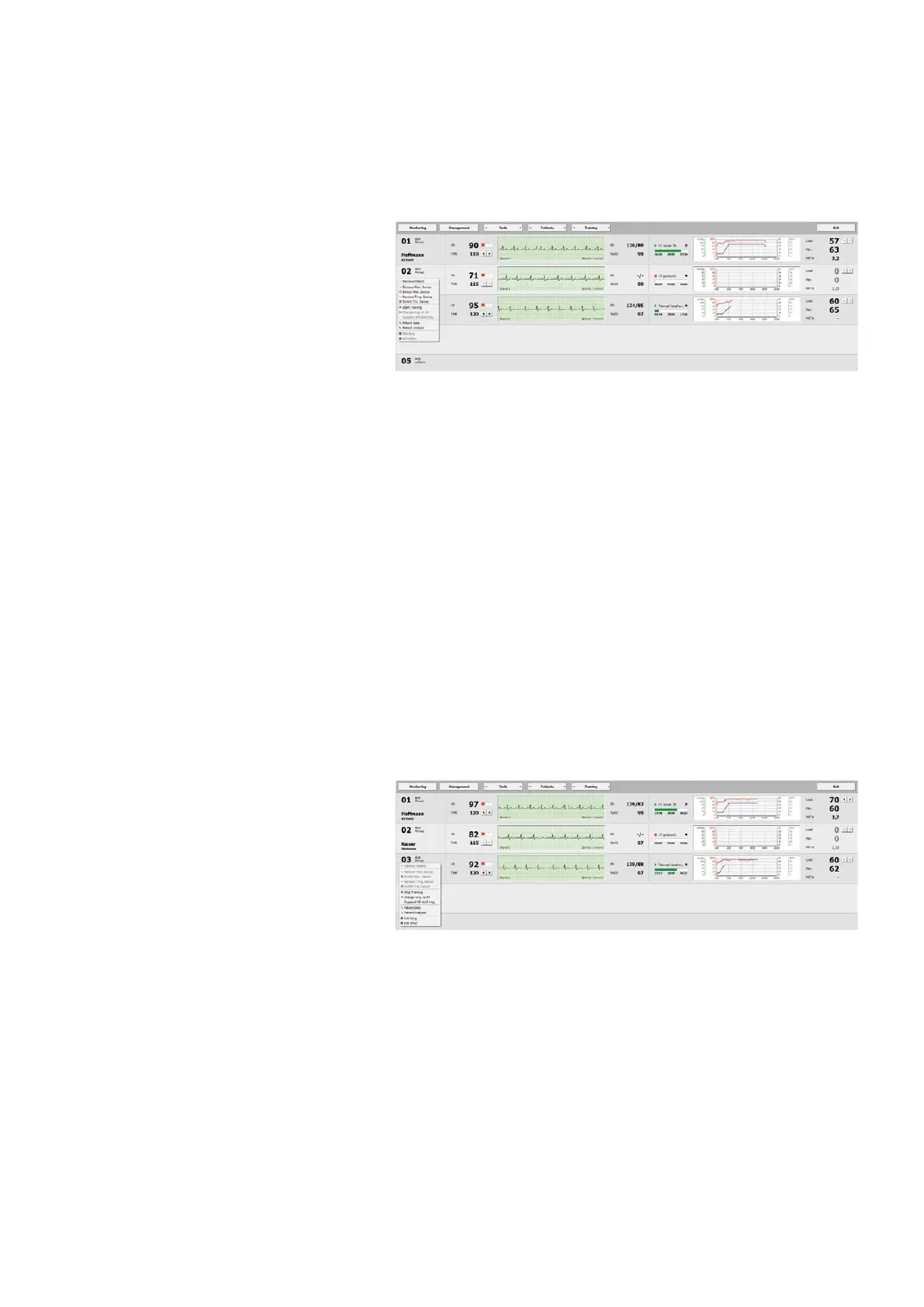
Starting a Training Session
To start an individual training session,
choose the Start Training command from
the shortcut menu. The screen displays
all relevant training data.
The values for HR, THR (in area 2) and the
duration of a training session (in area 3)
are shown.
| 51
training
Monitoring
Starting a Training Session
The difference between HR and THR is
graphically represented by three ele-
ments. A minor deviation is indicated
yellow, no deviation is indicated by a
green symbol, a major deviation is indi-
cated red. The colored symbols appear on
the left if the value is too low and on the
right if the value is too high.
The length of the bar represents the dura-
tion of the activity (completed duration,
overall duration, remaining duration).
A protocol can be edited at any time. By
double-clicking the training graph you
can reconfigure the protocol (or via the
shortcut menu). Modify the protocol and
confirm the procedure with
[ Apply ].
Ending a Training Session
To terminate a training session, press
the right mouse button and select Stop
Training from the shortcut menu.
Changing from the Training Phase to
the Recovery Phase (RP)
From the actual exercise phase, you can
choose Change trng. to RP from the
shortcut menu to initiate the recovery
phase for the patient. The workload is
reduced and the recovery phase starts
(as configured in the settings in Patient
Data - Protocols).
Suspending Heart-Rate Control
during a Training
When working with a HR-controlled
protocol, you can suspend the heart-
rate control with the command Suspend
HR-ctrld trng. from the shortcut menu
during the training (which is defined in
the protocol). The training continues
with the current workload.



 To Next Page