40 |
ManagEMEnt > protoCoLs
b
iCyCLE
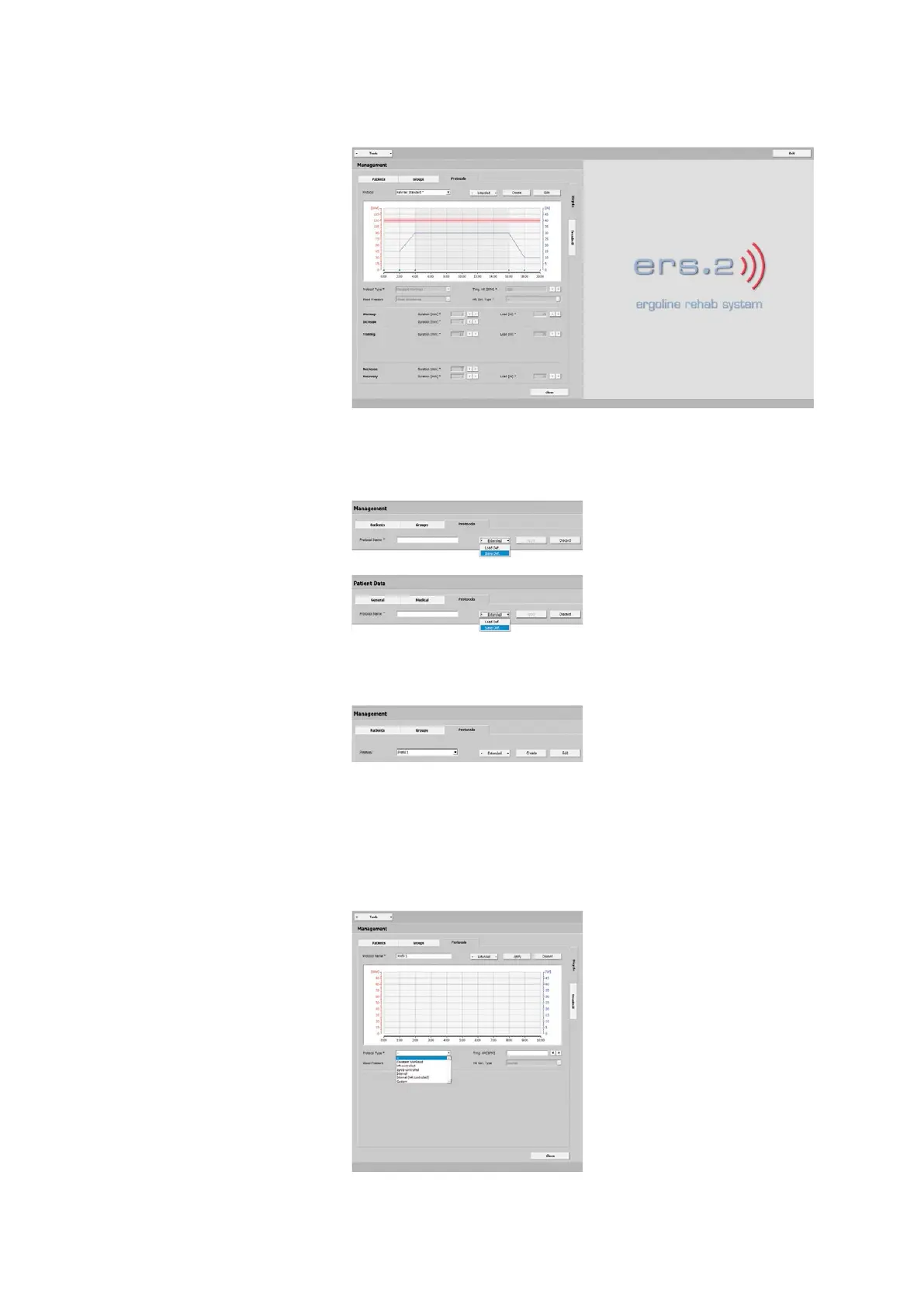
On the Management - Protocols - Bicy-
cle tab, you define protocols for bicycle
exercise tests for multiple uses. The win-
dow shows the exercise test parameters,
such as:
· Warmup
· Increase
· Training
· Decrease
· Recovery
Saving the Default Protocol
The system offers two methods for sav-
ing Protocols as Defaults:
· on the Management - Protocols tab
and
· on the Patient Data - Protocols tab
see “Bicycle Saving a Protocol as De-
fault” on page 31.
On the Management - Protocols tab, you
create a Default Protocol with [ Create ].
In the new window, enter all necessary
data, such as the name (Protocol 1, for
example), the type, etc. Save the entries
with [ Apply ].
Selecting the Protocol Type
These are the protocol types that you
can choose:
· Constant Workload
· HR-controlled
· SpO2-controlled
· Interval
· Interval (HR-controlled)
· Custom



 To Next Page