| 17
starting tHE prograM
Start the program by
double-clicking the icon.
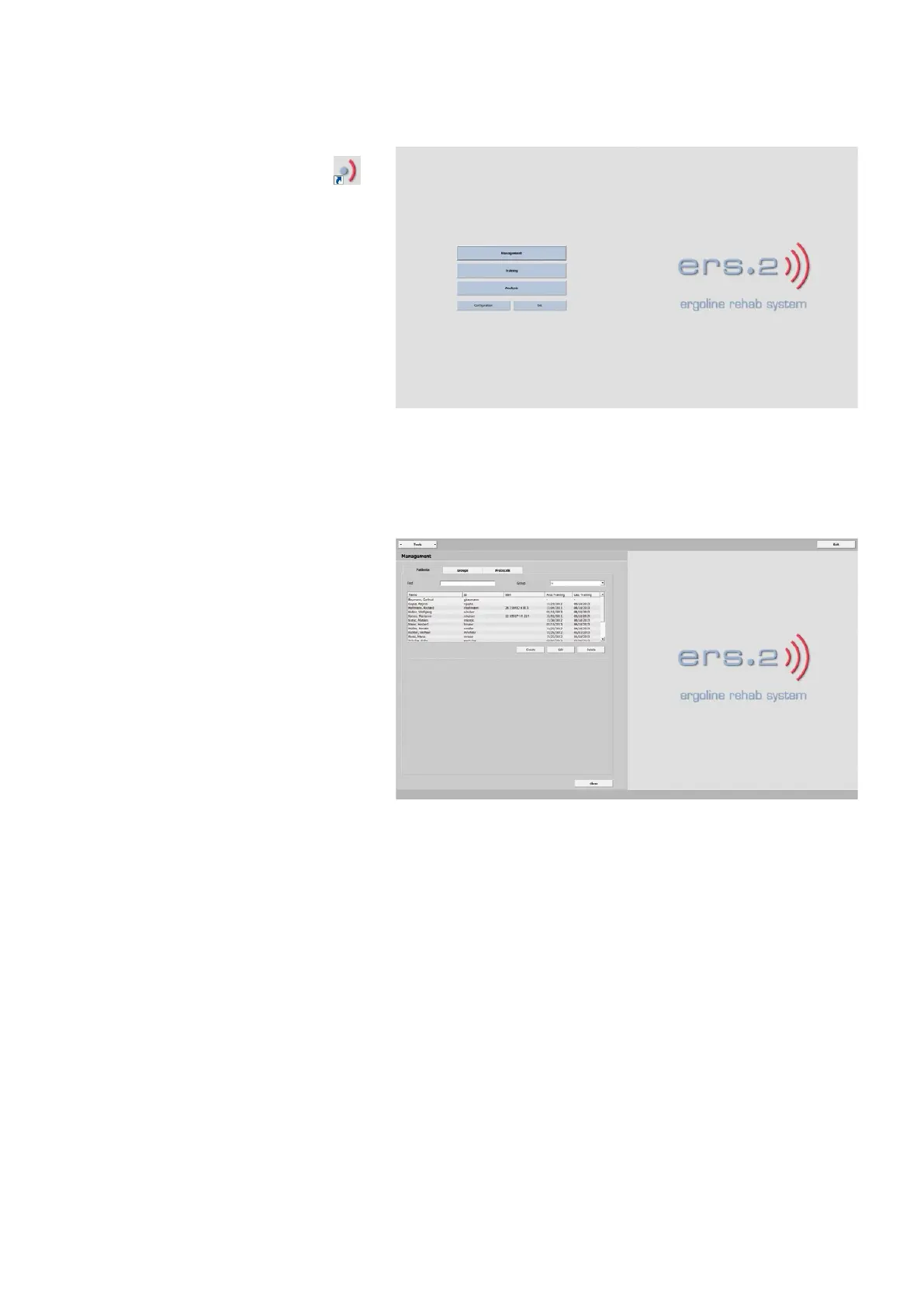
The initial screen is displayed.
ManagEMEnt
training
anaLysis
Configuration
Exit
ManagEMEnt
In the Management window, you will find
the patient database with these tabs:
patiEnts
groups
protoCoLs
From some of the tabs you can access
further sub-categories which will be ex-
plained in detail on the following pages.



 To Next Page