18 |
ManagEMEnt
p
atiEnts
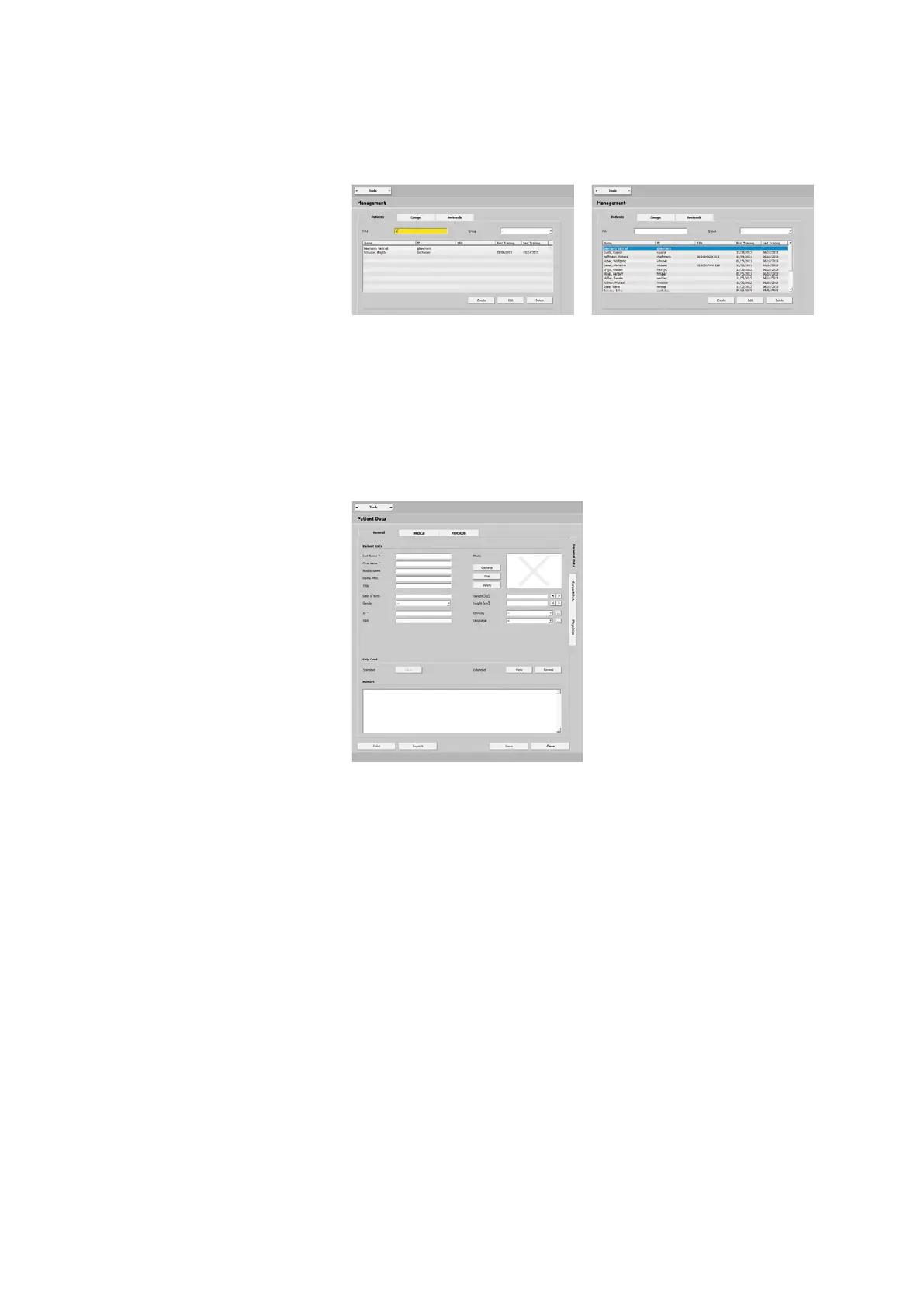
This is a list of all patients stored in the
database with their name, ID, and SSN
(social security number).
The Find function allows you to conve-
niently access any patient in the data-
base. Entering the first characters of a
patient name or of the ID (highlighted
yellow) is sufficient. The search function
returns all patients matching the search
criteria.
With [ Create ] you can add a patient to
the database.
If you double-click an existing entry in
the list or click the entry (highlighted
blue) and then the
[ Edit ] button, the
window Patient Data - General - Perso-
nal Data opens.



 To Next Page