28 |
patiEnt data > protoCoLs
biCyCLE
Protocol Type ‘SpO2-controlled’
Click [ Extended ] to open the SpO2 con-
trol window. In this window you define
the parameters for the SpO2-controlled
exercise.
The settings under Workload Reduction
define how the current SpO2 value will
be controlled. If the SpO2 value is below
the limit value for the entire duration of
the Delay [s], the load will be reduced
once.
Then the Workload Control will take over.
These settings determine the intervals
for subsequent checks of the oxygen
saturation. The load will be increased or
decreased depending on how much the
measured oxygen saturation deviates
from the limits.
Entries can be made as absolute or rel-
ative values with respect to the training
load.
If you do not specify any values, the sys-
tem will use the preset defaults.
Protocol Type ‘Interval HR-controlled‘
In the Training pane of this protocol, you
will find the [ Extended ] button which
leads you to the interval HR control with
the Workload Control.
Under Workload Control, you define the
permitted deviation of the heart rate at
Threshold [1/min] and the time interval
at Delay [s]. If the measured heart rate
differs for the entire duration, the load
will be corrected.
At Type, you define the parameters for
modification of the workload (Absolute
or Relative).
| 29
patiEnt data > protoCoLs
biCyCLE
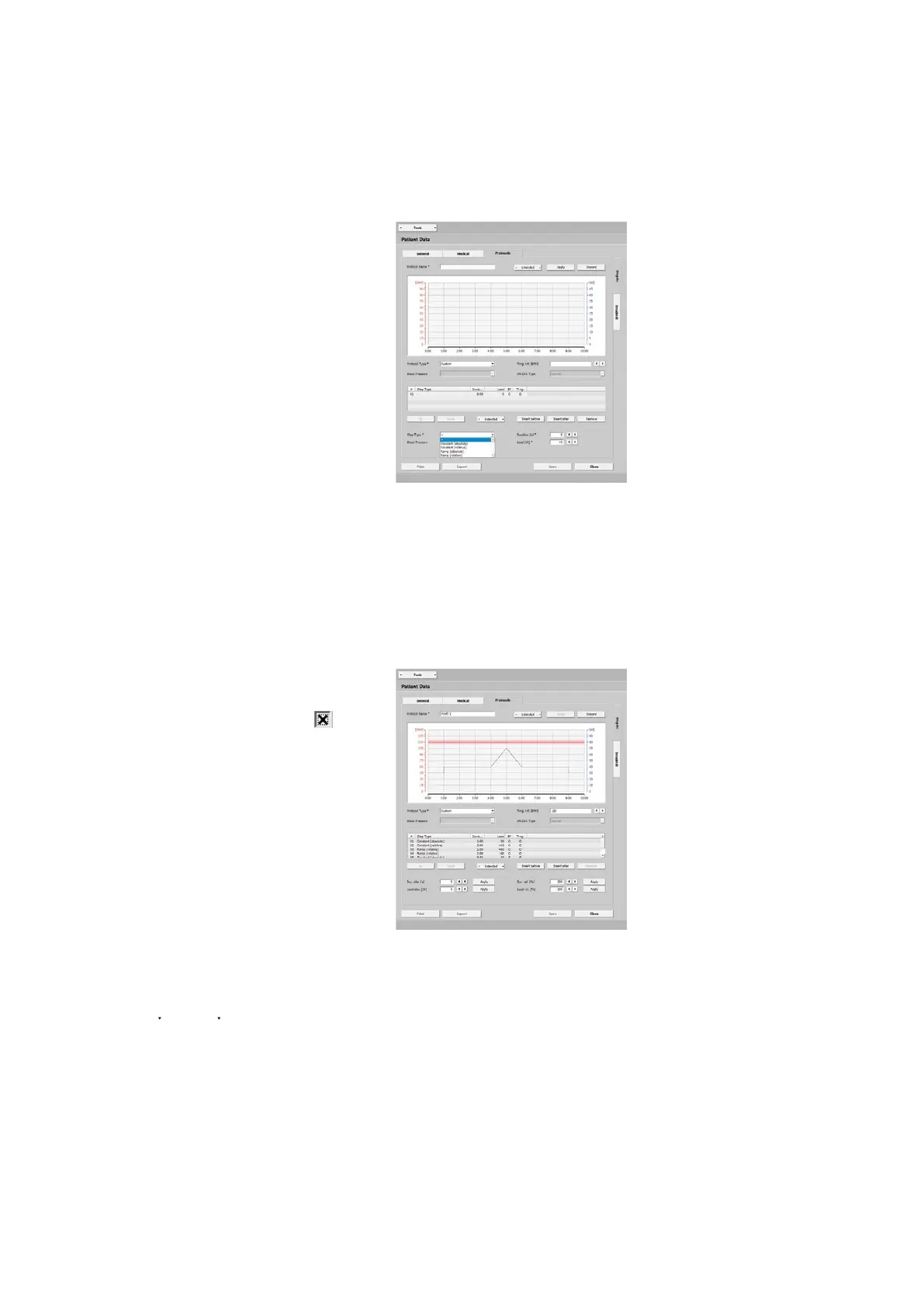
Protocol Type 'Custom'
Additional entries are mandatory for
custom protocols. With [ Insert before ]
or [ Insert after ] you define the first step
type. Your choices are:
· constant (absolute),
the training workload is kept at a con-
stant level for the specified duration
· constant (relative),
the load value depends on the previous
step, the load is increased or decreased
by the entered value
· Ramp (absolute),
the training load increases continuous-
ly for the duration
· Ramp (relative),
the load value depends on the previous
step, the load is continuously increased
or decreased by the entered value
Enter the duration and training
load for each step. If you select the
blood-pressure option (BP)
, a
blood-pressure measurement will take
place.
Additional step types can be added
with [ Insert before ] and [ Insert after ].
With [ Up ] and [ Down ] you change the
sequence. As an alternative, you can se-
lect a row in the table (highlighted blue)
and drag it to its appropriate position.
[ Remove ] allows you to delete a step.
If the created steps are to be used as
exercise phases (without warmup and
recovery), highlight one step or several
consecutive steps. Then click Training
under [ Extended ]. The steps are now
marked as training steps, identified with
the X mark in the Trng. column.



 To Next Page