46 |
ManagEMEnt > protoCoLs
trEadMiLL
Selecting the Protocol Type
· Constant Workload
permanent load without interruptions
at a constant intensity
· HR-controlled (Speed)
the predefined training heart rate is
achieved via the speed
· HR-controlled (Slope)
the predefined training heart rate is
achieved via the slope
· HR-controlled
the predefined training heart rate is
achieved both via the speed and the
slope
· Custom
use individual step types to configure
personalized training sessions
Protocol Type ‘HR-controlled‘
With this protocol, the speed regulation
for the training phase always starts with
a slope setting of 0. The slope will be in-
creased only if the heart rate cannot be
achieved via the speed during the training
phase.
| 47
ManagEMEnt > protoCoLs
t
rEadMiLL
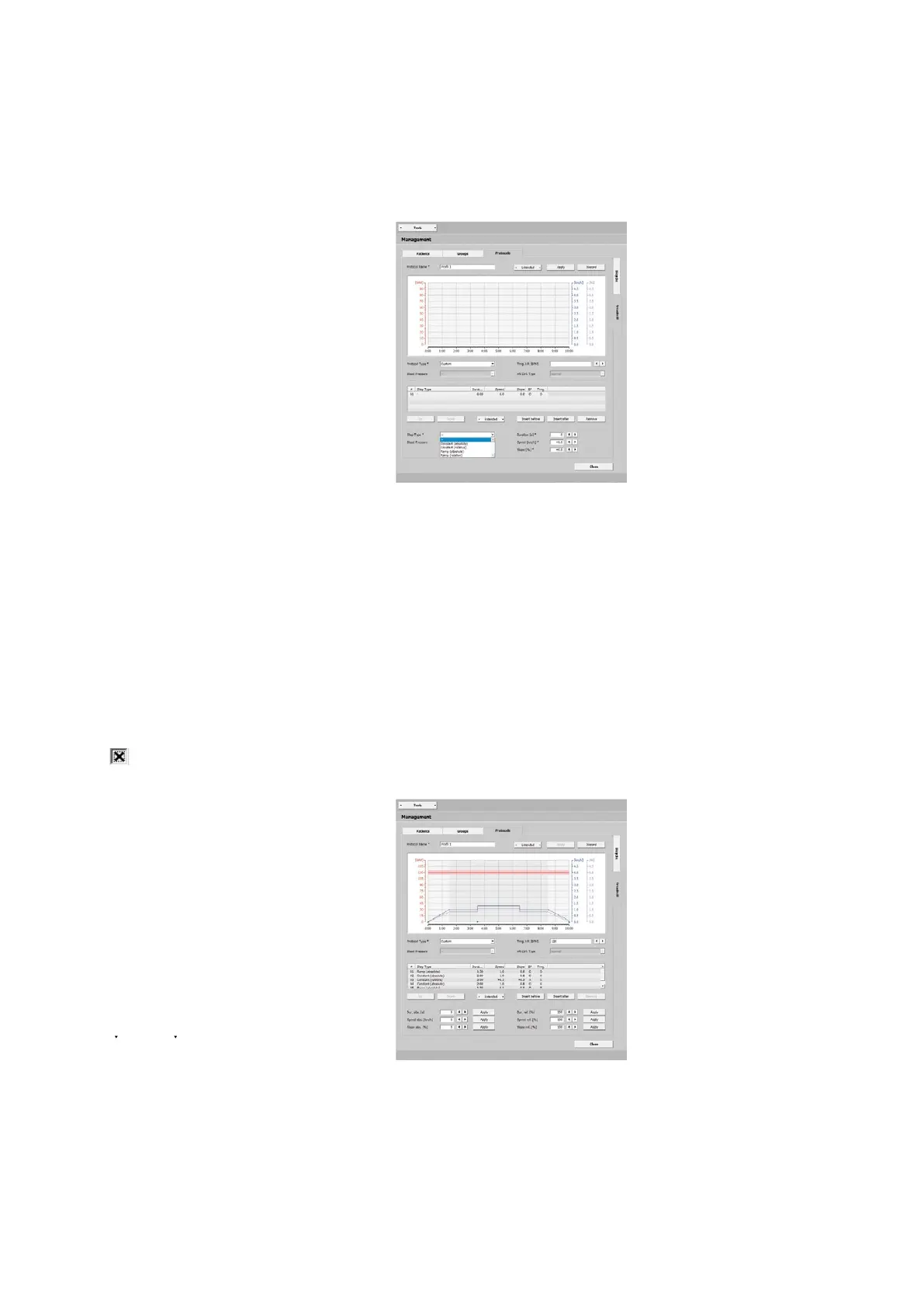
Protocol Type 'Custom'
This protocol type allows you to con-
figure your own training steps. With
[ Insert before ] or [ Insert after ] you define
the first step and choose a step type:
· constant (absolute),
the training workload is kept at a con-
stant level for the specified duration
· constant (relative),
the load value depends on the previous
step, the load is increased or decreased
by the entered value
· Ramp (absolute),
the load increases continuously for the
duration of the training
· Ramp (relative),
the load value depends on the previous
step, the load is continuously increased
or decreased by the entered value
Enter the duration, speed, and slope for
each step. A blood-pressure measure-
ment will be performed when you select
the blood-pressure option.
Click [ Insert before ] or [ Insert after ] to
add additional steps. You can change the
order of the steps with [ Up ] and [ Down ].
As an alternative, you can select the step
(highlighted blue) and drag it to its ap-
propriate position.
If the created steps are to be used as
exercise phases (without warmup and
recovery), highlight one step or sev-
eral consecutive steps. Then choose
[ Extended ] and Training. The steps are
now marked as training steps with an X
in the Trng. column.



 To Next Page