50 |
training
Monitoring
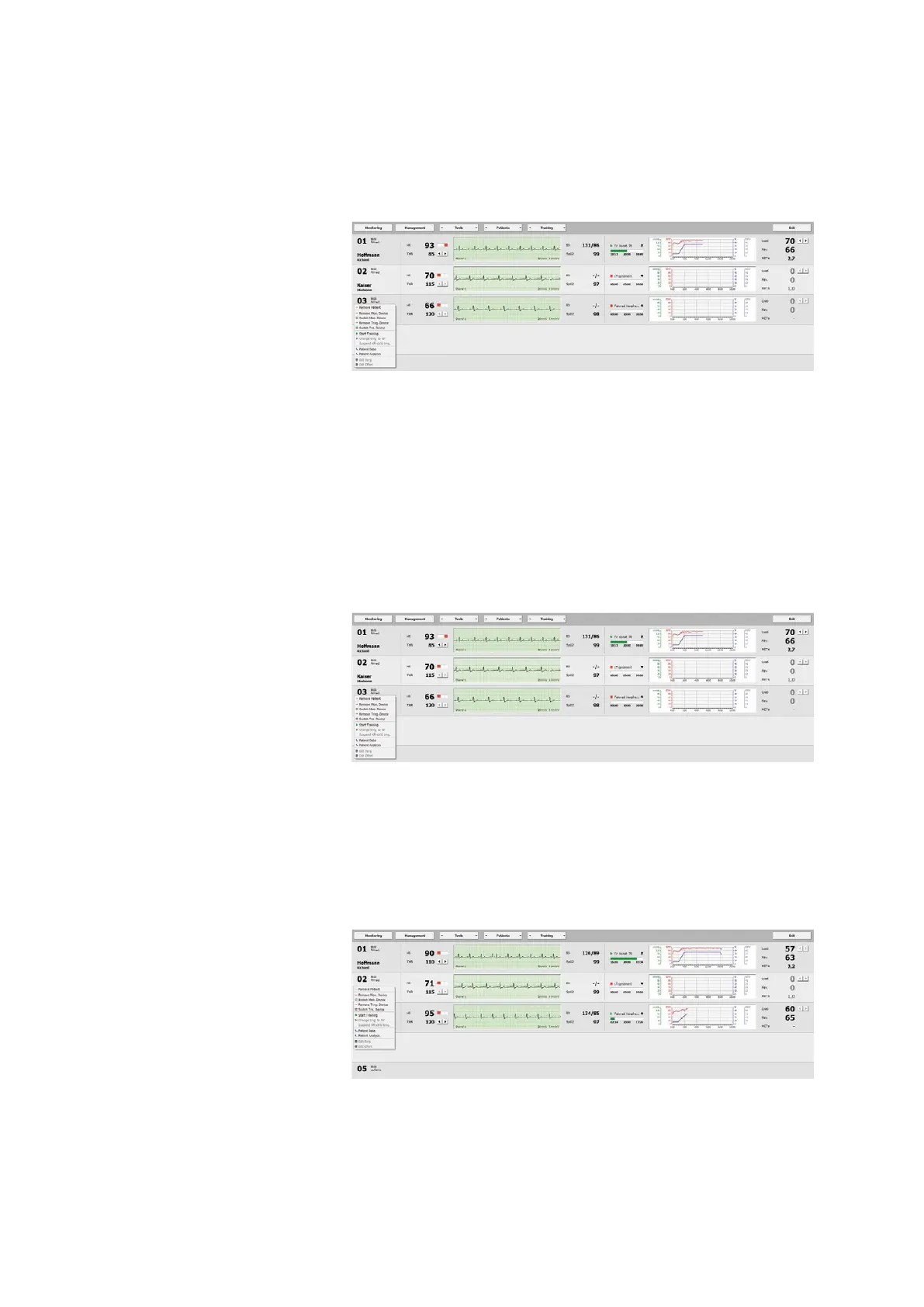
Removing a Patient
To remove a patient, right-click the com-
mand Remove Patient: the patient will
immediately be deleted.
Please note that it is not possible to
remove a patient while a training is in
progress!
Assigning a Device
To assign a monitoring / training device
to a training station, right-click and
select the Assign Mon. Device/Assign
Trng. Device. Then select the appropri-
ate device in the window that opens and
confirm your selection with
[ OK ].
Removing a Device
Select Remove Mon. Device/Remove
Trng. Device from the shortcut menu to
disconnect the device.
Switching Devices
With Switch Mon. Device/Switch Tra.
Device, you can exchange monitoring
and training devices. Select another de-
vice and close the window with [ OK ].
Starting a Training Session
To start an individual training session,
choose the Start Training command from
the shortcut menu. The screen displays
all relevant training data.
The values for HR, THR (in area 2) and the
duration of a training session (in area 3)
are shown.



 To Next Page