62 |
patiEnt anaLysis
training - singLE
Analyzing the Training Sessions
In the new window you can enter a writ-
ten comment. With [ OK ] you exit the
window, with [ Cancel ] no marker will be
set.
All markers are listed in the Marker drop-
down list, annotated with the time of
their occurrence. With the [ l
<
] and [
>
l ]
buttons, you change between the first
and last marker; with [
<
] and [
>
], you
navigate between the segments.
All segments for which a marker exists,
are identified with a dark background. To
change a remark, click the
[ Edit ] button
and close the dialog window with [ OK ].
To remove a remark, select [ Delete] and
answer the next question with [ Yes ].
Via the shortcut menu, you can change
the displayed channels, the sweep speed,
and the amplitude.
By clicking the [ Print ] button, you obtain
a printout of the training session or of
the page of ECG data.
| 63
patiEnt anaLysis
training - CoMparE
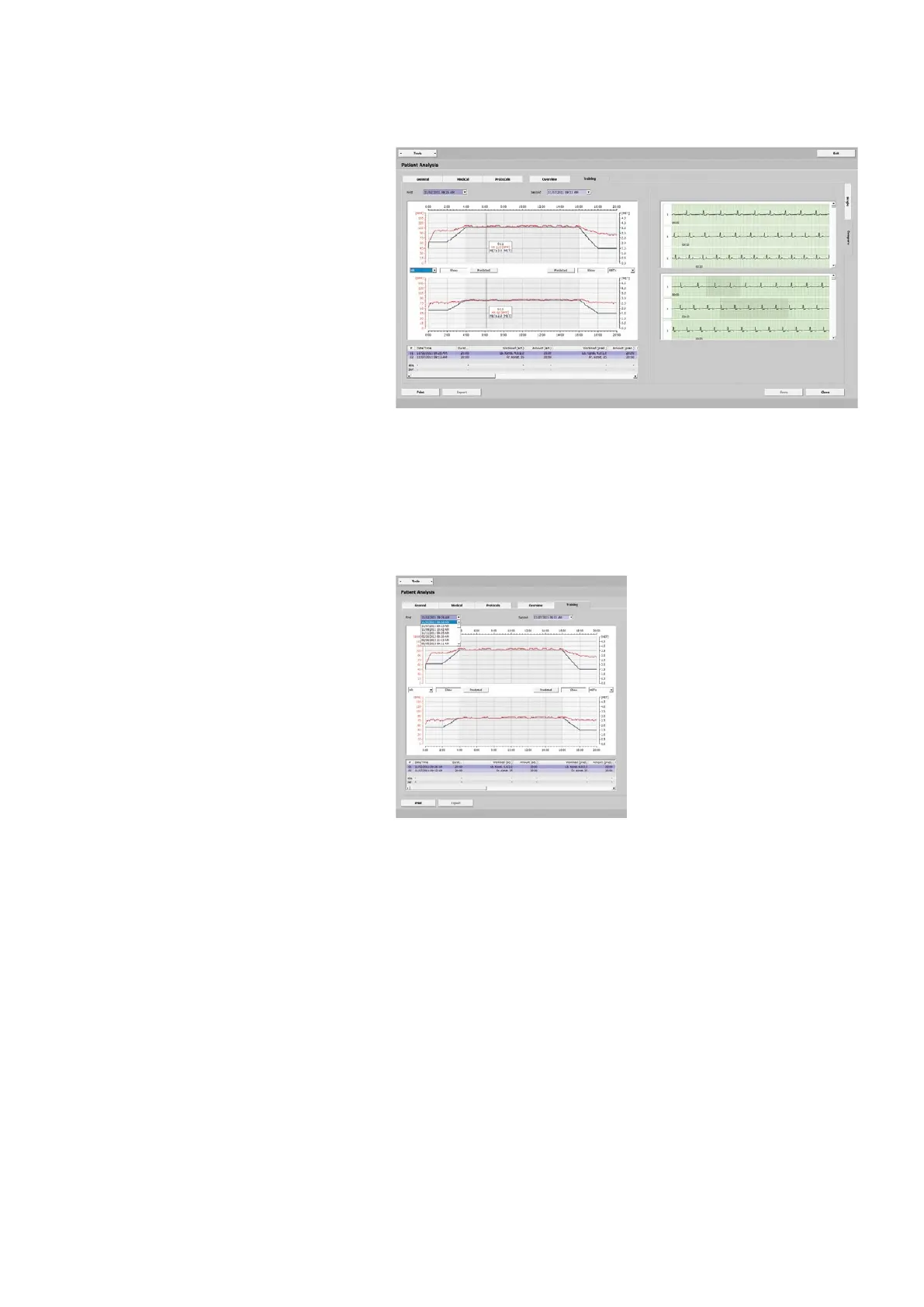
This view allows two training sessions to
be compared. The following parameter
values are shown:
- HR
- BP
- SpO2
- METs
- W/kg
- Load
- RPM
- Spd.
- Slp.
As you move the mouse cursor over a
diagram, the corresponding measured
values will be displayed. The actual exer-
cise phase is identified with a dark back-
ground. The ECGs are shown next to the
diagrams.
Under First and Second you will find the
completed training sessions. Choose the
periods of time from the drop-down lists.
Analyzing the Training Sessions
In the area between the diagrams you
can choose the parameter values to be
displayed in the diagrams (HR, BP, SpO2,
etc.).
When you click [ Show ], the correspond-
ing values will be alternately shown and
hidden. With [ Predicted ] you display the
predicted value (of the HR, for example).
An overview of all data is shown below
the diagrams.
By clicking a point on the diagram you
update the ECG display which changes to
display the corresponding segment.
You can drag the scroll boxes over the
entire length of the scroll bars to get an
overview of the ECG.
A printout is initiated with the
[ Print ]
button.



 To Next Page