24 |
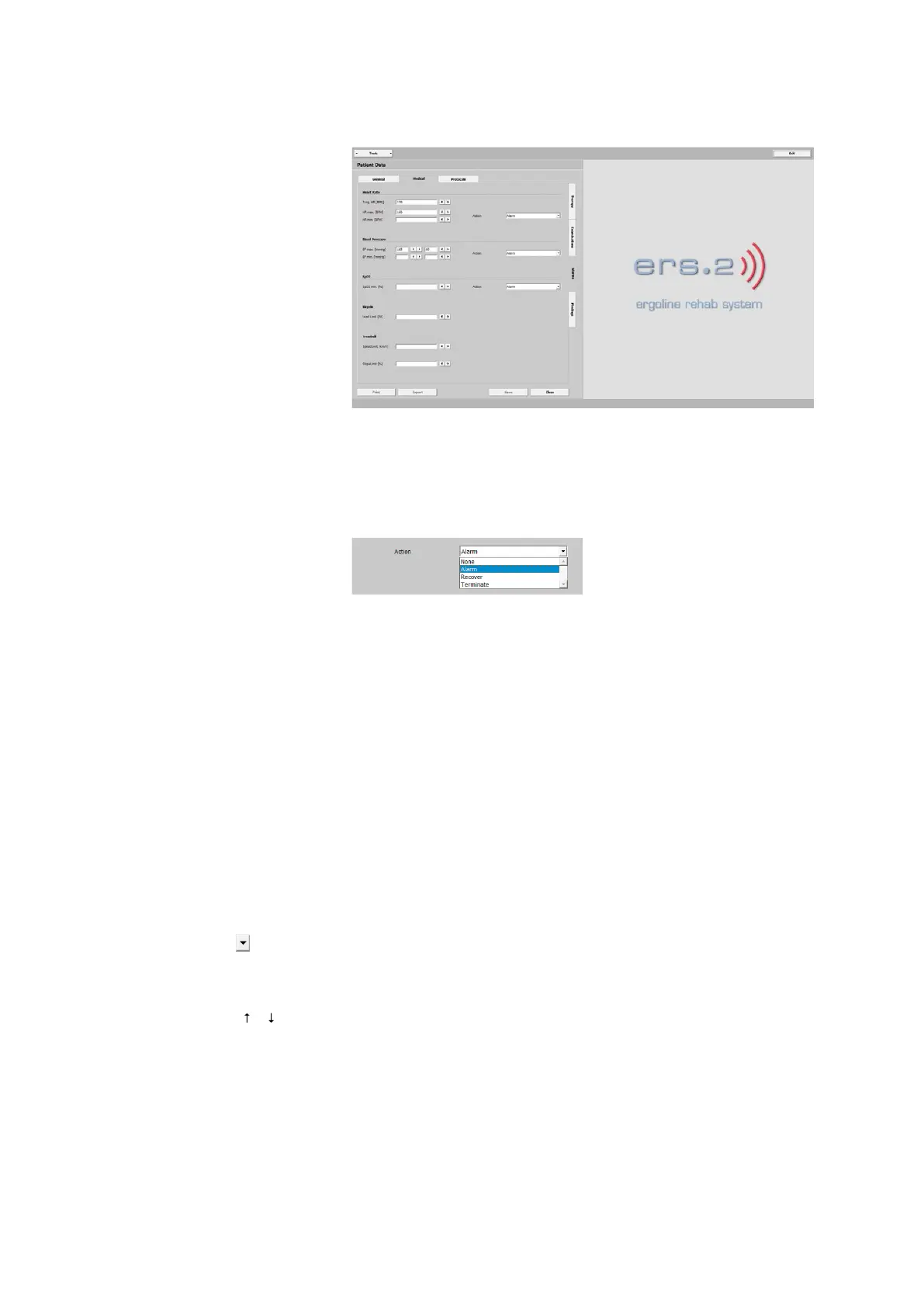
patiEnt data > MEdiCaL
aLarMs
· Heart Rate
· Blood Pressure
· SpO2
· Bicycle
· Treadmill
It is recommended to enter all values
concerning the patient's condition at the
beginning of the physical therapy.
The settings for bicycle and treadmill
entered here override the settings in the
different protocols. The action selected
in the Heart Rate, Blood Pressure and
SpO2 panes will be performed.
The action determines how the training
session continues if a patient's parame-
ter values exceed or fall below the indi-
vidual alarm limits / ranges.
· None
the training continues (alarm is ignored)
· Alarm
initiates visual and audible signals, re-
fer to “Training Monitoring” on page
49.
· Recover
the patient enters the recovery phase
· Terminate
the training session will immediately be
terminated
Click the drop-down arrow and select
an option from the list box. As an alter-
native, you can click in the text box and
type the first letter from the keyboard or
choose an option with the [ ] [ ] keys.
Save the selection with [ Save ].



 To Next Page