56 |
training
ManagEMEnt
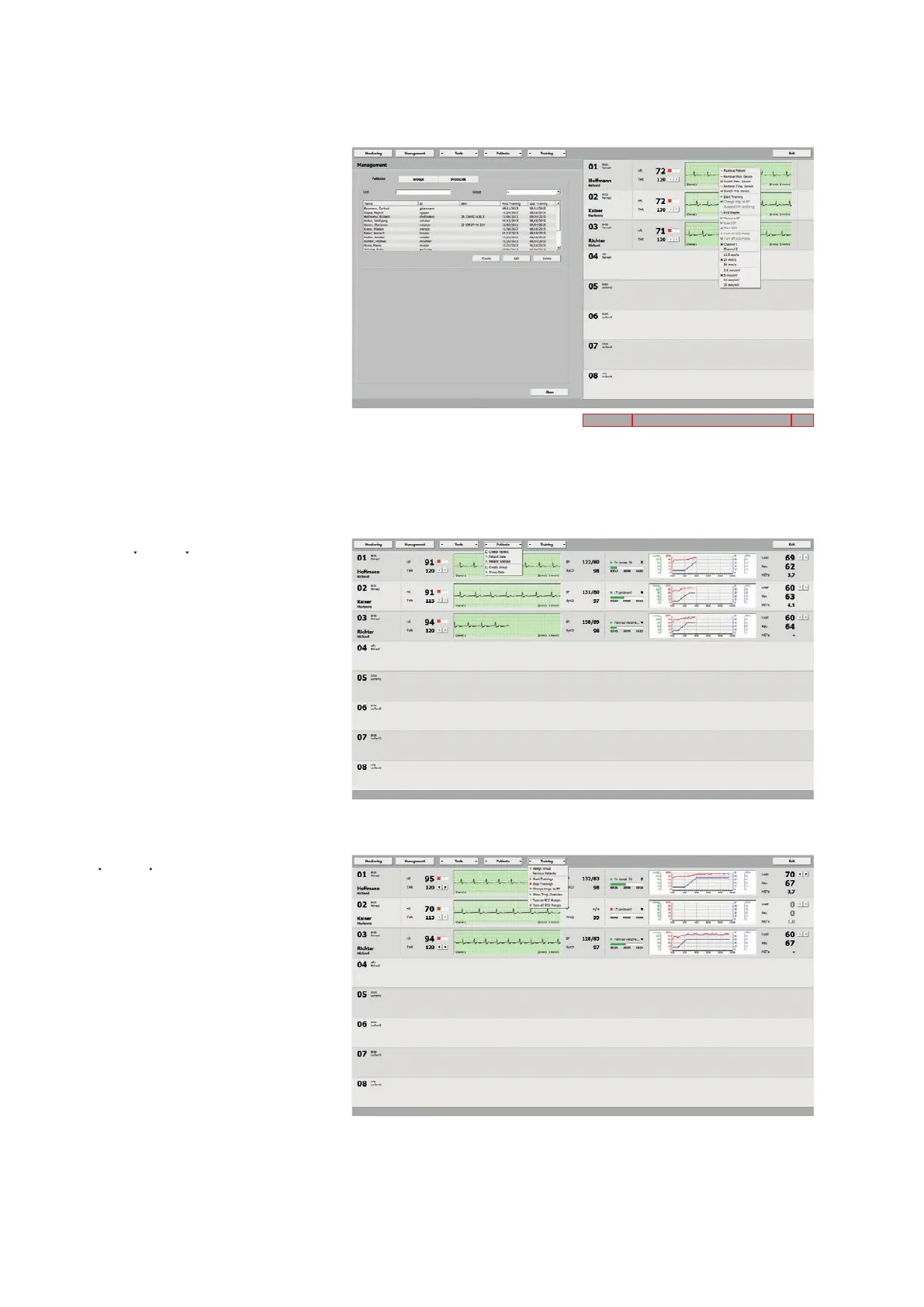
Via [ Management ] you display the tabs
patiEnts
groups
p
rotoCoLs
The pane on the right shows all training
stations with the most important data.
Frequently used commands are easily ac-
cessible via shortcut menus.
patiEnts
With the [ Patients ] button you access
the options Create Patient, Patient Data,
Patient Analysis, Create Group, and
Group Data. These functions allow you to
create, view, and modify numerous data.
training
This [ Training ] menu refers to all associ-
ated training stations. You can assign an
entire group with Assign Group, remove
all patients with Remove Patients, start
all training sessions with Start Train-
ings, stop all training sessions with Stop
Trainings, switch from the training phase
to the recovery phase with to RP, view
the training overview with Show Trng.
Overview, switch on all ECG pumps with
Turn on ECG Pumps, or switch them off
with Turn off ECG Pumps.
Area 1
Area 2 Area 3



 To Next Page