34 |
patiEnt data > protoCoLs
trEadMiLL
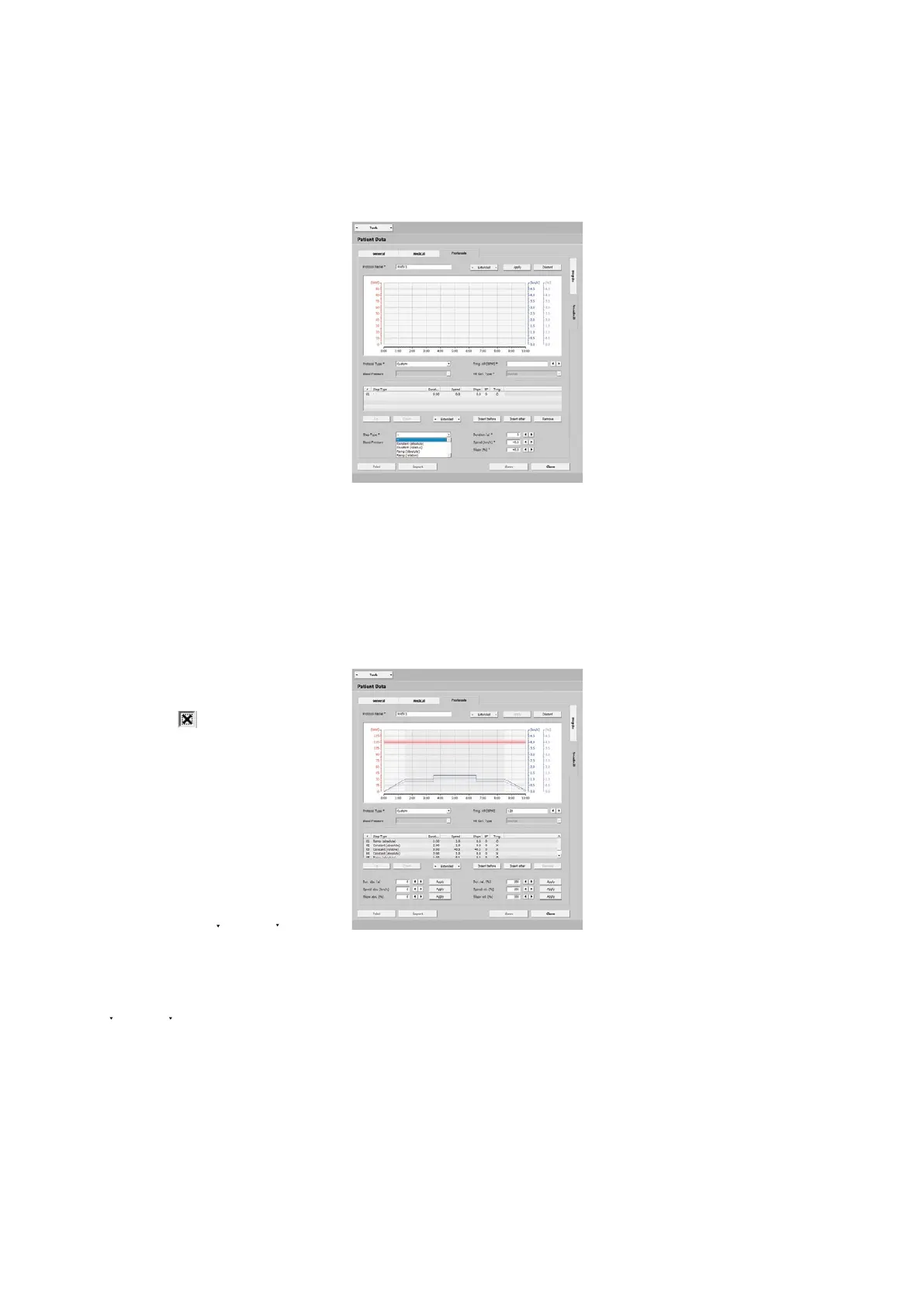
Protocol Type 'Custom'
Additional entries are mandatory for
custom protocols. Define the first step
with [ Insert before ] or [ Insert after ] and
choose the step type:
· constant (absolute),
the training workload is kept at a con-
stant level for the specified duration
· constant (relative),
the load value depends on the previous
step, the load is continuously increased
or decreased by the entered value
· Ramp (absolute),
the training load increases continuous-
ly for the duration
· Ramp (relative),
the load value depends on the previous
step, the load is continuously increased
or decreased by the entered value
Enter the duration, speed, and slope for
each step. If you select the blood-pres-
sure option (BP)
, a blood-pressure
measurement will take place.
Additionally, you can use [ Insert before ]
or [ Insert after ] to add further step types.
You change the order of steps with [ Up ]
and[ Down ] or by drag-&-drop.
If one step or more are to be used as
exercise phases (without warmup and
recovery), highlight these steps. Then
select Training under
[ Extended ]. The
steps are now marked with an X in the
Trng. column.
Steps can easily be copied with Repeat
under [ Extended ].
Save the custom protocol with [ Apply ].



 To Next Page