30 |
patiEnt data > protoCoLs
biCyCLE
Protocol Type ‘Custom’
Repeat under [ Extended ] allows you to
copy one step or multiple steps. The cop-
ied steps will be appended to the existing
steps.
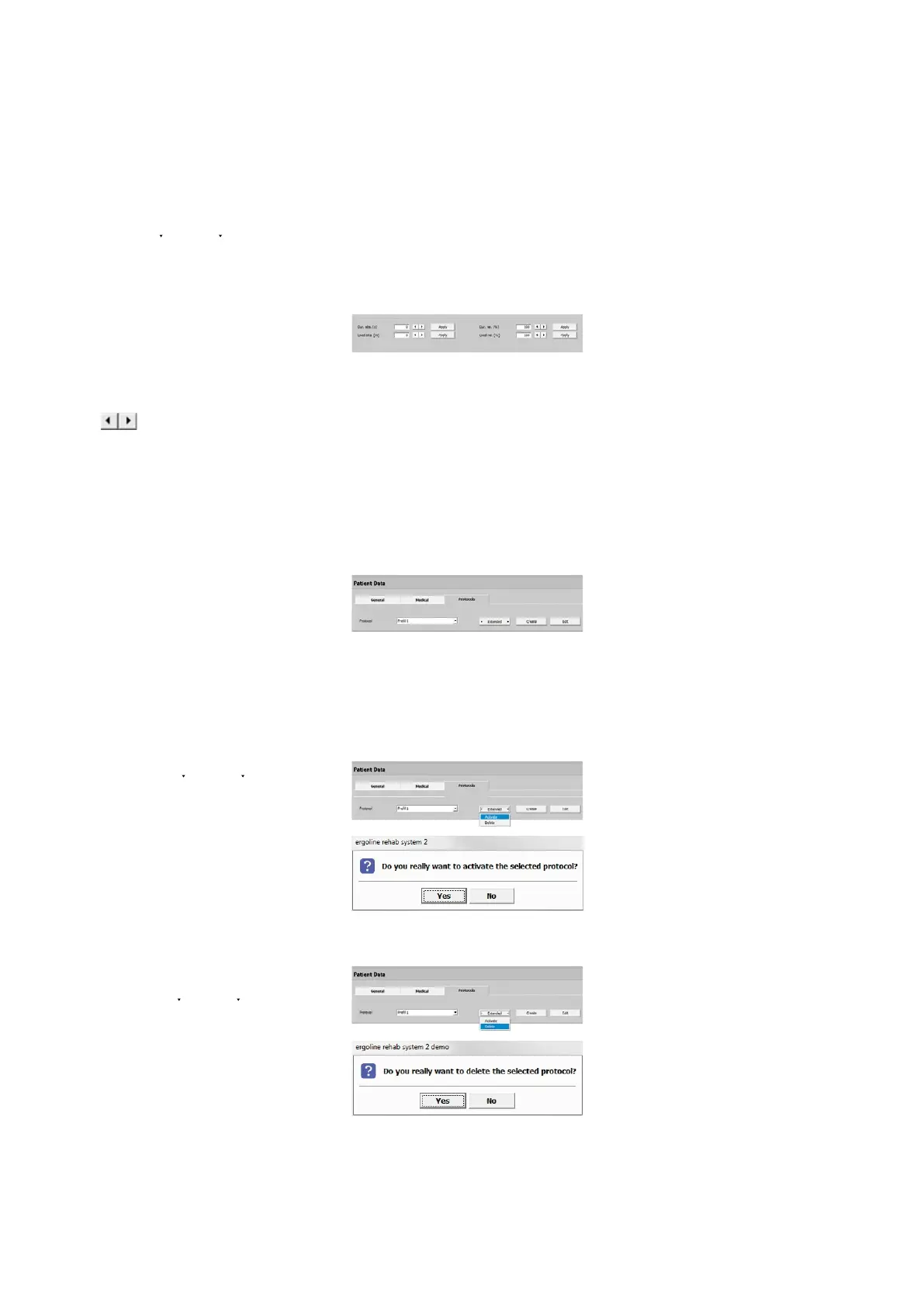
With [ Edit ] you can change the duration
and load of individual or of all steps.
Highlight the steps you would like to
change and enter the value in the ap-
propriate field or by means of the arrow
keys . When you select [ Apply ],
the Load (abs. [W]/rel. [%]) and/or the
Duration (abs. [s]/rel. [%]) will change by
the entered value. Close the window by
selecting [ Apply ] again.
Editing a Protocol
To edit or reconfigure an existing pro-
tocol, select the protocol, and then click
[ Edit ]. The parameter fields are populated
with the set standard values. Edit these
values and exit the menu with [ Apply ].
Activating a Protocol
When you click [ Extended ] and then
choose Activate, a dialog window will
be displayed. If you agree and click [ Yes ],
the protocol will be activated, which is
marked by an asterisk *. This protocol is
now the patient's Training Protocol.
Deleting a Protocol
Display the protocol that is not needed
any more. Under [ Extended ], select De-
lete and then confirm the question asked
in the dialog window with [ Yes ] to delete
the protocol.
Please note that it is not possible to de-
lete an active protocol!



 To Next Page