36 |
patiEnt data > protoCoLs
trEadMiLL
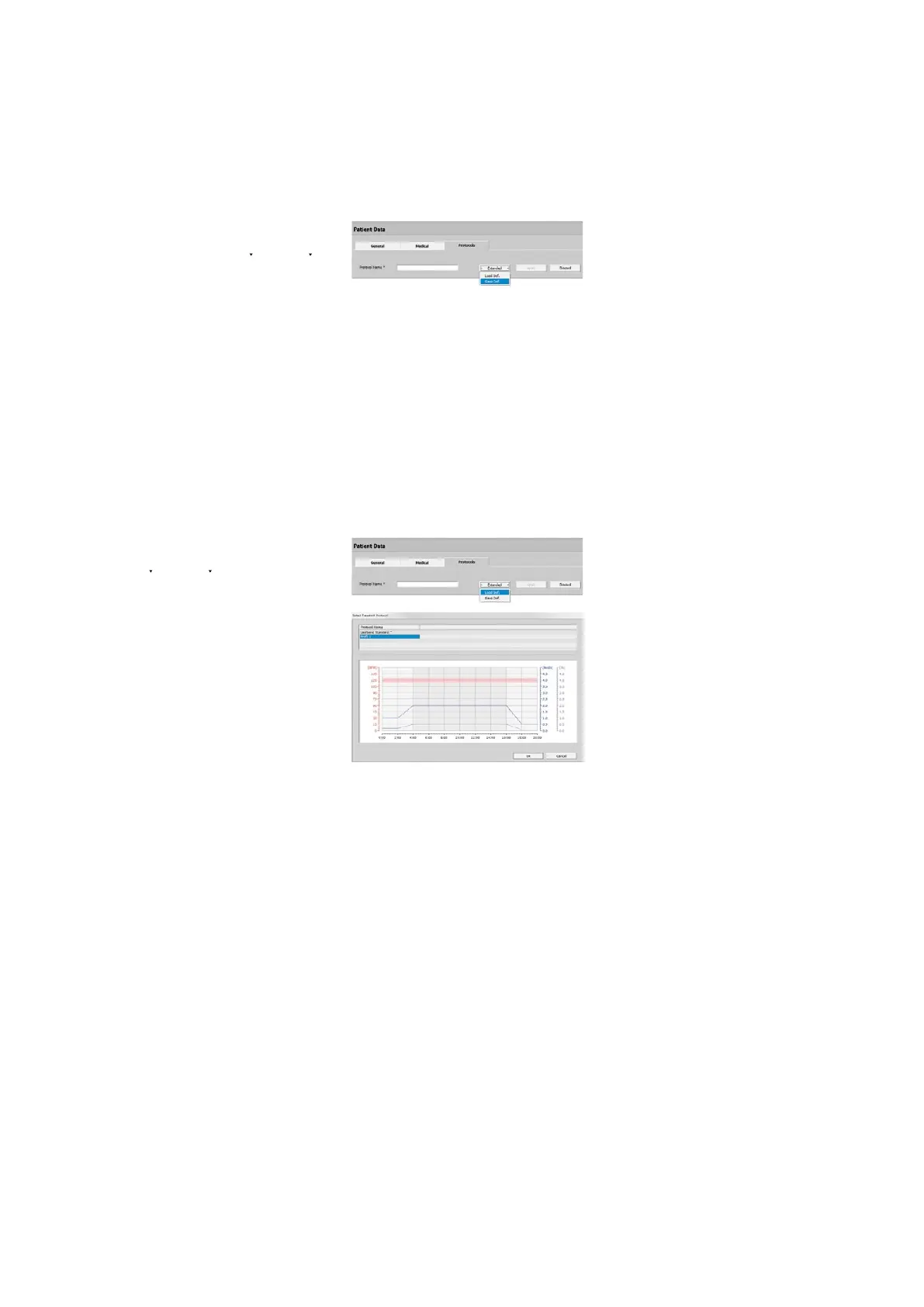
Saving a Protocol as Default
Frequently used protocols can be saved as
the Default protocol. Select [ Extended ]
Save Def. The default protocols can be
edited
· on the Management Protocols tab,
see “Treadmill Saving the Default Pro-
tocol” on page 45.
The protocols are very flexible and can
be applied to other patients as templates.
Loading a Default Protocol
Existing Default Protocols can be opened
via [ Create ], [ Extended ], Load Def..
The existing default protocols are shown
in the next window. Select the proto-
col, then click [ OK ] and [ Apply ] or dou-
ble-click to transfer the Default Protocol
(e.g., Protocol 1) to the patient's list of
protocols. Then you can adapt the proto-
col parameters to this patient and acti-
vate it with the Activate button.



 To Next Page