26 |
patiEnt data > protoCoLs
biCyCLE
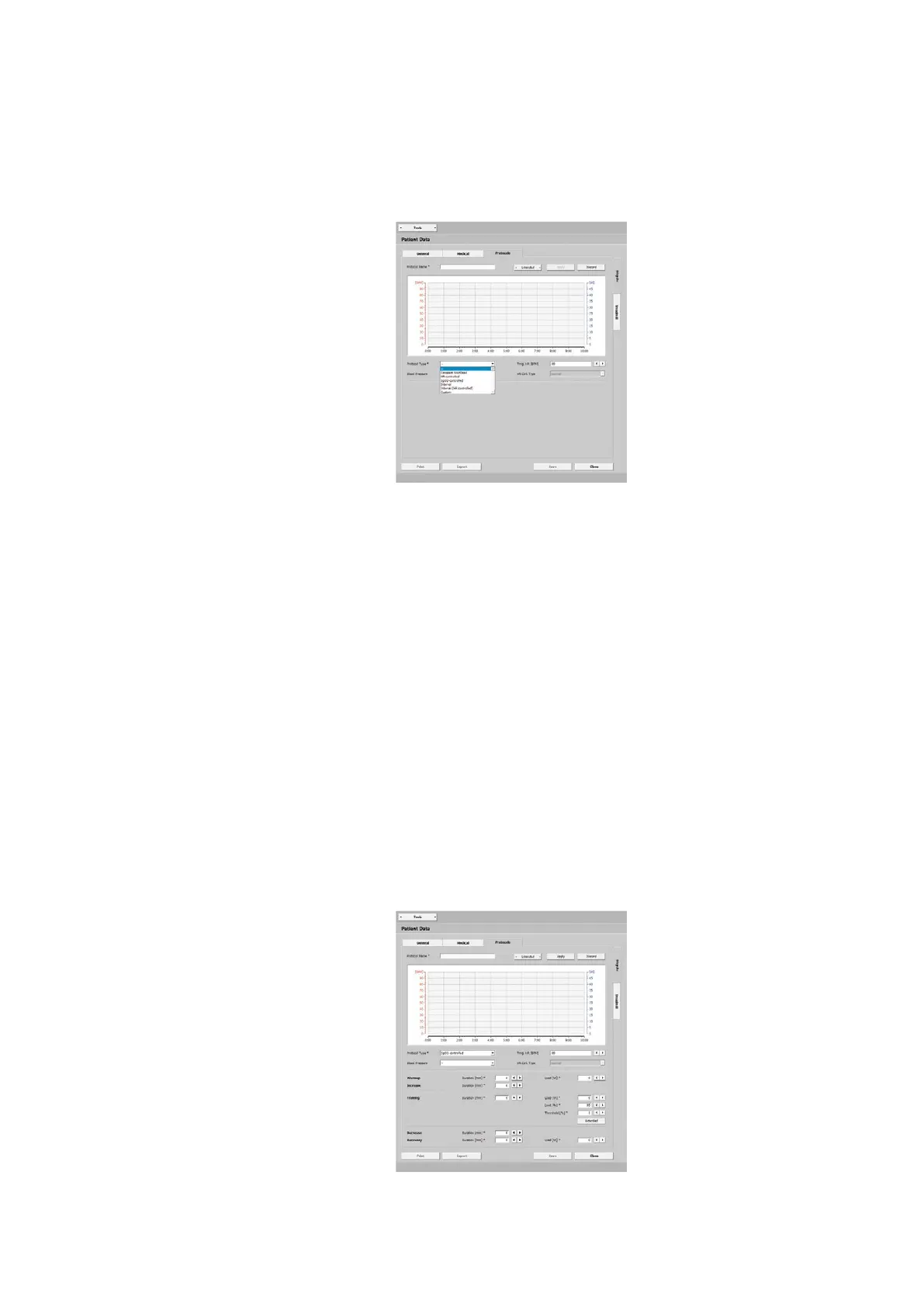
The graphic shows relevant information
such as:
- training heart rate
- warmup phase
- training duration
- blood-pressure measurement
- load control
- recovery phase
The Protocol drop-down list that you
open with the arrow button shows all
protocols that you configured. You can
configure a number of protocols for a
patient and save them.
The text below explains how to config-
ure patient-specific training protocols. It
is very easy to define the exact training
parameters.
· Warmup
· Increase
· Training
· Decrease
· Recover
Creating a Protocol
A new protocol is set up with [ Create ].
Assign a name (for example, Protocol 1)
and insert a protocol type. Depending on
the type, additional parameters have to
be specified.
The protocol just created is saved with
[ Apply ]. With [ Discard ], all entries will be
lost.
The new protocol will be included in the
list.
| 27
patiEnt data > protoCoLs
biCyCLE
Selecting the Protocol Type
You can choose from various protocol
types:
· Constant Workload
· HR-controlled
· SpO2-controlled
· Interval
· Interval (HR-controlled)
· Custom
· Constant Workload
permanent load without interruptions
at a constant intensity
· HR-controlled
the load controls the predefined train-
ing heart rate
· SpO2-controlled
the SpO2 value is the basis for optimally
correcting the load to the defined value
· Interval
short, strenuous exercise intervals al-
ternating with short recovery phases
· Interval (HR-controlled)
the training workload is adjusted on the
basis of the measured heart rate
· Custom
describe custom-configured training
sessions by specifying step types
Protocol Type ‘SpO2-controlled’
In the Training pane of this protocol,
you will find the Duration [min] and the
Load [W] as well as the Limit [%] and the
Threshold [%]. At Limit [%], enter the
lower SpO2 value, at Threshold [%], enter
the difference to the upper SpO2 value.
If the oxygen saturation drops below the
set limit value, the exercise load will be
adjusted accordingly.



 To Next Page