20 |
patiEnt data > gEnEraL
pErsonaL data
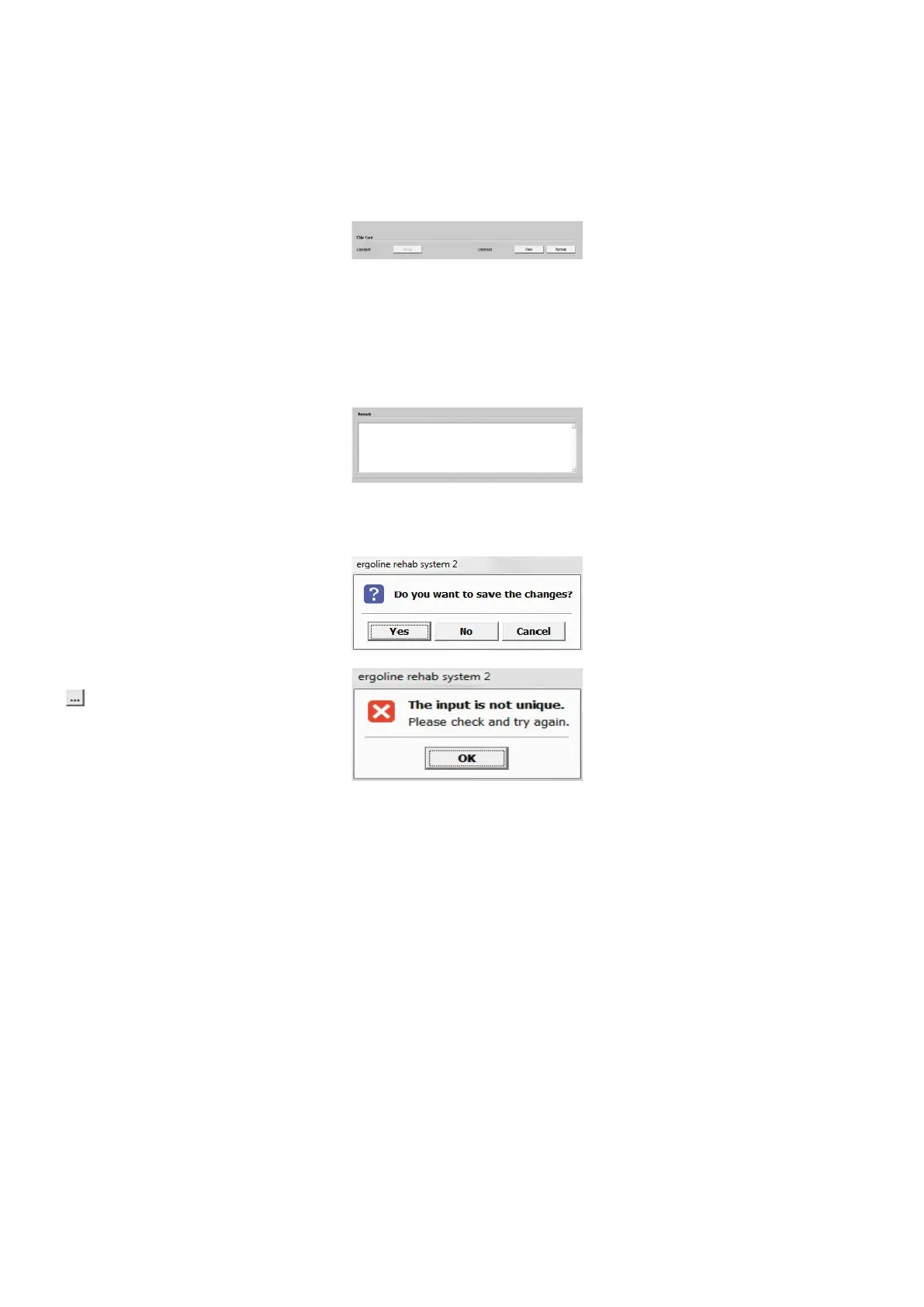
· Chip Card
Via Standard [ Write ] you save the data
to the chip card. Via Extended [ View ] you
can review the entered data once more.
With [ Format ] you prepare data for their
first use or delete the data on the chip
card.
· Remark
Remarks concerning the patient or par-
ticular conditions can be entered in
this text box. After you click the [ Save ]
button, the entries will be saved to the
database. With [ Close ], your entries will
be discarded.
A warning will be displayed. Click
[ Yes ] to
save the entries, or click [ No ] to exit the
menu without saving.
New entries are always adopted via the
button. If the entry already exists in
the list, a warning will be displayed: The
input is not unique. This prevents double
entries in the database.
With the [ Close ] button you always exit
the current level and return to the parent
menu.
Click the [ Exit ] button to return to the
initial screen.



 To Next Page