A. 5
NOTES:
1) When modify mode is started, the instrument stops the
control and:
- sets control outputs to OFF;
- turned OFF the bargraph displays (MKC only);
- sets analog retransmissions to the retransmitted initial
scale value;
- sets alarms in no alarm condition;
- sets events to OFF;
- disables the serial link;
- the time out will be removed.
2) When the modify mode is disabled by V101 (SW3), the s or
t push-button pressure has no effect.
Push MENU pushbutton again and select the "Default
configuration group" [C.Cxx].
By s or t push-button select the desired configuration
parameter set ("tb.1" or "tb.2")
Push MENU pushbutton again
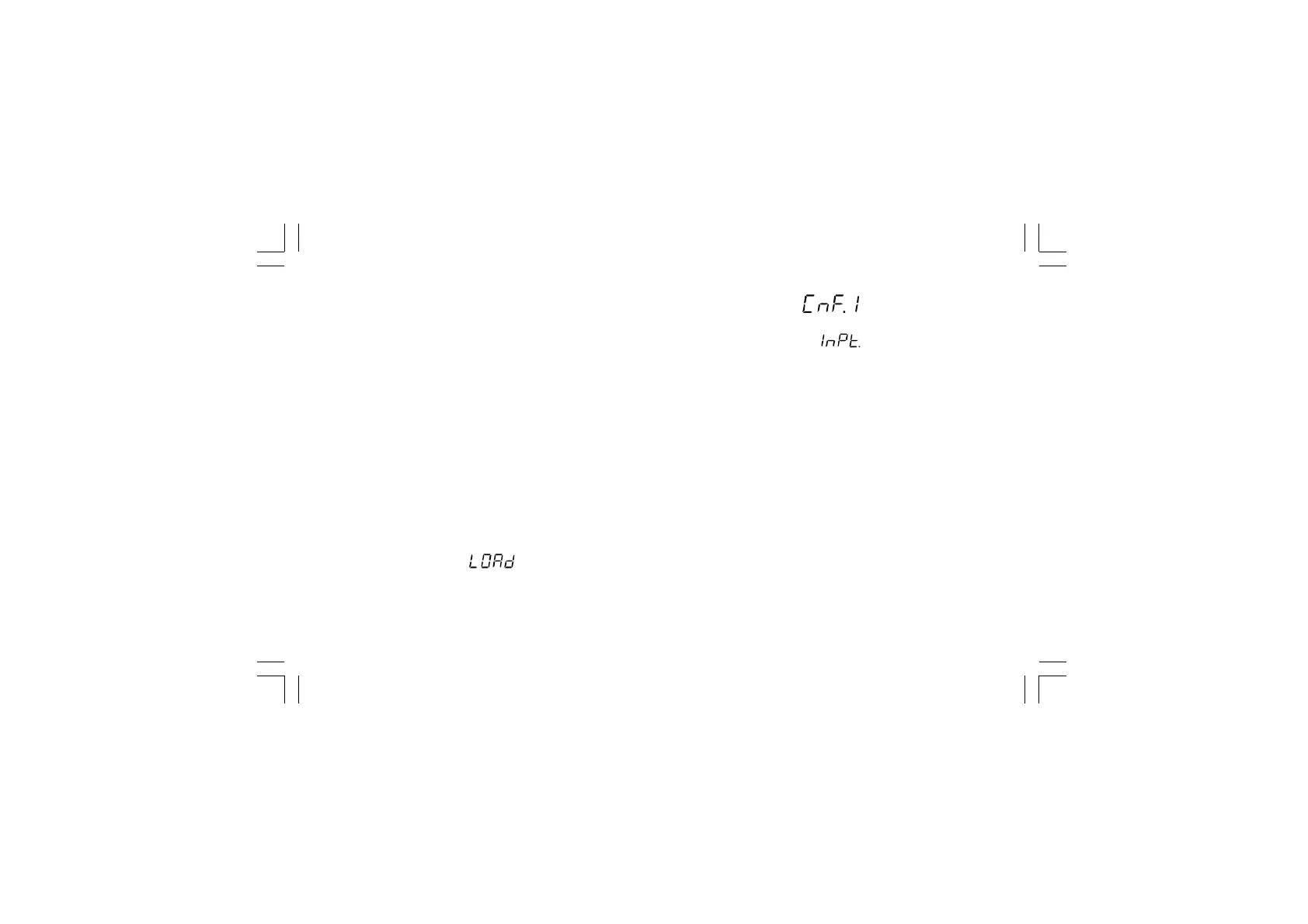
The central display will show:
and then the display will show:
The default parameter loading procedure of all configuration
parameters is terminated.
The following is a list of the default configuration parameters
loaded during the above procedure:
TABLE 1
Configuration group 1 [C.dxx]
PARAM. VALUE NOTES
Ln.Fr 50 Hz
ñ.In.t 3 TC K with °C
ñ.In.d ——. (No decimal figure)
ñ.In.S dIS Disabled
ñ.In.L - 100 °C
ñ.In.H 1370 °C
OFSt 0 °C
dS.FL 0 (No filter)
A.In.F RSP Remote set point
Xkc-AA0.p65 5/29/02, 12:00 PM5



 To Next Page