A. 1
DEFAULT PARAMETERS
DEFAULT RUN TIME PARAMETERS
A complete and consistent set of run time parameters is
memorized in the instrument. These data are the typical values
loaded in the instrument prior to shipment from factory.
This instrument allows you to load the default value of a single
run time parameter group or to load all the run time parameters
(exception made for "Run time group 8" [r.Hxx]).
A) When it is desired to load the default parameter of a single
group, proceed as follows:
A.1) By MENU pushbutton, select the desired run time
parameter group.
A.2) By FUNC pushbutton, select the last parameter of the
selected group.
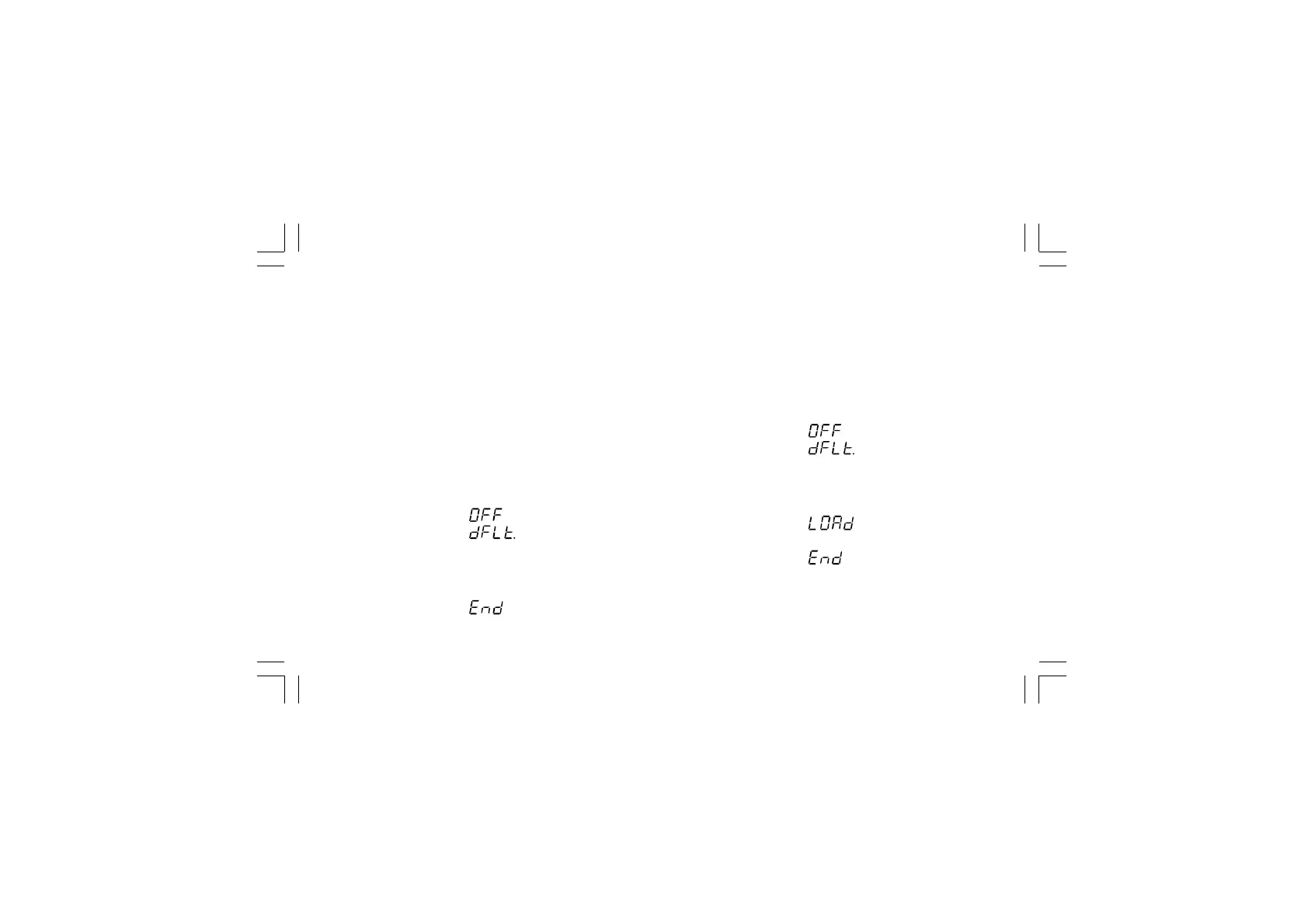
The middle and lower display will show:
A.3) By s or t pushbuttons, select the "On" indication on
the central display.
A.4) Push the FUNC pushbutton.
The central display will show:
The default parameter loading procedure for the selected
group is terminated.
B) When it is desired to load the default value of all the run
time parameters (exception made for "Run rime group
8"[r.Hxx]), proceed as follows:
B.1) By MENU pushbutton, select the "Run time group dF"
[r.Ixx].
B.2) Push the FUNC pushbutton.
The middle and lower display will show:
B.3) By s or t pushbuttons, select the "On" indication on
the central display.
B.4) Push the FUNC pushbutton.
The central display will show:
and then it will show:
The default parameter loading procedure of all run time
parameters is terminated.
Xkc-AA0.p65 5/29/02, 12:00 PM1



 To Next Page