25
Run time security code
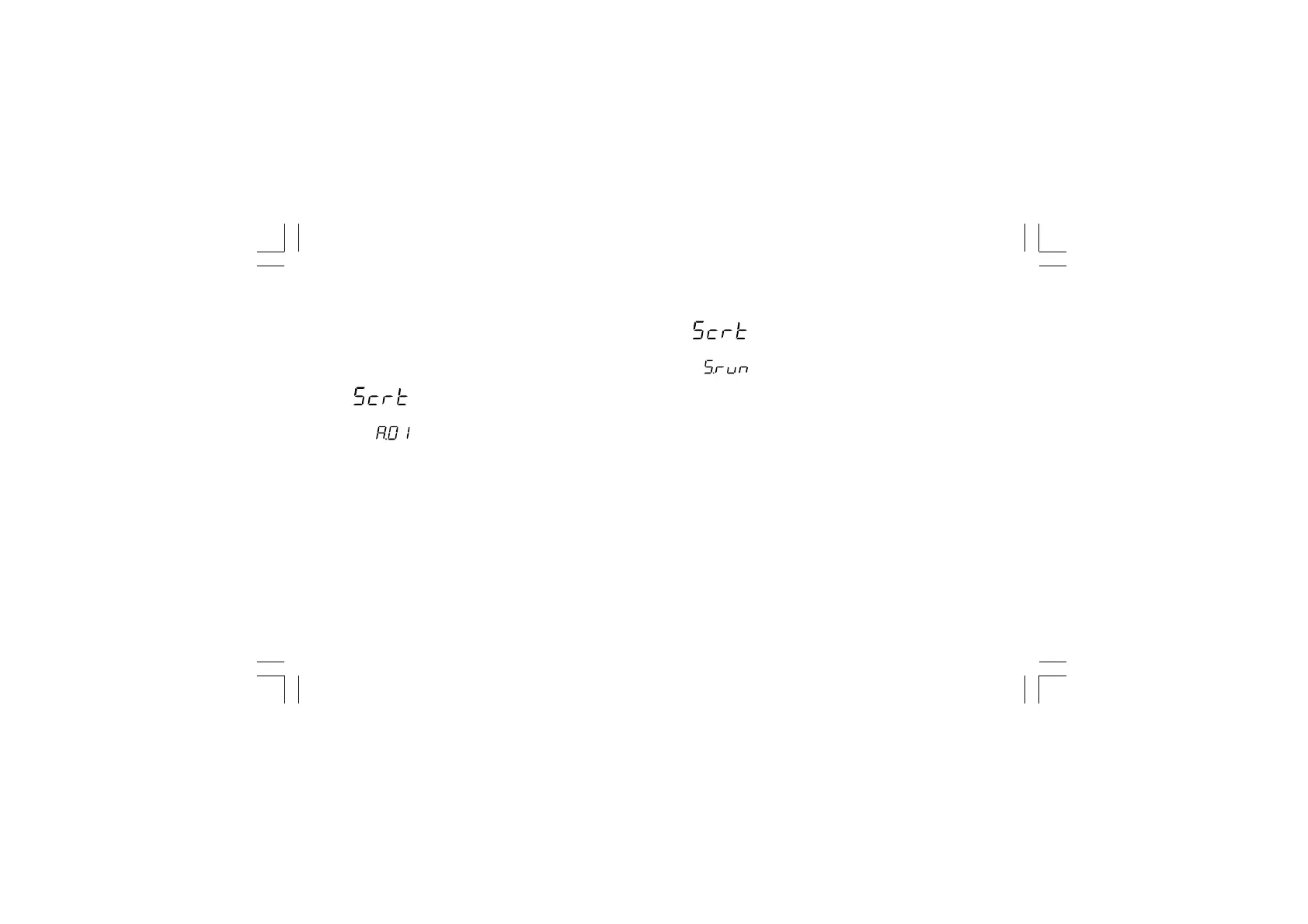
The display will show:
Note: the middle display shows the current status of the run time
security code ("0", "1" or "On").
By s and t push-button, set "S.run" parameter as follows:
0 No protection (it is ever possible to modify all run time
parameters);
1 ever protected (it is never possible to modify a run time
parameter);
from 2 to 250 security code for run time parameter protection.
NOTES:
1) the selected value of a security code cannot be displayed
anymore and, coming back to the "S.run" parameter, the
display will show "On" when "S.run" is different from 0 or 1,
"0" when "S.run" is equal to 0, "1" when "S.run" is equal to 1.
When the security code is forgotten, a new value can be set.
2) When "S.run" is different from 0 or 1, the "run time default "
and the "run time hidden" groups are ever protected by
security code.
Security code setting:
1) Remove the instrument from its case.
2) Set the internal dip switch V101 as follows:
- V101.1 = OFF- V101.2 = ON
- V101.3 = OFF- V101.4 = OFF
3) Re-insert the instrument.
4) Switch on the instrument. The display will show:
The upper display shows that the security code setting mode
is selected while the lower display shows the firmware
version.
5) Push the FUNC pushbutton.
Xkc-1-C0.P65 5/29/02, 11:59 AM25



 To Next Page