30
MONITOR MODE
During the run time mode, it is possible to monitor but not modify
all configuration parameters.
When it is desired to verify the instrument configuration, proceed
as follows:
1) By s or t push-button select the monitor mode.
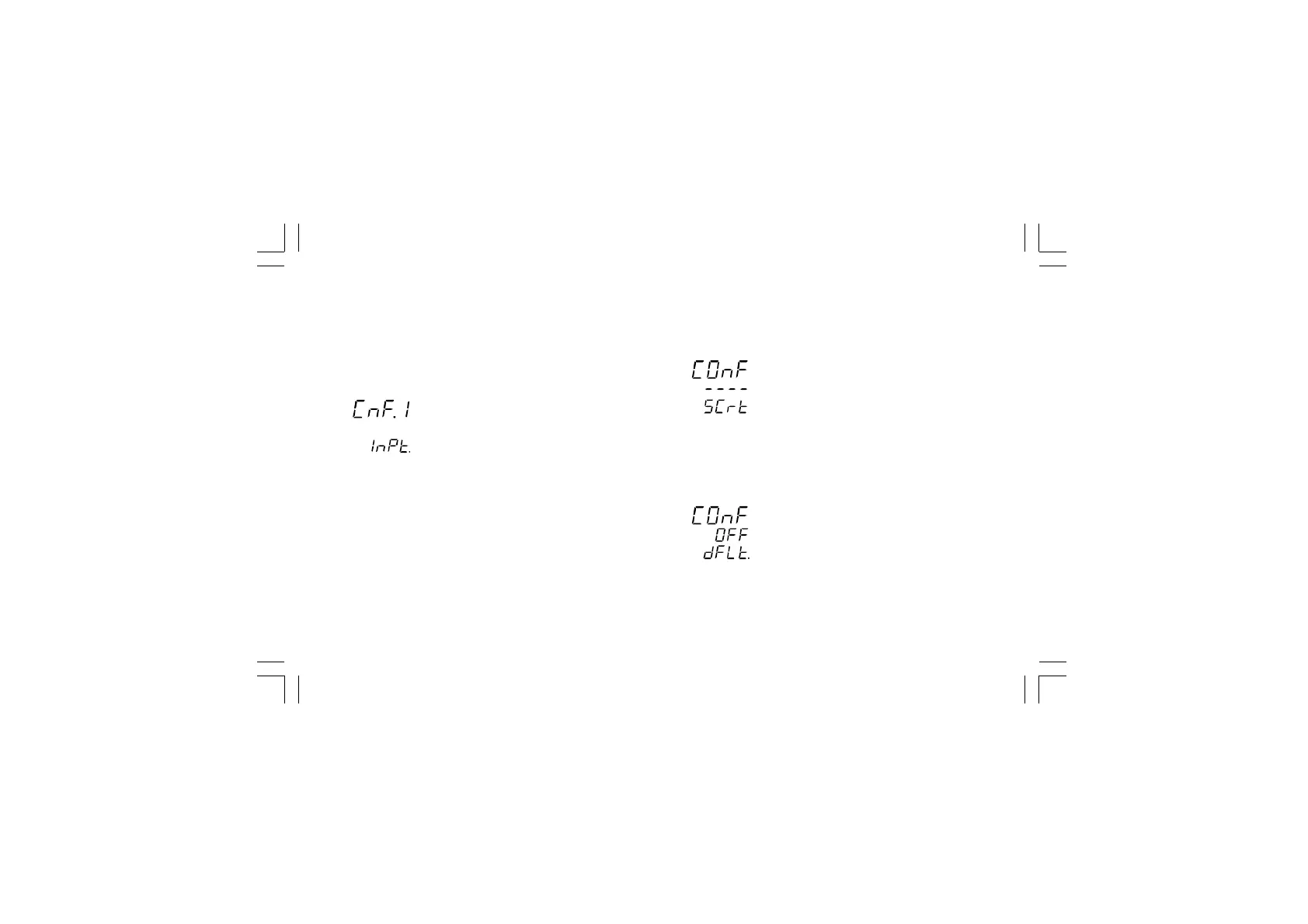
2) Push the MENU push-button the display will show:
it shows that configuration group 1 is selected and it
encompass all the input parameters.
The configuration parameter "Monitor mode" follows the "Modify
mode" sequence.
NOTES:
1) During monitor mode, the instrument continues to operate as
in run time mode.
2) During monitor mode, if no push-button is depressed for more
than 10 s (or 30 s according to "t.out" [C.I10] parameter
setting), the instrument returns automatically to the normal
display mode.
MODIFY MODE
1) By s or t push-button select the modify mode.
2) Push the MENU push-button.
If a security code is applied to the configuration parameter,
the instrument will show:
3) By s and t push-button set a value equal to the security
code assigned to the configuration mode (see "Configuration
security code " at page 24).
If the code is different from the security code, the instrument
automatically returns to the first configuration display
otherwise the display will show:
Xkc-1-C0.P65 5/29/02, 11:59 AM30



 To Next Page