CnF. 1
36
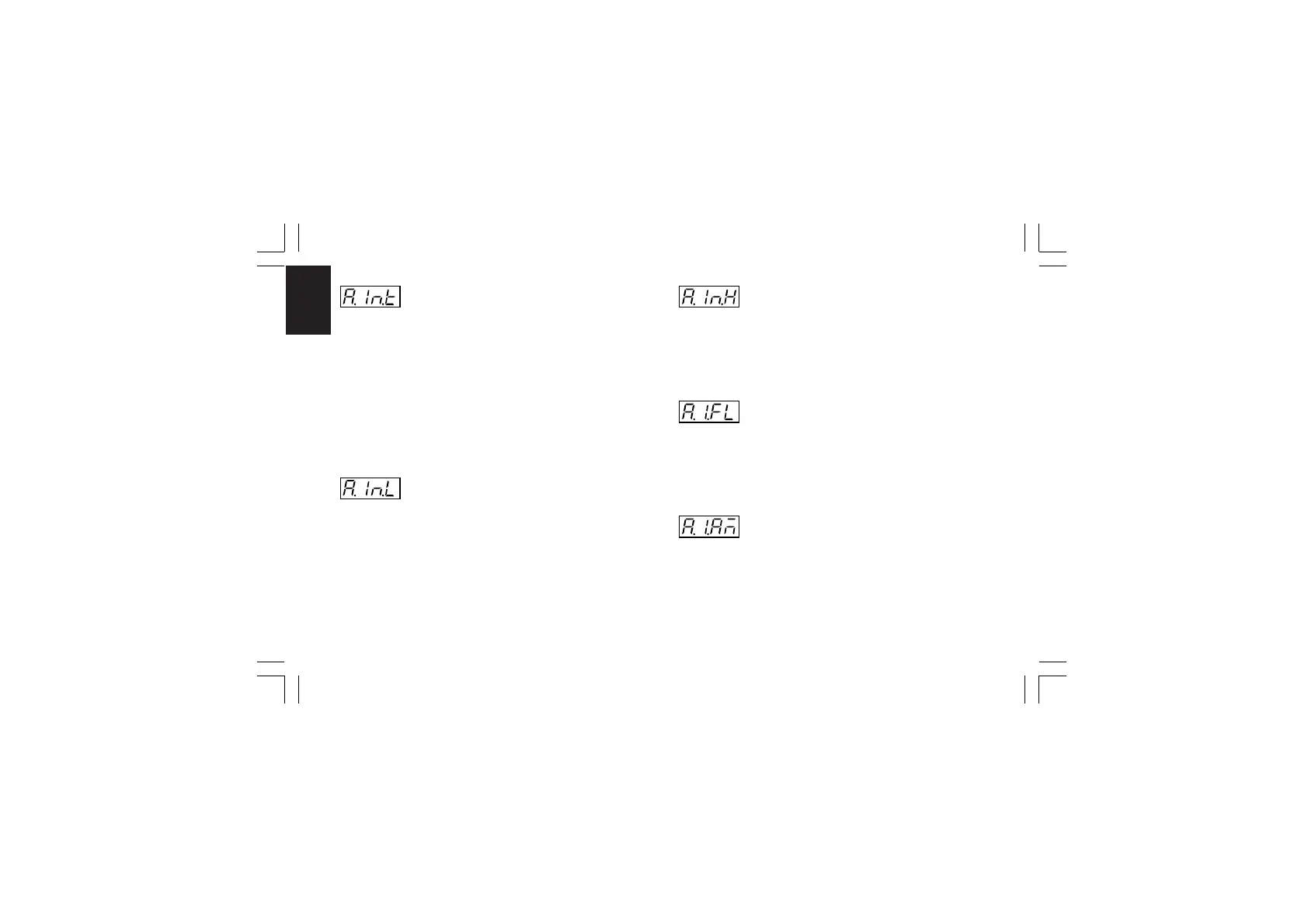
- Auxiliary input type - [C.d10]
This parameter will be skipped when the auxiliary input option is
not mounted or "A.In.F" (auxiliary input function [C.d09]) is equal
to "nonE".
Range: 0-20 = 0-20 mA
4-20 = 4-20 mA
0- 5 = 0- 5 V
1- 5 = 1- 5 V
0-10 = 0-10 V
2-10 = 2-10 V
- Initial scale read-out of the auxiliary input
- [C.d11]
This parameter is available only when auxiliary input is
configured
Range: from -1999 to 9999
NOTE: the decimal point will be automatically positioned as
selected for the main input.
- Full scale read-out of the auxiliary input
- [C.d12]
This parameter is available only when auxiliary input is
configured
Range: from -1999 to 9999
NOTE: the decimal point will be automatically positioned as
selected for the main input.
- Filter on auxiliary input - [C.d13]
This parameter is available only when auxiliary input is
configured
Ranges: from 0 (no filter) to 8 seconds.
NOTE: this is a first order digital filter applied to the measured
value made by the auxiliary input.
- Auxiliary input activation mode - [C.d14]
This parameter is available only when auxiliary input is
configured
Range: norñ = The auxiliary input activation is controlled by
external contact, front key or serial link
Xkc-1-C0.P65 5/29/02, 11:59 AM36



 To Next Page