CnF. 5
55
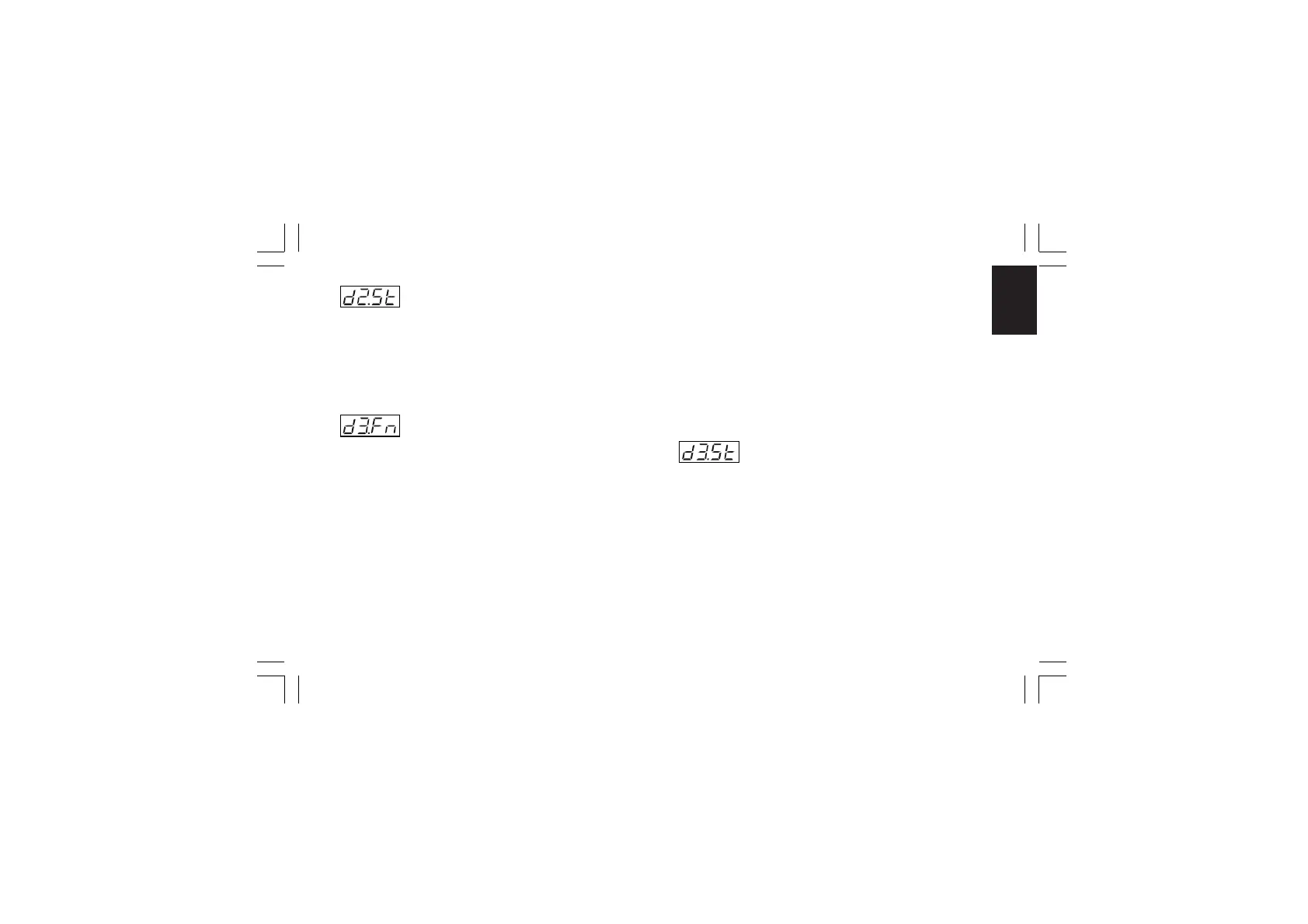
- Logic input 2 contact status - [C.H04]
This parameter will be available only when "d2.Fn" [C.H03] is
different from “nonE”.
Range: CLSd = The input is at logic level “1” when contact is
closed
OPEn = The input is at logic level “1” when contact is
open
- Logic input 3 function - [C.H05]
This parameter will be available only when input contact option
is fitted.
Range: nonE = Input contact not used
SP1.2 = Input contact used for SP /SP2 set point
selection (see note 2)
SP3.4 = Input contact used for SP3/SP4 set point
selection (see note 2)
SP.L.r = Input contact used for Local/Remote set point
selection (Remote when logic level is “1”)
Au.ñA = Input contact used for Auto/Manual selection
(Manual when logic level is “1”)
O.LIñ = Input contact used for output limiter activation
(Output limited when logic level is “1”)
Hold = Input contact used to stop input sampling (Hold
function) (Stop sampling when logic level is “1”)
ñ.rSt = Input contact used to reset (acknowledge)
alarm (Reset when logic level is “1”)
rE.dr = Input contact used for Reverse/Direct control
action selection (Direct when logic level is “1”)
NOTE: See also NOTE 2) of the "d1.Fn" ("Logic input 1 function"
[C.H01]) parameter.
- Logic input 3 contact status - [C.H06]
This parameter will be available only when "d3.Fn" [C.H05] is
different from “nonE”.
Range: CLSd = The input is at logic level “1” when contact is
closed
OPEn = The input is at logic level “1” when contact is
open
Xkc-1-C0.P65 5/29/02, 11:59 AM55



 To Next Page