VIP-X System Manual
Revision 1.0 VIP-X - 41
8. USER JUMPERS
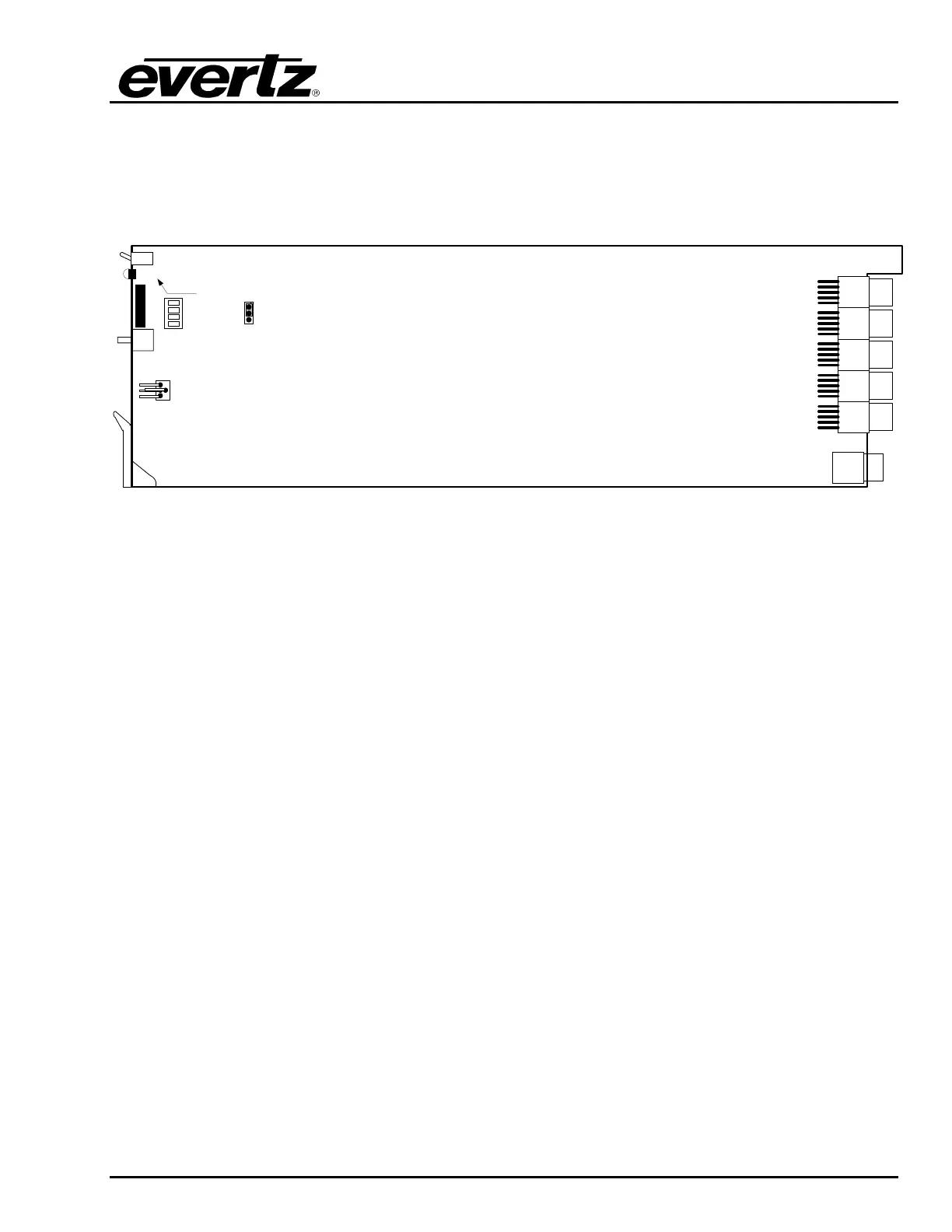
Several jumpers are used to preset various operating modes. Figure 8-1 illustrates the location of the
jumpers on the bottom and top boards respectively.
LOCAL FAULT
Dot Matrix
Display
SERIAL
RUN UPGD
J24
1234
Figure 8-1: Location of Jumpers (7700G4X)
8.1. SELECTING WHETHER LOCAL FAULTS ON THE BOARD
WILL BE MONITORED BY THE GLOBAL FRAME STATUS
The FRAME STATUS jumper J4, on the bottom board, determines whether local faults (as shown by
the Local Fault indicator) on the bottom board will be connected to the 7700FR frame's global status
bus.
FRAME STATUS: To monitor faults on this module with the frame status indicators (on the
Power Supply FRAME STATUS LED's and on the Frame's Fault Tally output)
install this jumper in the On position. (Default)
When this jumper is installed in the Off position local faults on this module will
not be monitored.



 To Next Page