VIP-X System Manual
Revision 1.0 VIP-X - 55
9.3.5. Card Setup: Server Setup
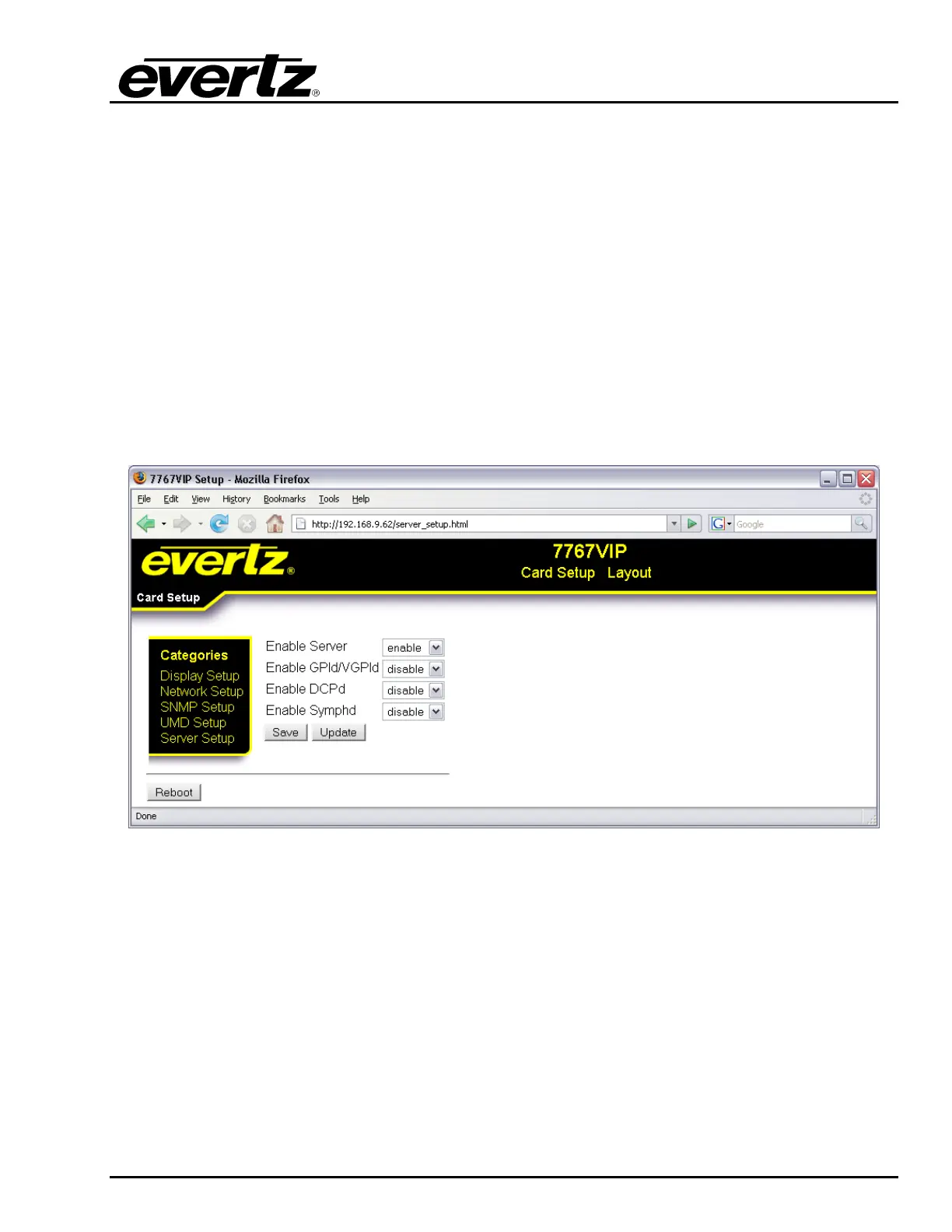
The Server Setup screen enables the user to configure the VIP’s server based properties.
Enable Server: This parameter allows the user to enable or disable the VIP’s on board
server. The default setting is enabled. This setting must be disabled
when the VIP is to be used in a larger system where the System Manager
is being used to control the VIP.
Enable GPId/VGPId: This parameter allows the user to enable or disable the ability to use GPIs
and VGPIs to load layouts and change sources on the VIP.
Enable DCPd: This parameter allows the user to enable or disable the ability to use the
3000DCP desktop control panel with the VIP.
Enable SYMPHd: This parameter allows the user to enable or disable the ability to use
Symphony third party protocol to control the VIP.
Figure 9-5: Server Setup



 To Next Page