VIP-X System Manual
VIP-X - 52 Revision 1.0
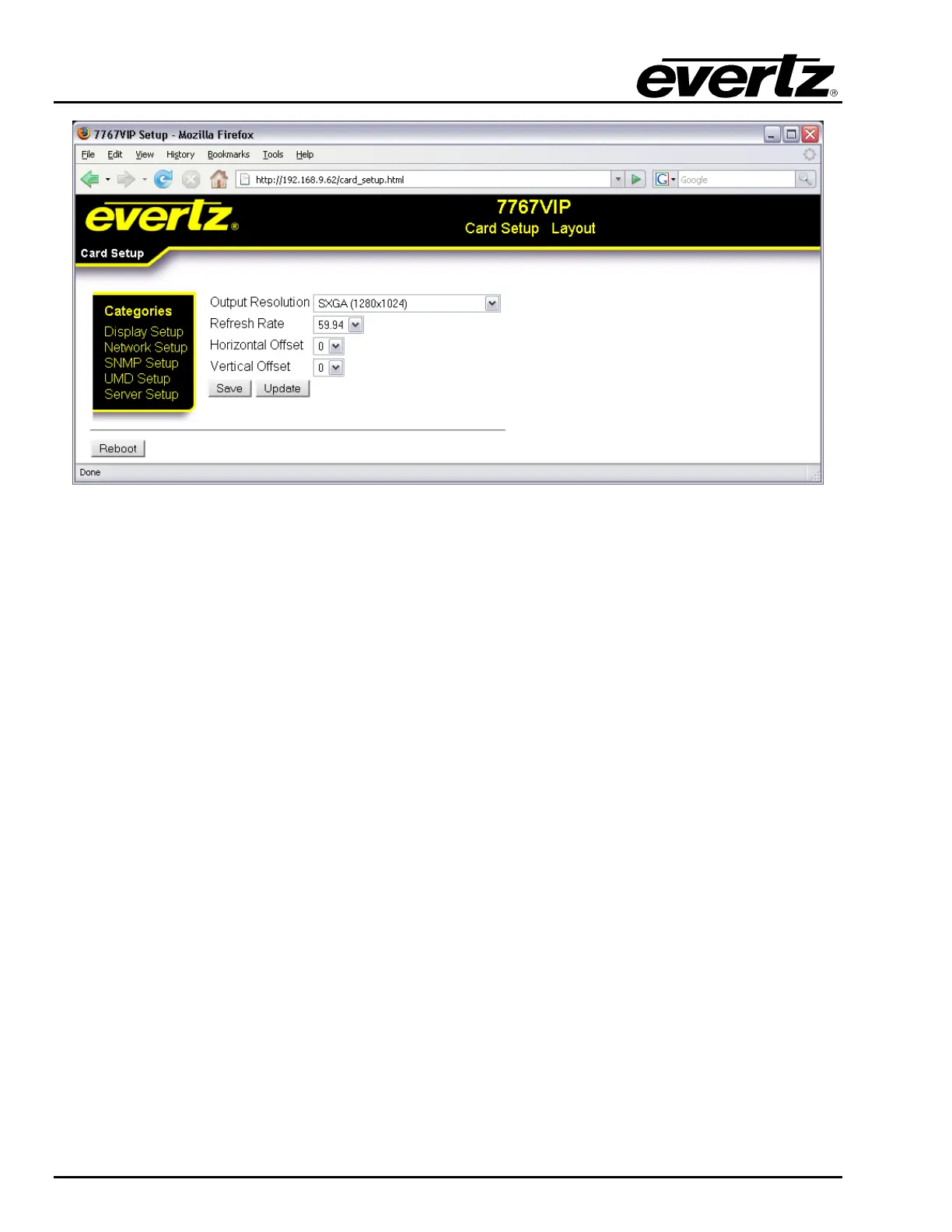
Figure 9-1: Display Setup
9.3.2. Card Setup: Network Setup
The Network Setup screen enables the user to configure the network properties of the VIP module.
IP Address: This parameter enables the user to set the IP address for the device.
Netmask: This parameter enables the user to set the Netmask for the device.
Gateway: This parameter enables the user to set the Gateway address for the device.
Broadcast: This parameter enables the user to set the Broadcast address for the device.
DHCP: This parameter allows the user to enable or disable DHCP for the device.



 To Next Page