Chapter 4 Installation and Wiring
PAGE 4-9
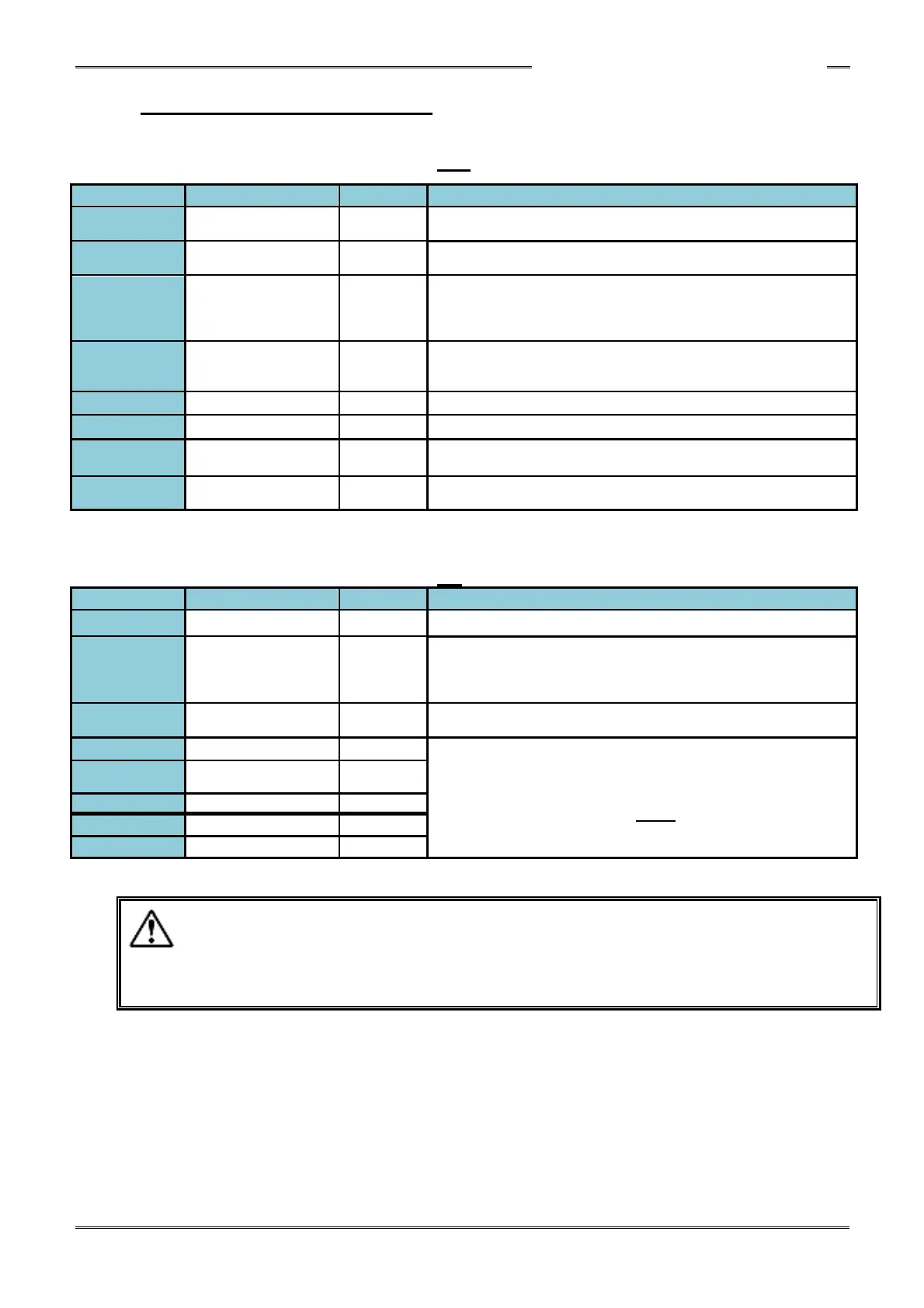
4-5-2 Bank Select Output Signals
OUTPUT Definition with BANK SELECT (TB1-12) OFF
OUTPUT Definition with BANK SELECT (TB1-12) ON
Description of Function/Usage
Output confirmation of WORK SELECT 5 input selects bit
CF Warning
(Compact Flash)
ON when the CF card remaining capacity is less than 200MB
Output can be enabled on Firmware ver. 1.310 or later with the
following setting:
System parameter: SYS.032[x1xxxx] 0:Disabled / 1: Enabled
ON when the fastening operation is at the final stage of the batch
sequence. (Firmware version 1.310 or later)
Output confirmation of WORK SELECT 0~5 input selects bits. Work
number (parameter number) is set from the WORK select inputs.
Used to confirm proper Work set before fastening starts.
・Turn OFF the input signal "BANKSELECT" during fastening operation or when not
using bank select function
·If using the BANK SELECT Input signal, wait for 20 msec or more after turning the
signal ON, before checking the output signal status.
Description of Function/Usage
Output when the fastening operation ends with a fastening result
falling outside a judgment range.
Output when the fastening operation ends with the fastening results
being within the judgment ranges.
Output when an internal error occurs in the system or during the
fastening operation. (The Abnormal Code is displayed on front
display – An Abnormal must be RESET before normal operation
may resume)
Output when the STOP signal is ON and the controller is ready to
start a cycle. This signal is also output after the end of fastening,
regardless of the judgment.
Output when the fastening process is in cycle
Output when the controller is in the BYPASS (PROGRAM) mode.
Fastening Result
Data Available
Output when fastening result data is available in the controller.
Output when capacity of the CF card is less than 1%,
or CF card is not inserted



 To Next Page