335
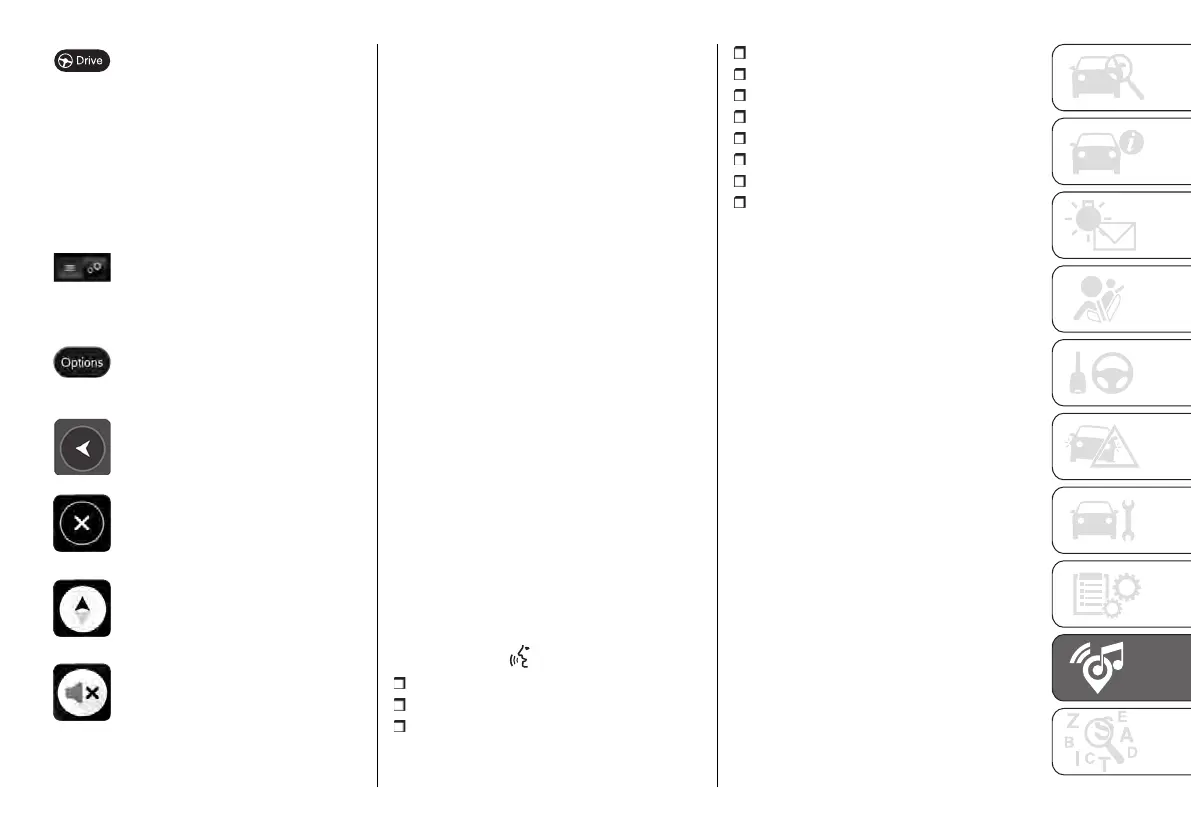
After selecting a destination,
clicking on a point on the
map or using the search
function, select this button. The
navigation system will find the
best route and, if available,
two alternative routes. You
can select an alternative to
avoid tolls or heavy traffic, for
example.
Use this button to decide
whether to display the results on
the map or in a list.
Use this button to access the
"Route Options" menu. With an
active route, you can change
the route from this screen.
Select this button to return to
the previous screen.
Select this button to return to
the "Map view" screen.
Select this button to switch
between the "3D direction up",
"2D direction up" and "2D north
up".
Select this button to choose
between audio instructions,
warning only or no sound.
Map update
To ensure optimal performance, the
navigation system must be updated
periodically.
The updates can be downloaded from
the maps.mopar.eu website and
installed directly on the Uconnect™
system.
Map updates are included for the first
3 years, with the possibility of further
renewals: more information is available
at maps.mopar.eu.
The navigation system can also be
updated at the Fiat Dealership.
NOTE The dealer may charge for
updating the navigation system.
Voice Commands
NOTE Voice entry of addresses is
only supported in the country in which
you are located and provided that the
system language matches the local
language. For example, if the vehicle
is located in Italy, it will be possible
to enter Italian addresses only if the
system language is set to "Italian".
The following voice commands can be
given after pressing the button on the
steering wheel :
Find "POI" (Point of Interest)
Go to "address"
Go to "city name" centre
Drive towards a town centre
Navigate home
Go via home
Clear route
Recent Destinations
Stop at a recent destination
2D view
3D view
Volume adjustment
The volume of the navigation system
can only be adjusted when the
navigation system provides voice
commands.
VEHICLE MODE
Pressing the "Vehicle" graphic button
to access the pages: "Controls" and
"Settings".
Checks
The "Controls" label contains for
example: screen on/off, electrochromic
internal mirror (where provided), rear
camera.
Settings
The settings are available with the
ignition device at MAR. You can access
the settings in two ways by pressing
the "Settings" button on the status bar,
or from the main page of the function
you are viewing, at the top right.
NOTE The menu items displayed vary
according to the versions.












 To Next Page