341
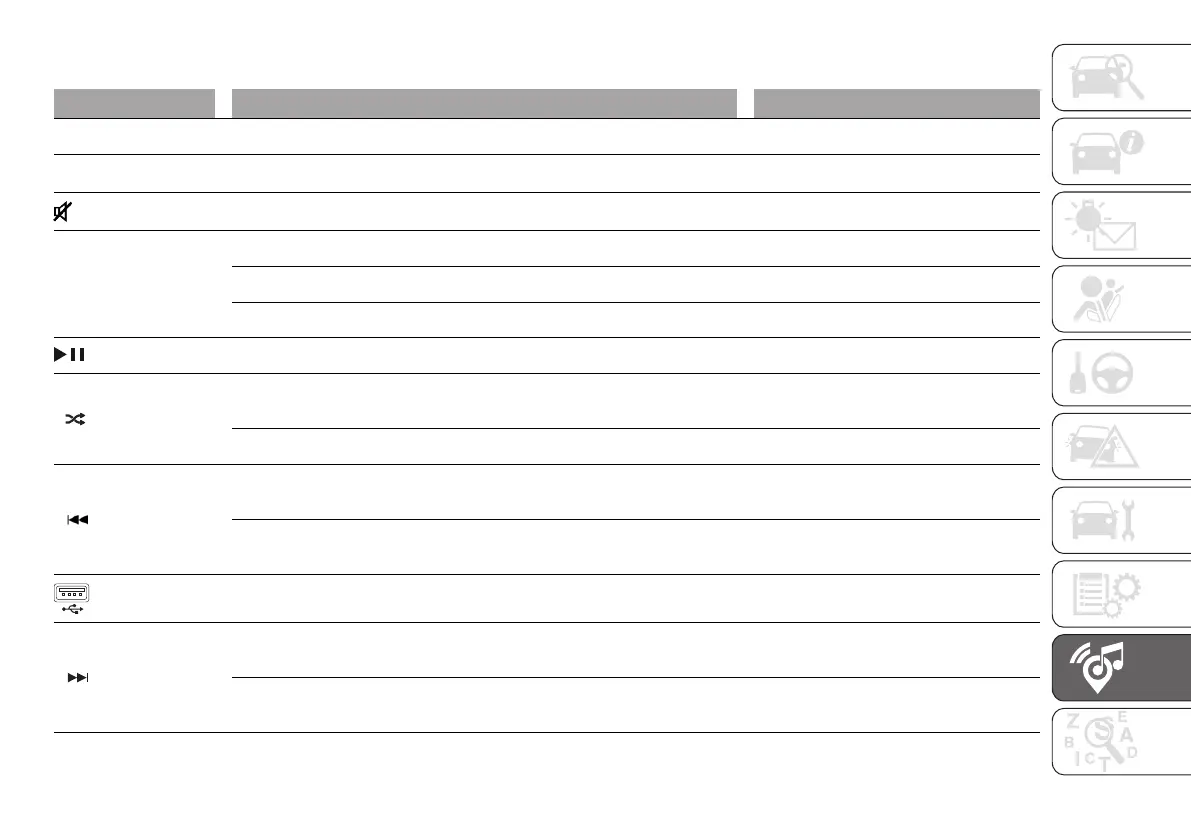
FRONT CONTROL PANEL SUMMARY TABLE
Button Functions Mode
RADIO Source selection: AM, FM, DAB (where provided) Brief button press
MEDIA
Source selection: USB, Bluetooth
®
audio
Brief button press
Volume on/off (MUTE) Brief button press
VOL
Switching the system on Brief button press
Switching the system off Long button press
Volume adjustment Left/right rotation of knob
Activation/deactivation of Play (playback) / Pause function Brief button press
1
Radio source: Select the radio station stored under "Preset 1"
Media source: On/Off random playback of tracks in the device
Brief button press
Radio source: Store the radio station currently playing under "Preset 1" Long button press
2
Radio source: Select the radio station stored under "Preset 2"
Media Mode: Select the previous track
Brief button press
Radio source: Store the radio station currently playing under "Preset 2"
Media Source: Fast backward track playback
Long button press
USB port –
3
Radio source: Select the radio station stored under "Preset 3"
Media source: Select the next track
Brief button press
Radio source: Store the radio station under "Preset 3"
Media source: Activate quick search function
Long button press












 To Next Page