MULTIMEDIA
342
Button Functions Mode
4
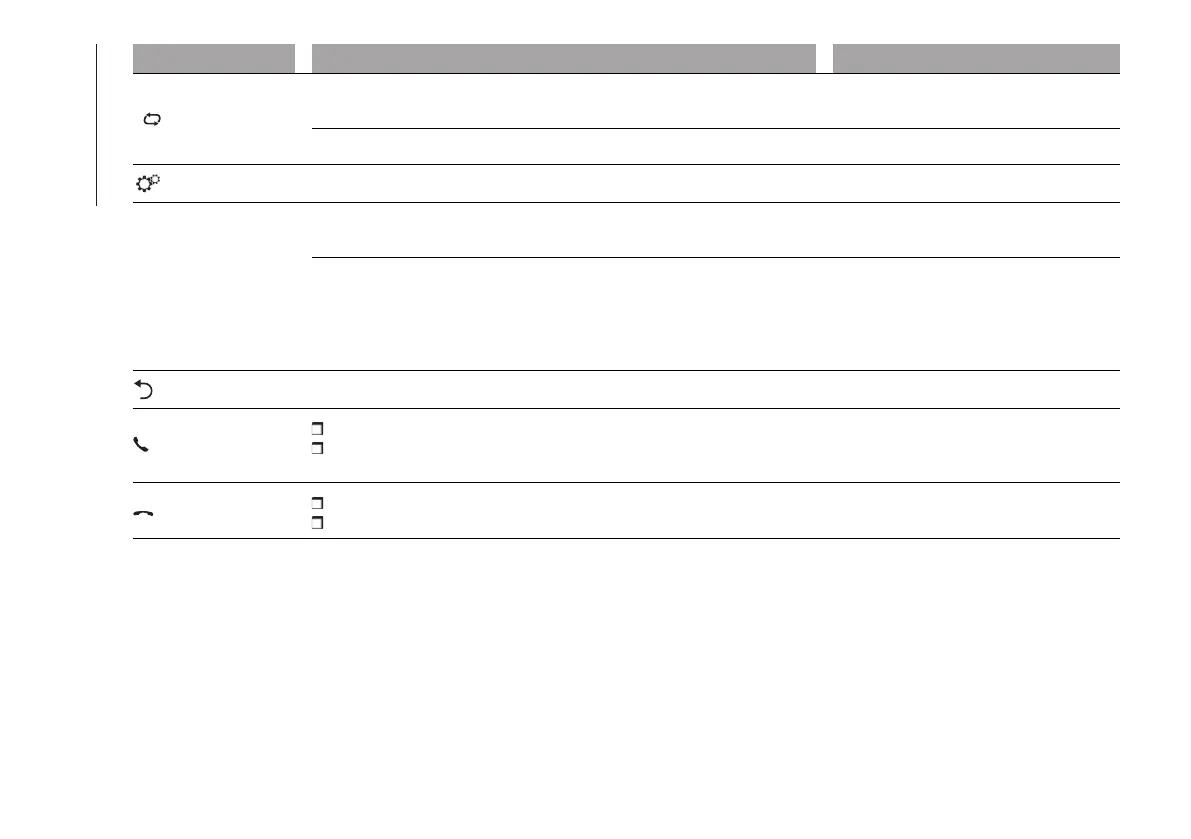
Radio source: Select the radio station stored under "Preset 4"
Media source: On/Off repeat tracks in USB device
Brief button press
Radio source: Store the radio station currently playing under "Preset 4" Long button press
Access the settings menu Brief button press
BROWSE
ENTER
Confirmation of the option displayed
Open browsing list (Radio or Media mode)
Brief button press
Scrolling the list or tuning to a radio station
Display list of stations (Radio mode)
Scroll contents of sources (Media mode)
Media source track change
Station change (RADIO mode)
Left/right rotation of knob
Exit the selection/return to previous screen Brief button press
PHONE
Phone mode selection and acceptance of incoming phone call
Acceptance of the second incoming call and putting the active call on
hold
Brief button press
Rejection of incoming call
Ending of call in progress
Brief button press












 To Next Page