KNOWING YOUR VEHICLE
60
Symbol Description
Time on
Buttons and controls
Button
Controls and
functions
Quick start button
with status
indicator
Control button
rotation
(knob/button)
Function selection
Control button
operation
(knob/button)
Confirming the
function selected
"Back" function
Exit the selected menu with the "Back"
function. The settings are saved and
the previous menu level is displayed.
State indicator
The status of the heater is indicated by
the colour of the light on the quick start
button.
Status LED lighting
Heating mode GREEN steady
Status LED lighting
Heater off - control
panel on
WHITE steady
Error - Heating mode
not available
RED flashing
Pre-programmed
heating mode -
Control panel in idle
state
GREEN flashing
The control panel goes into sleep mode
(display and LEDs go out) if no actions
are made on the control panel for 60
second and the heater is off.
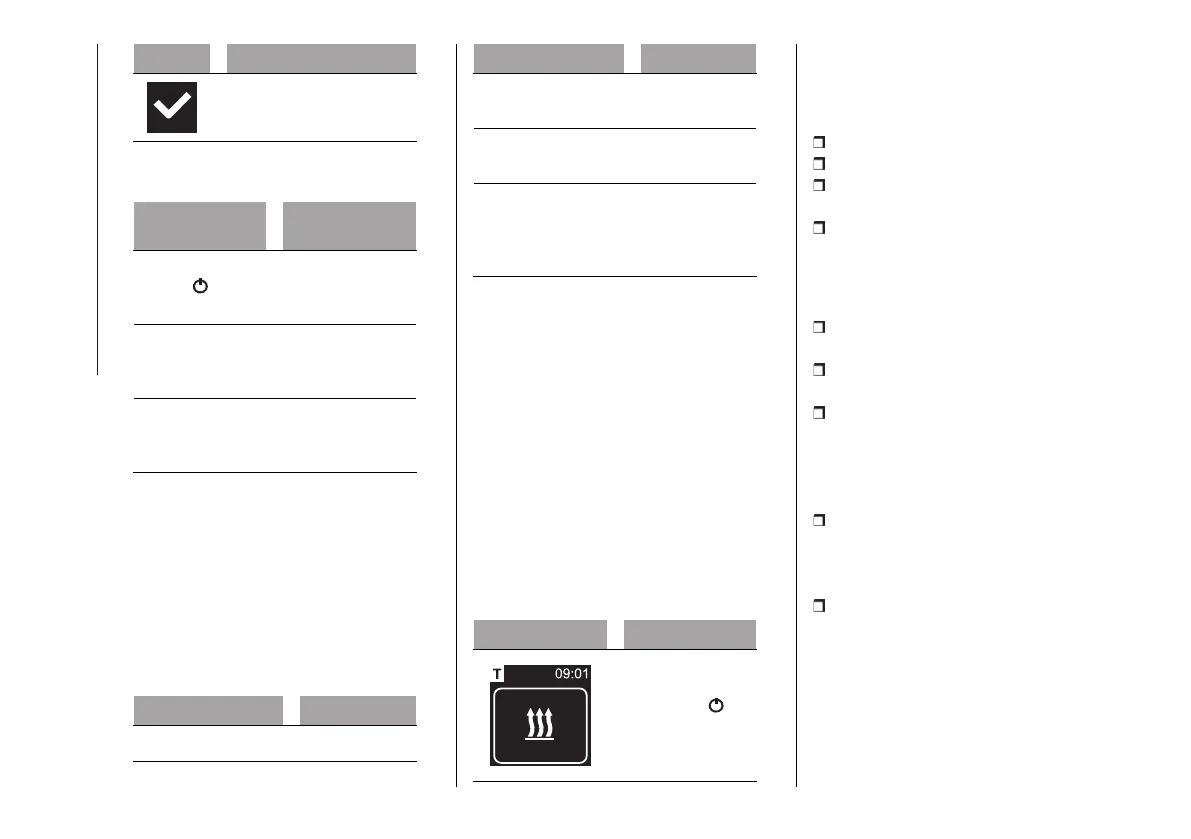
Passive mode display
If the heater is activated by another
Webasto control panel (e.g. Telestart
or ThermoCall), the control panel is
reactivated from its idle state and the
operating mode selected by the other
control panel is shown on the display.
The display depends on the connected
heater. The display depends on the
connected heater.
Display Working mode
Heating.
Press the quick
start button to
deactivate passive
mode. The heater
is switched off.
Information display
The following information about the
connected heater and the control panel
is shown on the start-up display:
name of the control panel;
name of the connected heater;
software version of the connected
control panel;
hardware version of the connected
control panel.
The main menu is displayed after 1.5 s.
HEATING MODE
Select the "Heating" menu item in the
main menu.
Press the control button. The
operating time flashes in the display.
Turn the control button to select the
operating time "Now".
The maximum operating time can be
selected and activated by turning the
control button clockwise.
Then press the control button to
confirm the selection.
The operating time is set in "Minute"
and "Hour".
Heating mode is started. The
"Heating" menu item and the preset
remaining time appear in the display.
The quick start button lights up green.
SWITCHING ON THE HEATER WITH
THE QUICK START BUTTON
The "Quick start" can be used to
activate the heating function by simply












 To Next Page