337
MOVING THE WIDGETS
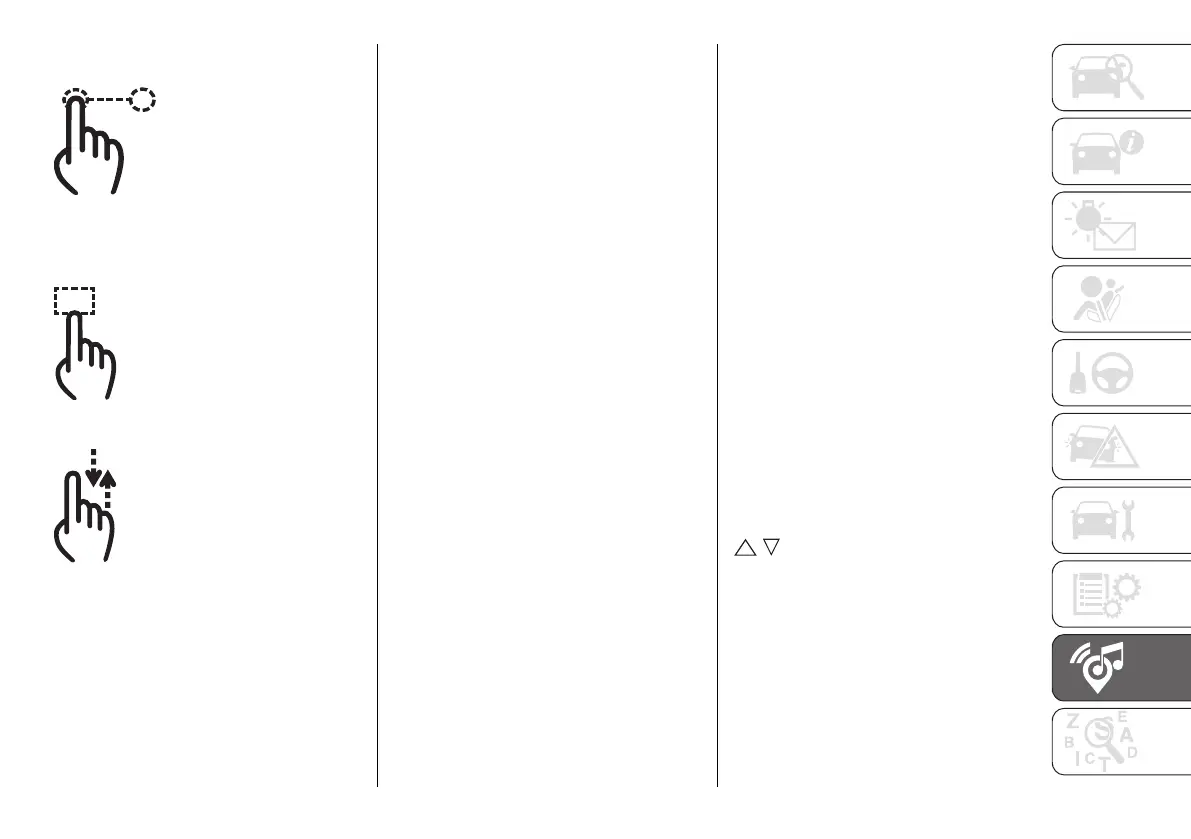
Select the desired widget and then:
Moving the widget: hold the desired
widget pressed for a few seconds and
then move it to the right or left of the
display.
Resizing the widget: press the
widget resize icon to be resized.
View widget content: select the
desired widget and then scroll
vertically. When reordering the widgets
(viewing their thumbnails), it will not be
possible to view their contents.
PROFILES
(where provided)
By entering the Profiles environment
you can create an avatar and enter
your own customisations.
Selecting "All profiles" displays all
existing profiles. Up to 5 different
profiles can be saved. Profiles can
be deleted in bulk using the "Delete
personal data" function in the
"Settings" menu.
To create your profile select "Create
profile" and type in the name of your
choice, choose one of the available
avatars and store the car seat you
normally occupy.
You can exclude all profiles and keep
the default settings by pressing on the
"Valet" mode, using the button on the
"All profiles" page.
UPDATING THE SYSTEM
The Uconnect™ system can be
updated remotely via Over The Air
upgrade.
NOTE The images are given by way
of example only. They may differ from
those shown below according to the
version/market.
NOTE Instead of using external Wi-Fi
connections, Over The Air software
updates use the data connectivity
included with vehicle, at no additional
cost to the customer.
When a software update is available, a
pop-up window will appear on screen
informing that a new software version
or new features for the Uconnect™
system are available.
NOTE The rear-view camera,
Uconnect™ system and other driver
assistance systems are not available
during the update. It is recommended
to carry out the update when the
vehicle is stationary.
Instant update
Press the "Update Now" button
fig. 350 to update the software
immediately when the pop-up window
appears on screen.
Scheduled update
In case of a mandatory update, press
the "Update now" or “Schedule
update" button fig. 350. The scheduled
update option allows you to define a
different update time. Press the arrows
/ on the screen to set the desired
time.












 To Next Page