37
① RGB WHITE LEVEL (YLEVEL) (*)
Setting range: 50% - 150%
Default (UNITY): 100%
Lit orange.
Flashes at 150%
Lit orange.
Flashes at 50%.
② RGB BLACK LEVEL (SETUP/BLACK) (*)
Setting range: -50% - 50%
Default (UNITY): 0%
Lit orange.
Flashes at -50%
Lit orange.
Flashes at 50%.
* Adjustable ranges for White Level and Black Level change depending on whether the
FA-505 Software Version is 2.00 and later or other versions, Values will return to default
settings if they exceed the adjustable range due to loading events.
Knee Clip Setting
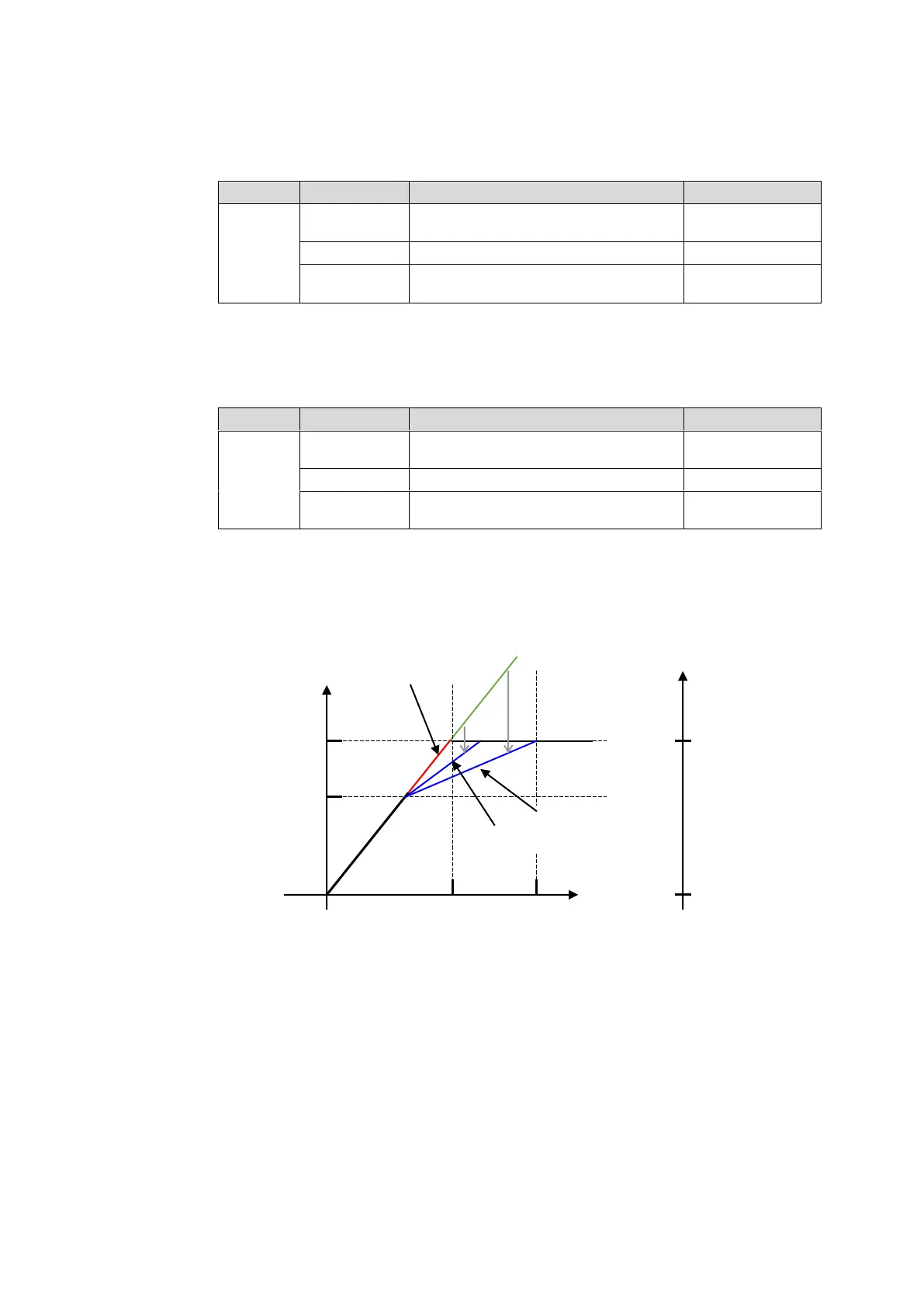
Knee Clip allows you to output high-luminance areas (indicated in green line in the figure
above) in images with enough resolution (indicated in blue line), which will be
overexposed in traditional methods. Knee Clip is mainly used when images are converted
from wide color range to small color range.
The clip levels are calculated on the basis of the OETF Maximum Input value (as 100%).
On the other side, Black is fixed to 0.0% (equal to Black 0%). When Knee Point is the
same as the clip level, or Knee Slope is set to OFF, the hard clip processing, the legacy
RGB clip, will be performed (indicated in red line).
③ White Knee Point (WHITE LEVEL R)
Setting range: 50% to RGB WHITE LEVEL value
Default (UNITY): RGB WHITE LEVEL value



 To Next Page