Tips for troubleshooting
131
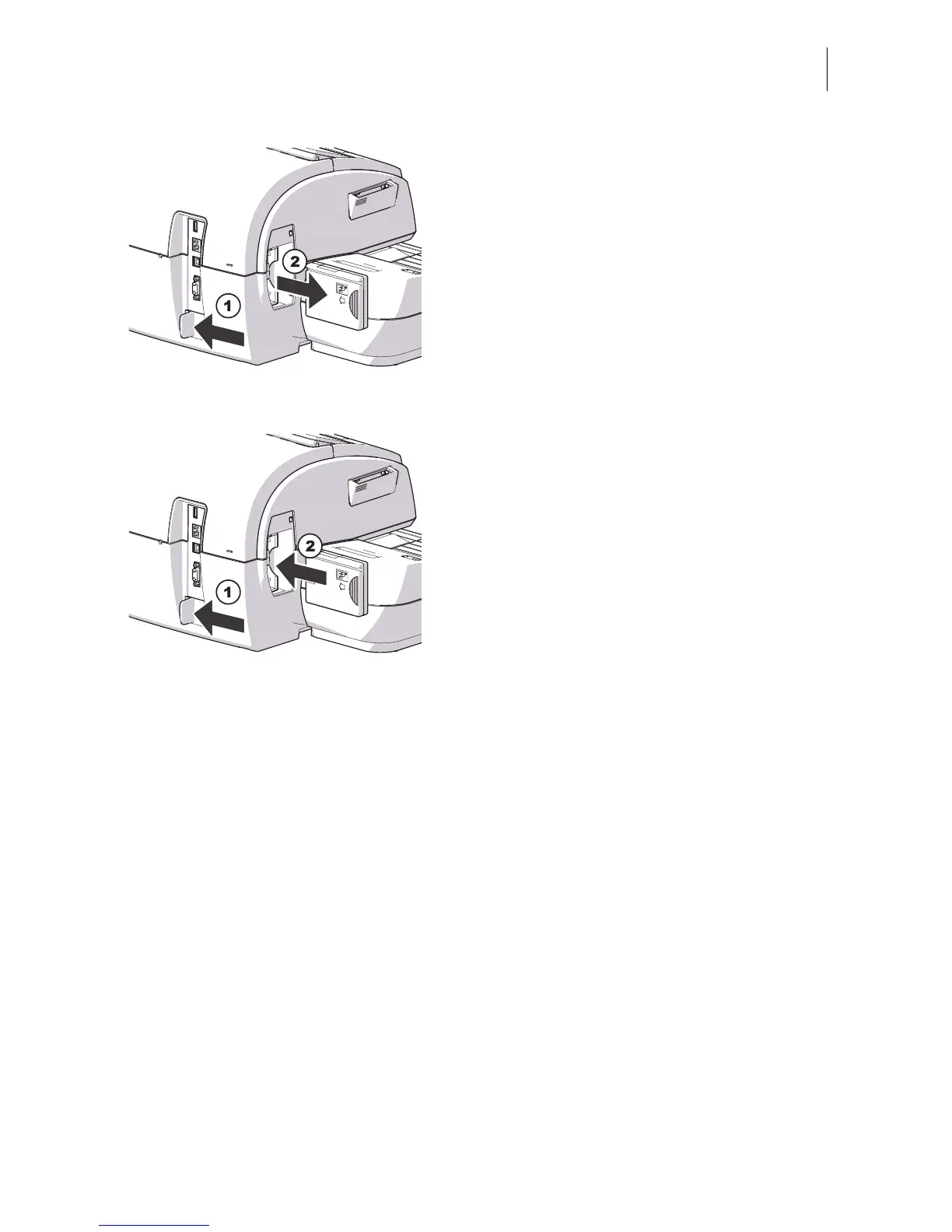
• Push the white slider next to the power
socket on the PostBase in the direction of
the arrow and hold it. The catch retracts
and allows access to the security device.
• Remove the security device out of its
mounting.
• Release the white slider.
Inserting the security device
• Push the white slider next to the power
socket on the PostBase in the direction of
the arrow and hold it. The catch allows
access to the security device mounting.
• Insert the security device as shown in the
picture and push it all the way into the
mounting. You can feel it engage.
• Release the white slider.
• Close the cover of the security module slot
again.
• Reconnect the power cable.
You can now use the PostBase franking
machine again.



 To Next Page