PostBase Mailing System
68
6.5 Displaying and clearing down the item counter
Apart from the counter for franking imprints in the register and the account counters,
the PostBase features an item counter for franking imprints you can use as you like.
The item counter counts all franking imprints. Independently of other counter func-
tions you can reset this item counter to zero or use it as a daily or job counter.
In the Home screen:
• Press the M
ENU button.
•Select P
IECE COUNTER.
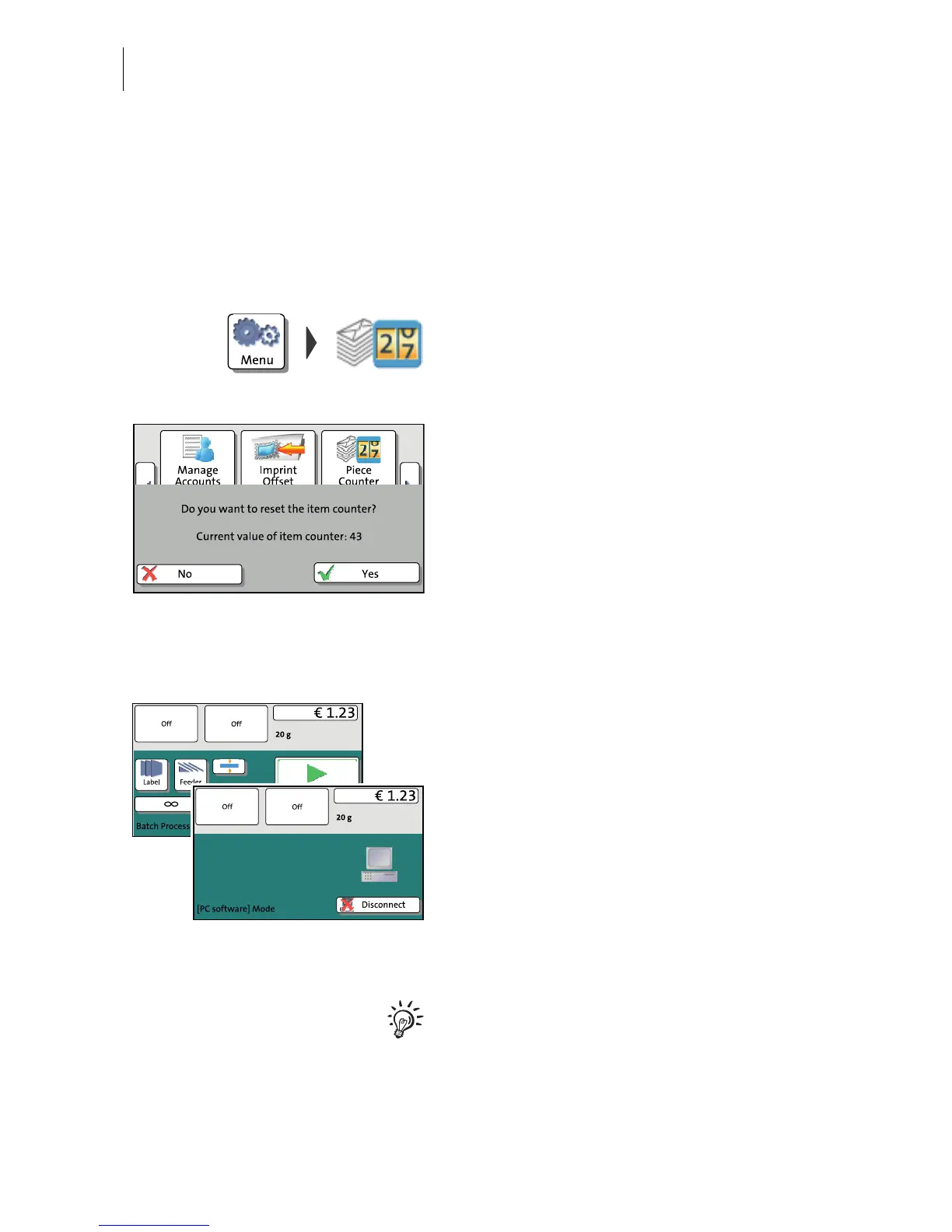
The PostBase opens a pop-up displaying the
number of franked mail pieces since last
resetting the piece counter.
•Y
ES deletes the displayed number.
• Press N
O to return to the MENU without
clearing the item counter.
6.6 Controlling PostBase via PC software – ‘Connected’ mode
When PostBase is connected to a PC via
FP software (e.g. Navigator, MailOne), a
corresponding pop-up is shown. Access to
the Menu and imprint settings is blocked
while in ‘Connected’ mode.
Cancel ‘Connected’ mode
• Press D
ISCONNECT.
The connection between PostBase and the
PC is disconnected. Menu and imprint
settings are accessible via touch screen.
For information on how to use the PC
software from Francotyp-Postalia, please
refer to the manual provided with the
software or the integrated help feature.



 To Next Page