PostBase Mailing System
46
5.1.2 Setting postage manually (not in all countries)
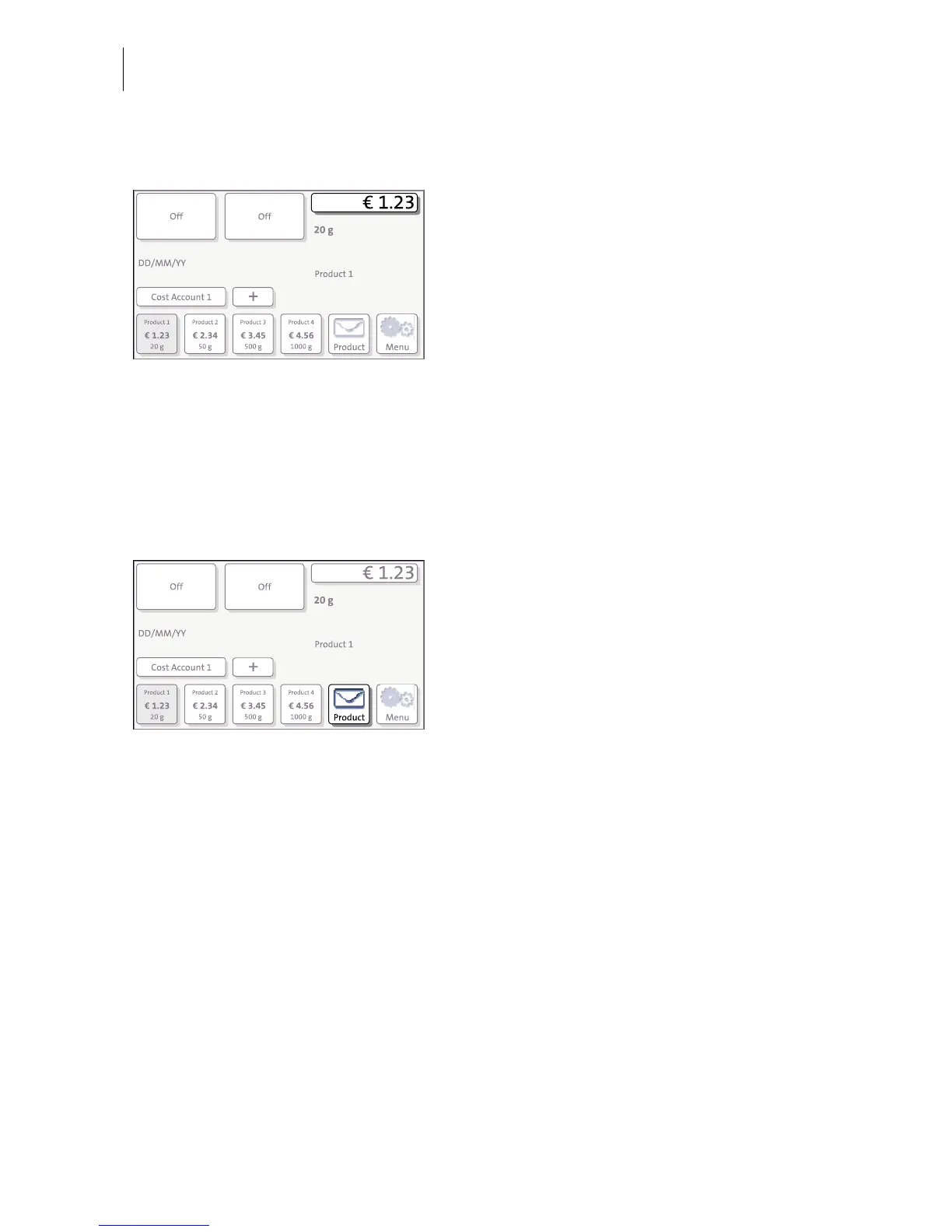
In the Home screen:
• Press the postage button.
PostBase opens the Product calculation
menu.
• Select appropriate option from the list.
PostBase opens the window where you can
set the postage.
• Enter the desired postage and confirm.
• Confirm with OK.
The postage is set.
5.1.3 Setting mailing data
In the Home screen:
• Press the P
RODUCT button.
PostBase opens the Product calculation
menu.
Selecting mailing data
PostBase prompts you for all required details
regarding the mail piece.
• Select the respective desired setting by
pressing the button.
The selected mailing data appear to the right
in the display.
The postage appears as soon as all neces-
sary mailing data have been selected and the
displayed weight exceeds 0 g (0 oz).
When the desired product is set:
• Press OK to return to the Home screen.



 To Next Page