PostBase Mailing System
52
5.3 Imprint offset (not in all countries)
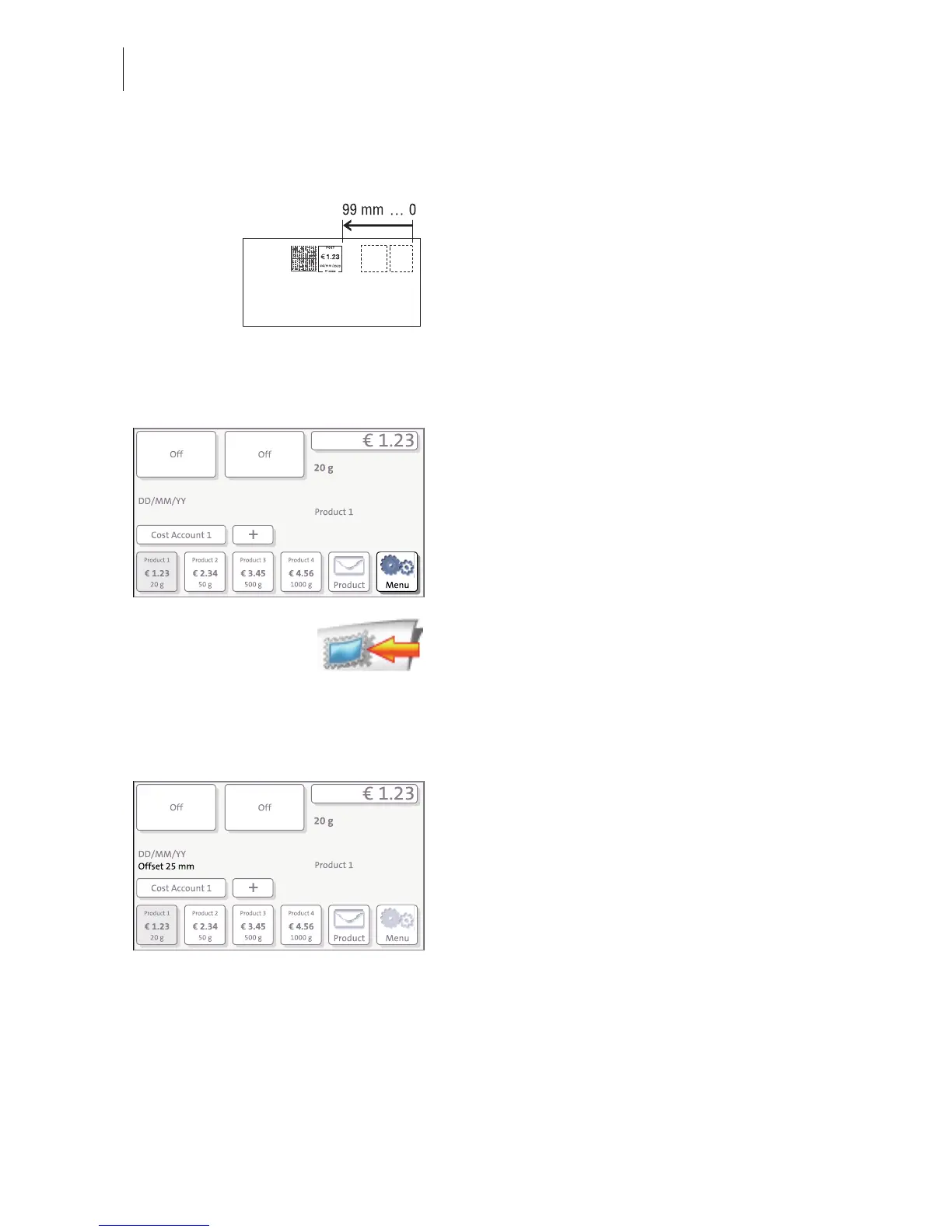
PostBase prints the franking imprint at a fixed
offset (approx. 1 cm / 0.4") from the right mail
piece edge. You can increase this offset and
thus shift the franking imprint to the left by
adjusting the imprint offset.
If an imprint offset is set, it appears in the info
panel in the Home screen.
To set the imprint offset
In the Home screen:
• Press the M
ENU button.
•Select I
MPRINT OFFSET.
PostBase opens the adjustment menu for the
imprint offset.
• Type the desired offset value.
•S
AVE the displayed imprint offset.
The imprint offset for franking imprint is set
and remains effective until it is changed –
even if the machine is switched off.
The info panel in the Home screen shows the
currently set imprint offset.



 To Next Page