Installation
21
Step 4: Installing PostBase
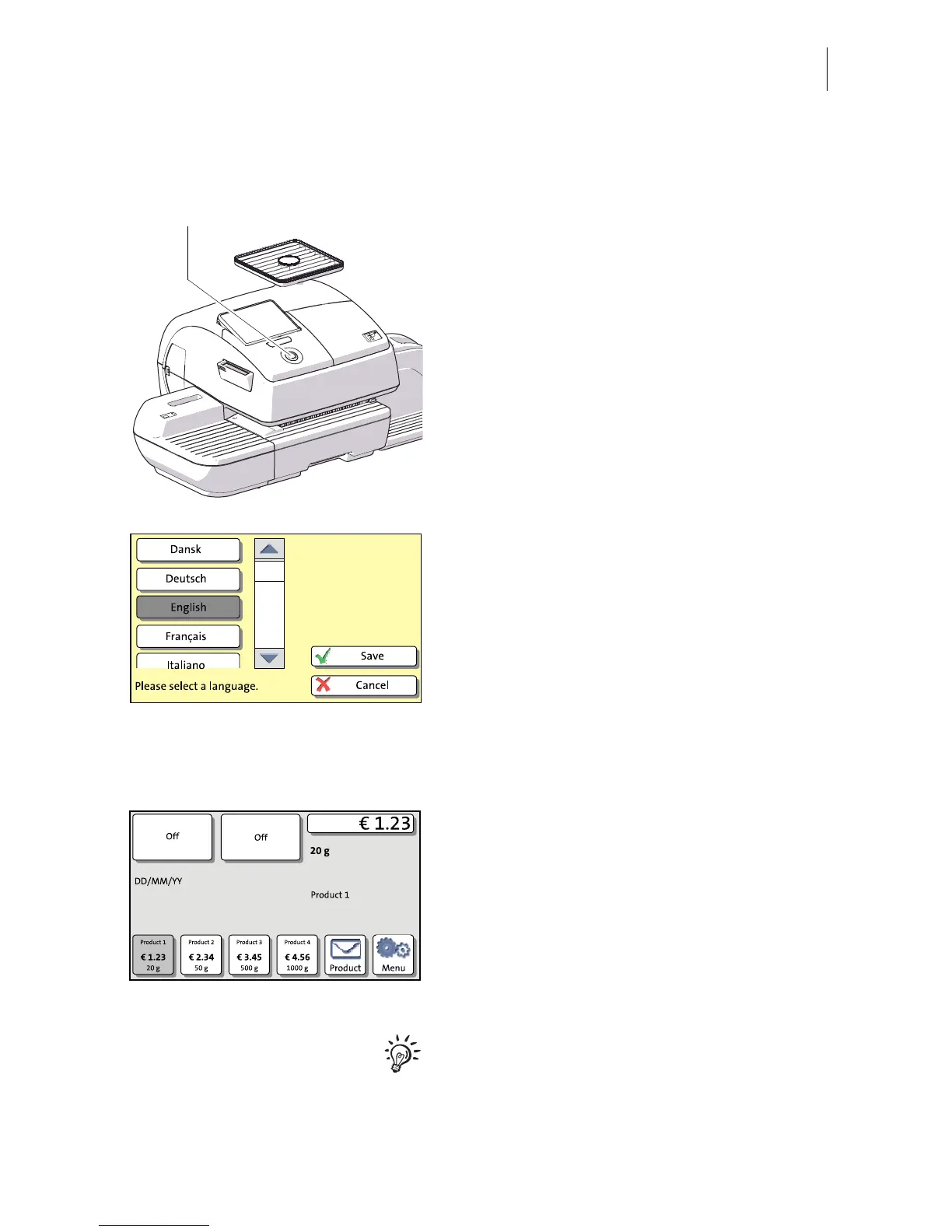
• Turn PostBase on: Press the PostBase
button.
The display lighting and button illumination
switch on. PostBase performs a self test and
then starts the installation procedure.
• Follow the instructions on the display.
PostBase will guide you step by step through
the installation procedure:
– Select language
– Set connection parameters
– Enter repository PIN (R-PIN)
– Software update
– Insert cartridges
– Load postage / contact server.
Installation is complete.
For information on handling the touch screen
and an overview of screen elements, please
read chapter 4.6.



 To Next Page