PostBase Mailing System
30
Disconnecting the PostBase from mains
Caution! Make sure to always turn the
PostBase off with the PostBase button before
disconnecting the PostBase from mains.
Never pull the power plug or separate the
power supply in any other way before the
printing system has reached its sealed
position. This is the only way to prevent
drying up and to ensure a permanently high
print quality.
• Press the PostBase button for three
seconds to turn the franking machine off.
The display goes out.
• Unplug the power cable from the socket.
4.2 Standby
The PostBase franking machine will go to
standby automatically if it is not used for
some time.
The display is dark and the PostBase button
is illuminated in standby. The touch function
is inactive.
You can ‘wake up’ PostBase by briefly
pressing the PostBase button.
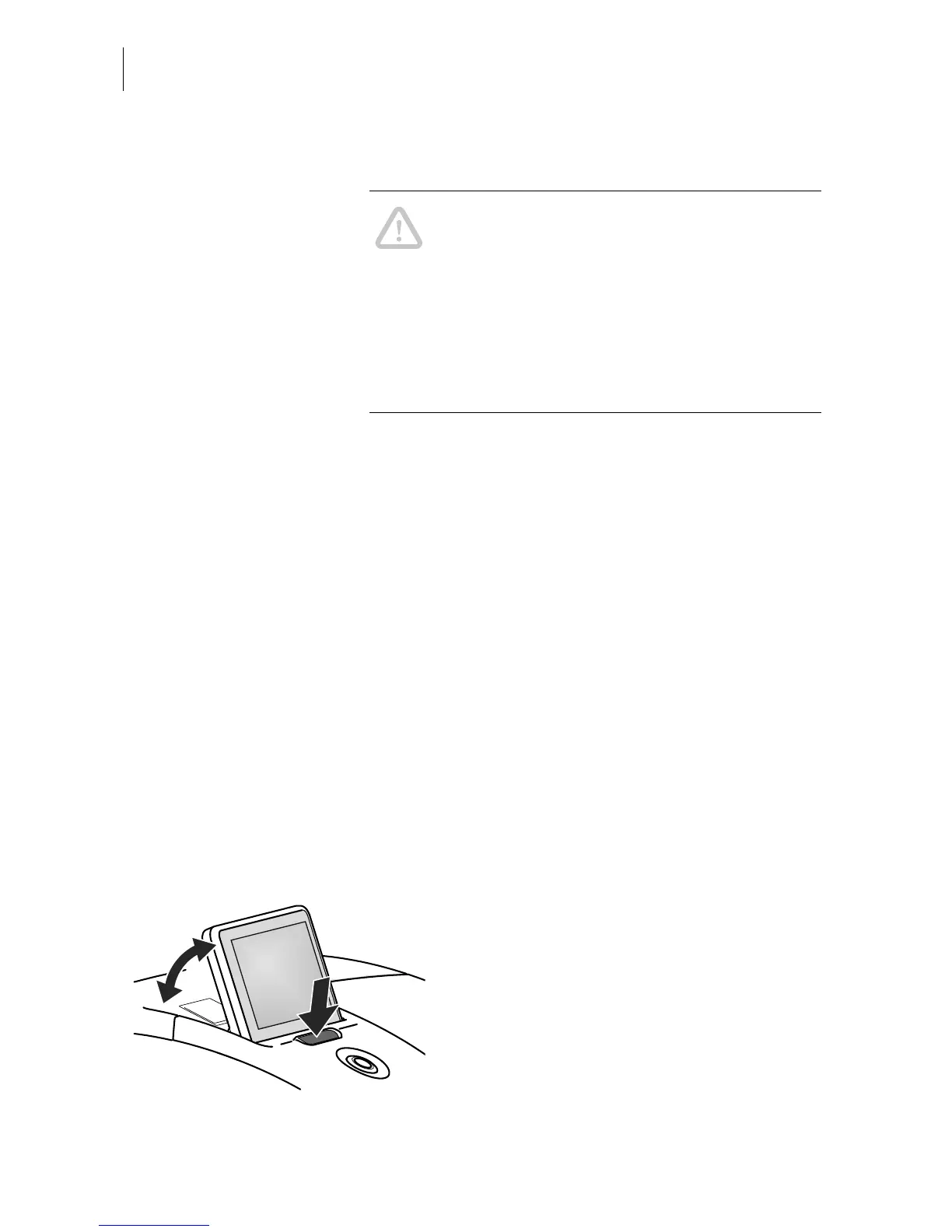
4.3 Adjusting the display inclination
• Press the key below the display and set
the display in the desired position. The
adaptation mechanism features several
catches.
• Release the key.



 To Next Page