Special functions
71
9 Special functions
9.1 Advert Only
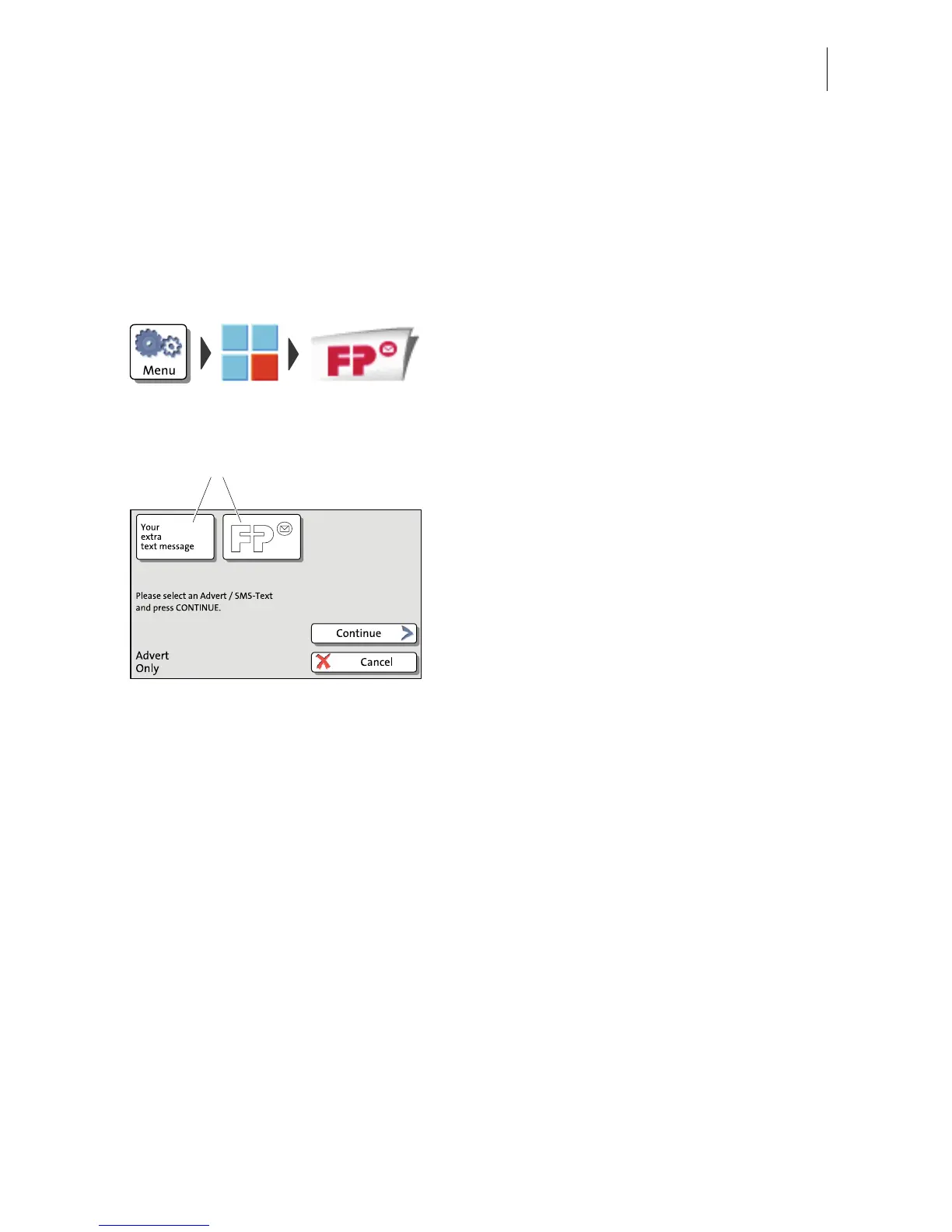
With the special function ‘Advert Only’, you can print advertising imprints (graphical
adverts and text messages) that are stored in your PostBase Mailing System.
• Open the M
ENU.
• Choose S
PECIAL FUNCTIONS.
• Choose A
DVERT ONLY.
PostBase opens the ‘Advert Only’ menu.
The two advertising imprint buttons on the
upper left show the print image for this
special function. You can assign each one
of these buttons either an advert or a text
message (SMS).
• Press the one of the advertising imprint
buttons.
PostBase opens a list of all available
advertising imprints.
• Press the button of the desired advertising
imprint.
PostBase returns to the ‘Advert Only’ menu.
The advertising imprint button shows the
selected imprint.
• Set the second advertising imprint in the
same way.
When both buttons show the desired
imprints:
• Confirm with C
ONTINUE.



 To Next Page