PostBase Mailing System
44
5 Setting the franking imprint
This chapter describes the required settings for franking and additional possible
advertising imprints.
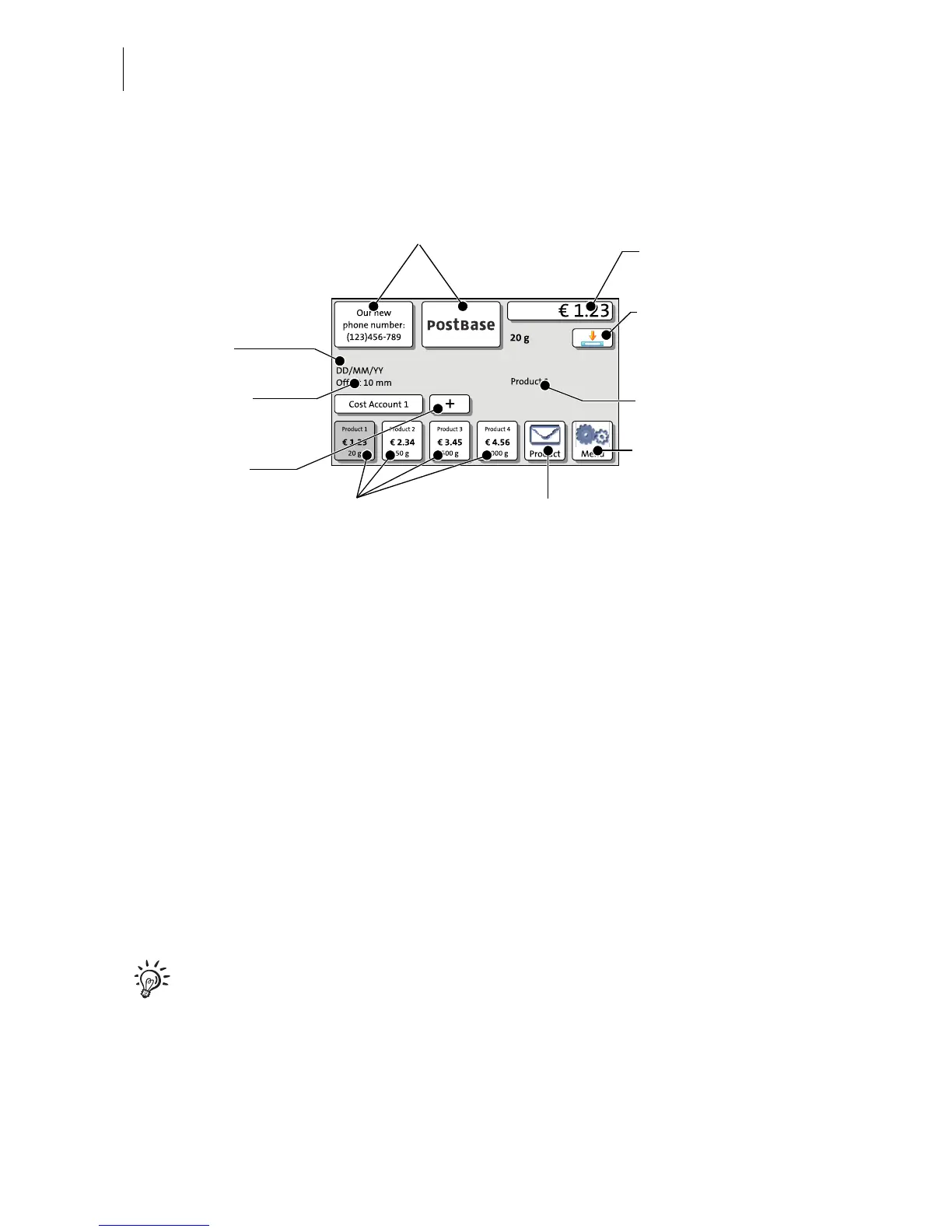
Set up the franking imprint by selecting the product and other settings in the
Home screen:
– Postage / postal product (see chapter 5.1)
– Advert imprints (see chapter 5.2)
– Date (see chapter 5.4).
Refer to chapter 5.3 on how to use the ‘imprint offset’ function to laterally displace the
franking imprint position (not available in all countries).
Detailed information on the franking imprint of your postal service can be found in the
country-specific addendum (if available).
For information on how to use PC software from Francotyp-Postalia
(e.g. Navigator, MailOne) to set the franking imprint, please refer to the
manual provided with the software.



 To Next Page