PostBase Mailing System
72
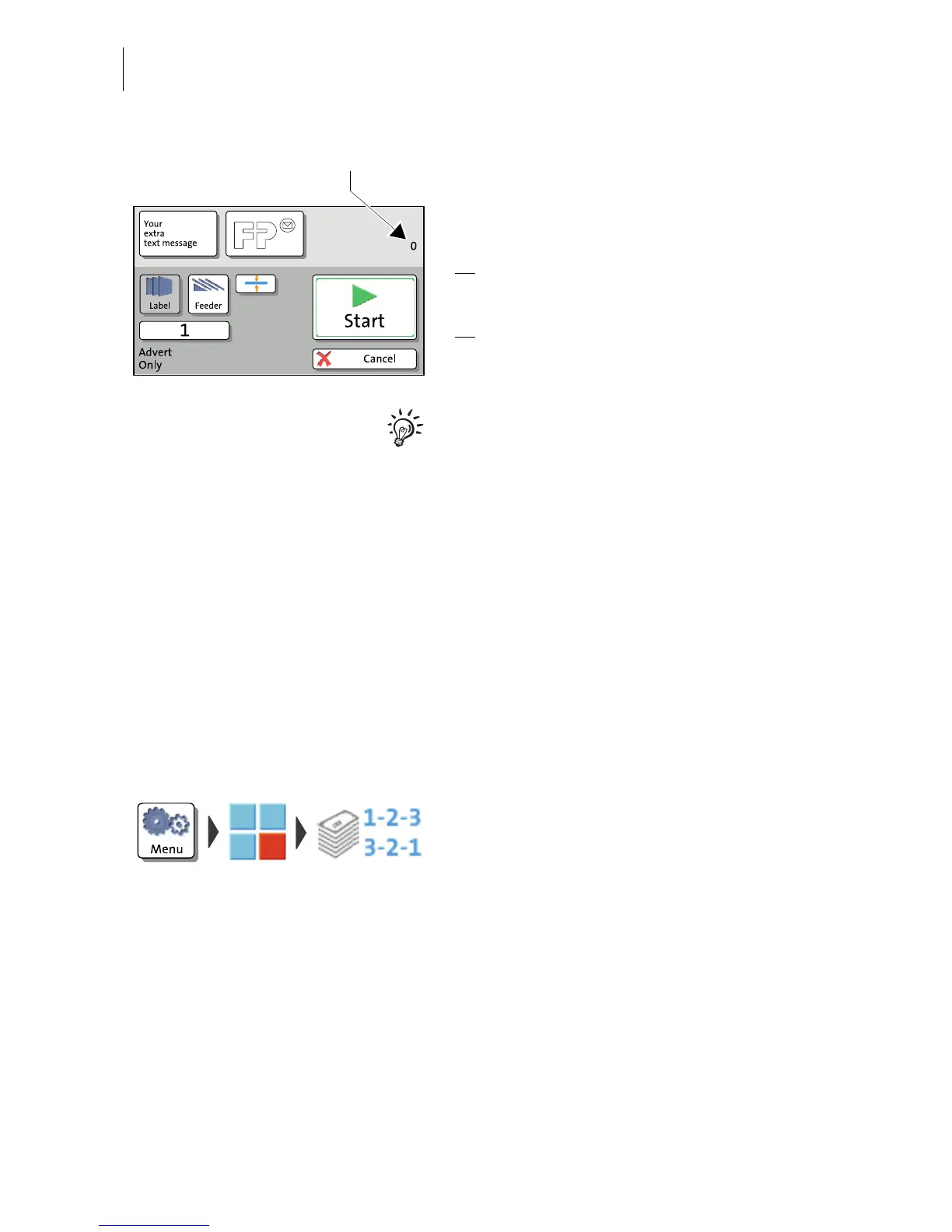
You can start printing. Proceed exactly as
when franking:
• Position an envelope / a postcard on the
hand feed tray.
Or
• Start label printing.
Or
• Use the feeder.
For detailed information on feeding letters,
batch processing with the feeder and label
printing, please read chapter 6.
The ‘Advert Only’ special function has its own
counter. PostBase shows the number of
imprints on the upper right side of the display.
When quitting the ‘Advert Only’ function, the
counter is reset to ‘0’.
9.2 Print Numbers
With the special function ‘Print Numbers’, you can print a 6-digit consecutive number
vertically on your mail. You can set any start number and choose the direction of
counting (ascending or descending).
• Open the M
ENU.
•C
HOOSE SPECIAL FUNCTIONS.
•C
HOOSE PRINT NUMBERS.
PostBase opens the ‘Print Numbers’ menu.



 To Next Page