Maintenance and care
95
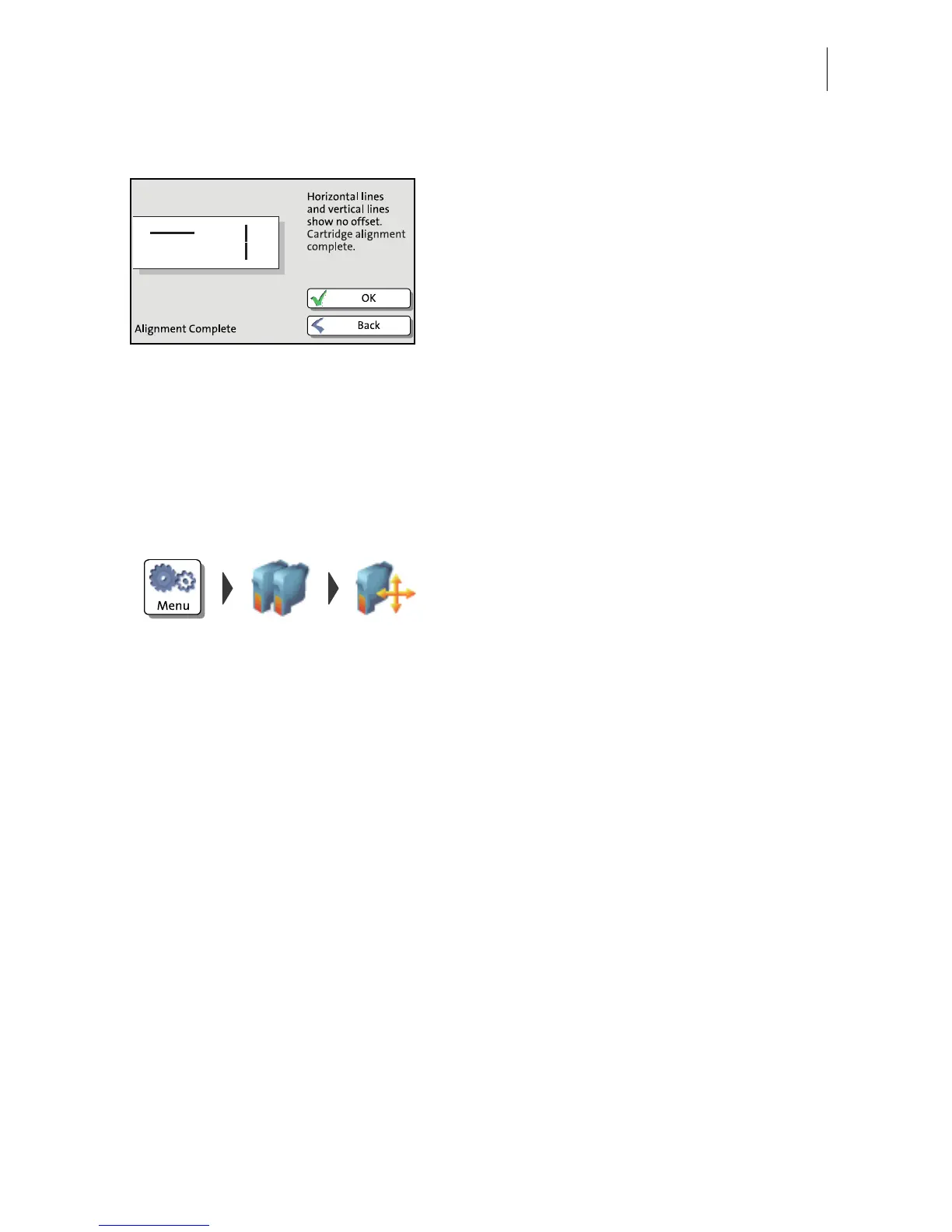
Adjustment OK When no offset of the horizontal and vertical
line was found a message appears.
• Quit the procedure with OK.
11.3 Aligning ink cartridges
You must align the ink cartridges when there are shifts in the franking imprints.
Alignment will ensure your imprints are free of shifts.
Starting the alignment procedure
• Open the MENU.
• Choose P
RINT SYSTEM.
• Choose A
LIGNMENT in the submenu.
The PostBase starts the alignment
procedure. Follow the instructions on the
display.
For a detailed description of the procedure,
please refer to pages 93 / 95.



 To Next Page