PostBase Mailing System
54
6Franking
This chapter covers how to set up accounts to register the postage used, how you
place letters on the hand feed tray, how to use the feeder and sealer, and how to frank
selfadhesive labels which can be stuck onto the mail piece. Also, the counter function
available for franking is described.
Please refer to chapter 5 on page 44 for further information on how to set franking
imprint parameters.
6.1 Changing the user
You can set up a user-specific access control for the PostBase.
If enabled, you are prompted to select a user and enter the corresponding PIN during
startup. PostBase loads the corresponding user profile. Among other things, the
following settings are stored in the user profile:
– name
–PIN
– budgets
– allocated account(s) and the standard account
– allow / block postage download.
On how to set up and manage users, please refer to the manual of the PC software.
Changing the user
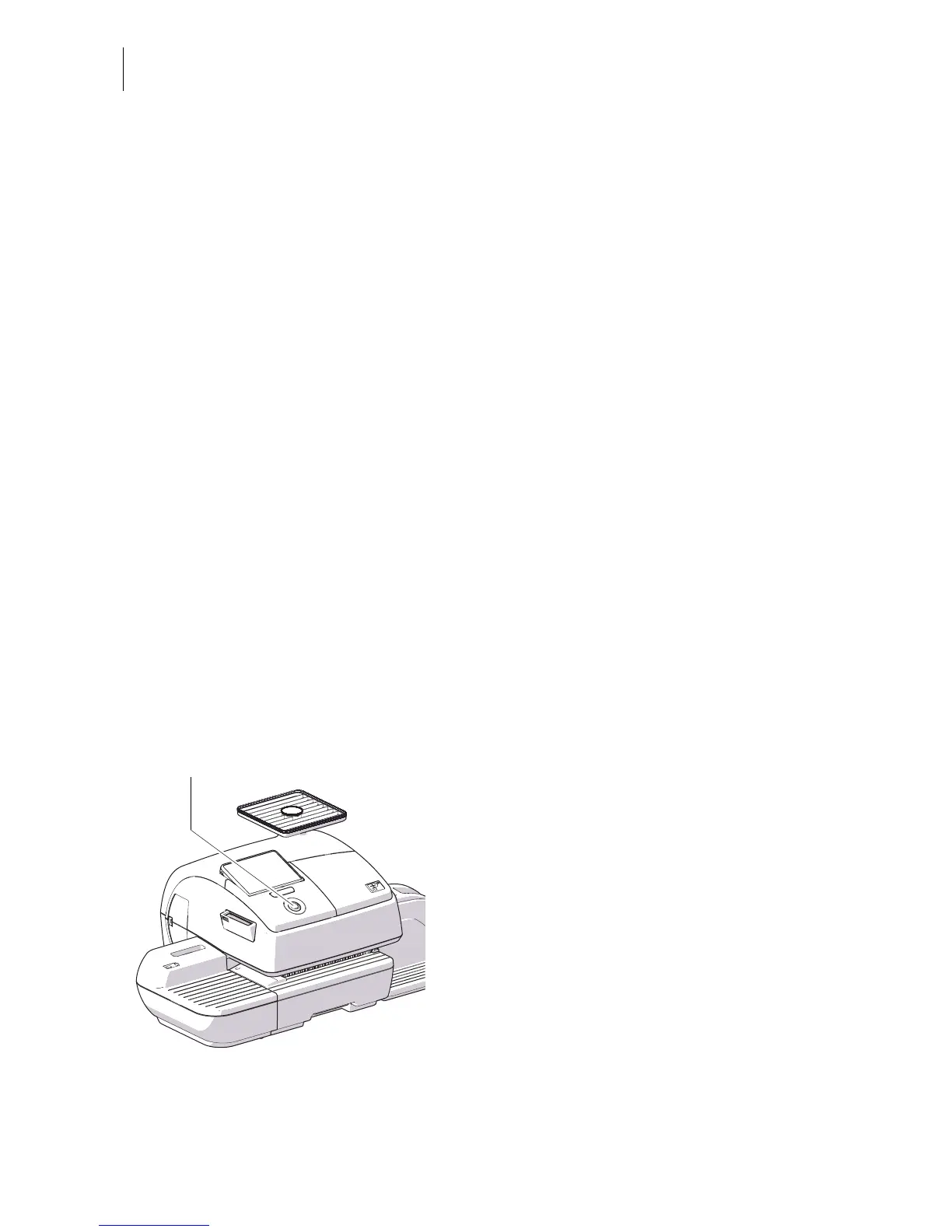
• In the Home screen, briefly press the
PostBase button.
• In the list, press the button of the desired
user.
• Enter the PIN.
PostBase loads the user profile and then
shows the Home screen.



 To Next Page