The basics of operation
31
4.4 Setting up the label dispenser (optional)
Caution! We recommend to use only labels that have been approved by
Francotyp-Postalia. The manufacturer FP has established reliability, safety
and applicability. The manufacturer cannot assess the reliability, safety and
applicability for products not approved by FP, and therefore not vouch for
such products
We can ensure correct label processing only when you comply with this.
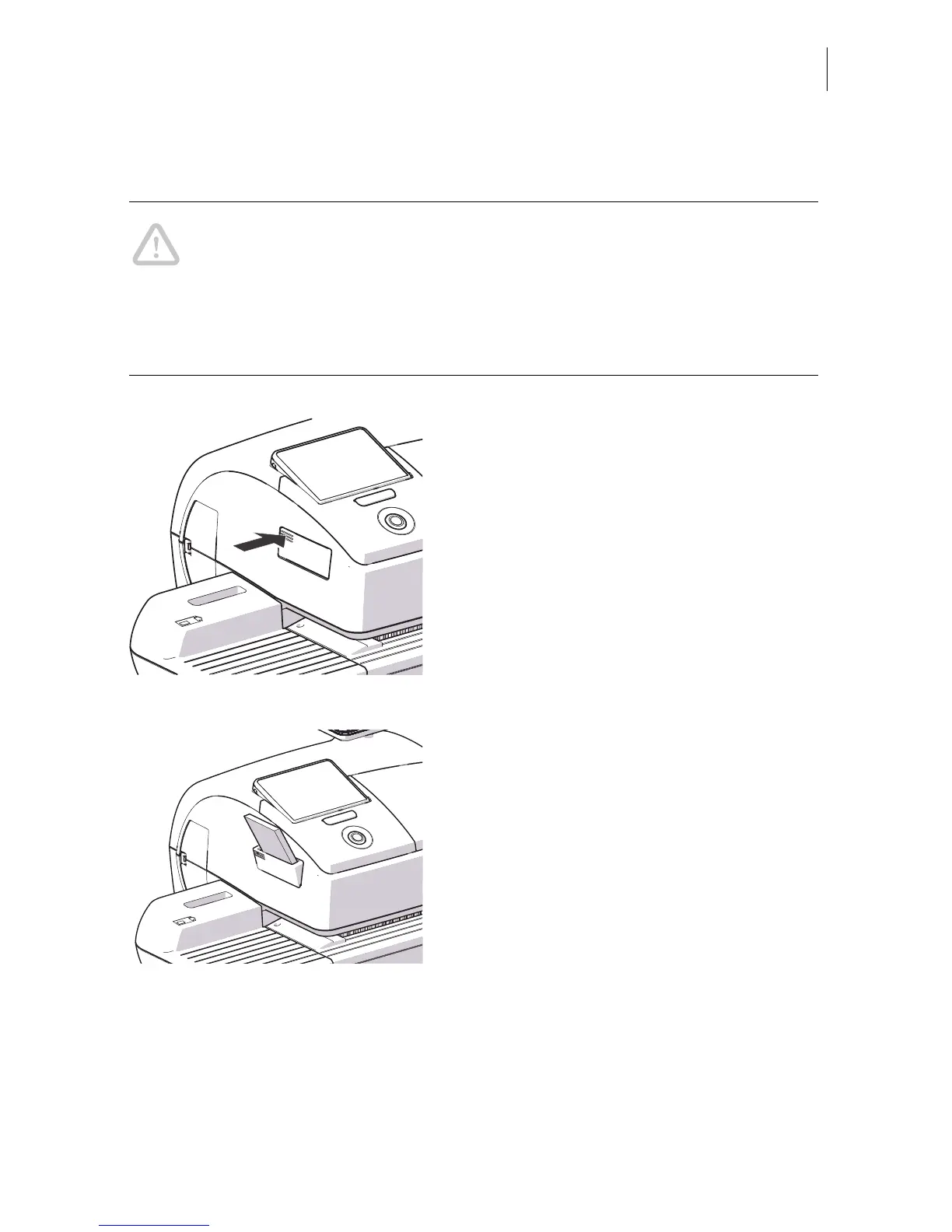
Folding the label compartment in and out
To fold the label compartment in or out:
• Press on the knurled surface until you hear
a click, then release.
Inserting labels
• Remove package band from the package
of labels.
• Insert the complete package (50 labels) in
the label dispenser:
– The side to be printed on faces up.
– Insert the package of labels in direction
of the imprinted arrow as far as it will go.



 To Next Page